Flight Information Display System (FIDS)
Keep the Passenger Journey Smooth With Unified Flight Data
When passengers step into your airport, their first instinct is to look for the flight information screens. In an unfamiliar terminal and under time pressure, every second of clarity matters. If displays are out of sync, outdated, or hard to understand, the result is queues, delays, and missed flights.



FIDS Across the Passenger Journey
Airport CX Flight Information Display System (FIDS) software unifies scattered displays from check-in counters and airport gate signage to baggage reclaim. Our integrated FIDS, BIDS, and GIDS deliver multilingual, real-time flight updates that adapt to operational changes and passenger flow.
Built for daily operations and emergencies, FIDS eliminates information silos—giving passengers contextual information exactly when needed, reducing stress and improving efficiency.
Browse By Display Type
Flight Lists & Real-Time Updates
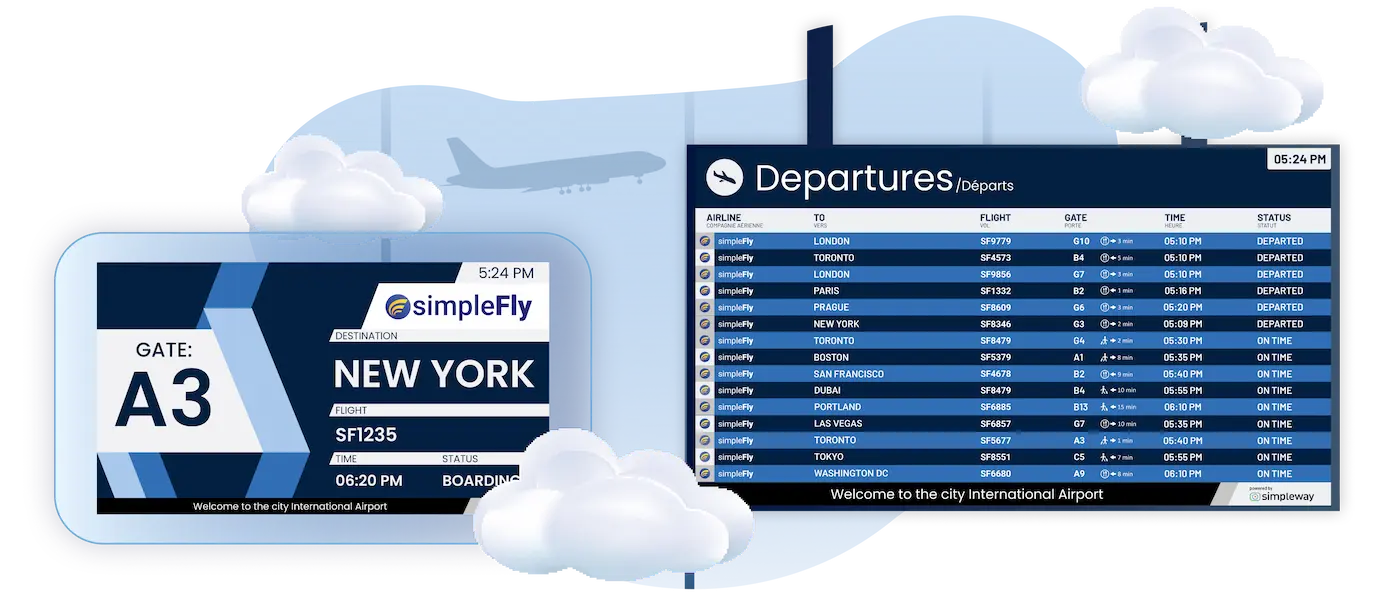
Keep every airport FIDS display synchronized with a single source of truth. When flight times change, every airport departure board and arrival display updates instantly, eliminating passenger confusion and reducing staff inquiries.
Instant synchronization with AODB, RMS, or other operational feeds
Updates visible across all flight information display systems in seconds
Role-based tools for agents, supervisors, and administrators
Multilingual updates and accessibility features

Check-In Displays
Guide passengers to the right counter with clear, branded displays that show exactly what's happening at each check-in position. Counter staff spend less time directing passengers.
Live status updates: open, closed, last call
Airline branding and promotions embedded in the flight information screens
Queue class and counter assignments
Managed through the dedicated CheckinUI

Gate & Boarding (GIDS)
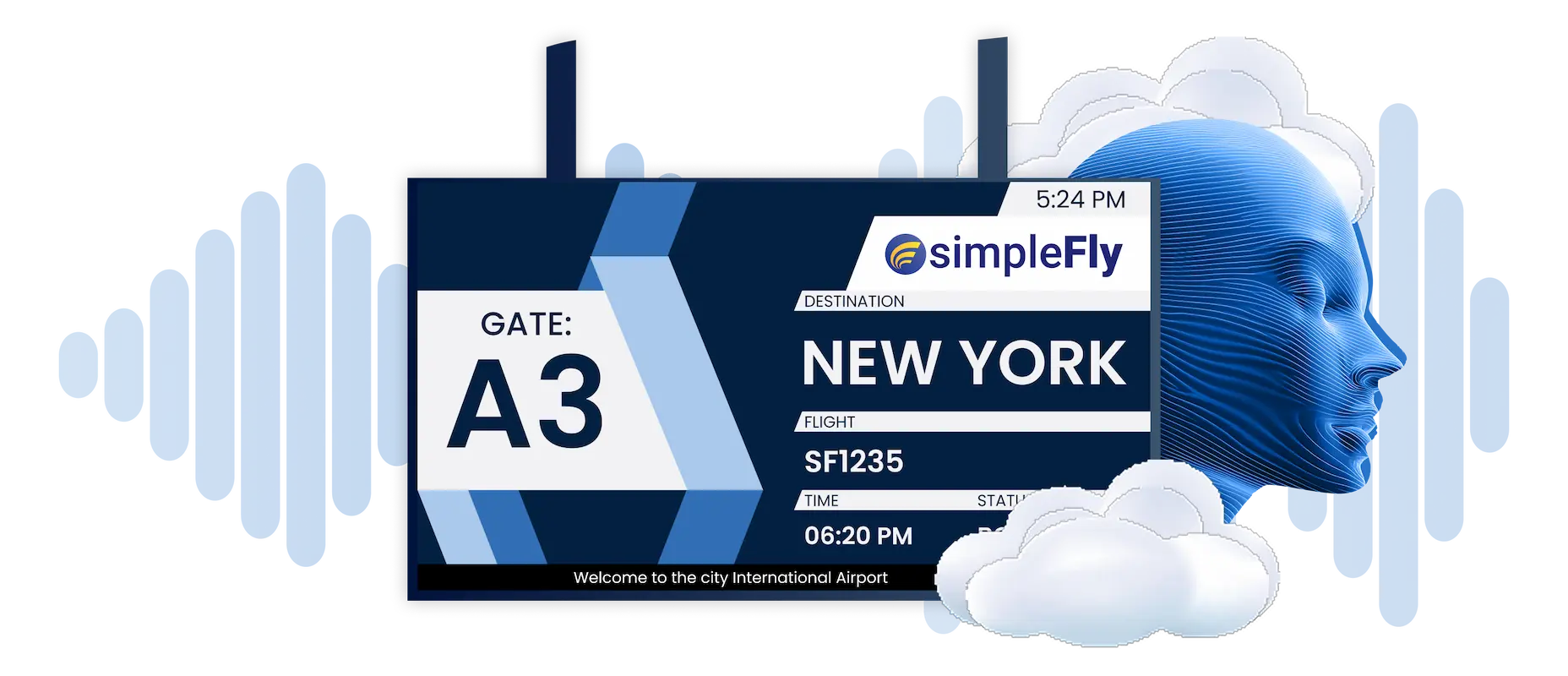
Turn gate chaos into organized boarding with gate information display system (GIDS) screens that automatically adapt to flight changes. Gate agents get purpose-built GateUI tools while passengers see exactly what they need.
Automatic updates from AODB to airport gate signage
Purpose-based management for gate agents
Visual paging for boarding calls and priority passengers
Destination weather, videos, and custom content

Arrivals & Baggage Information (BIDS)
Eliminate the most stressful part of air travel with the baggage information display system (BIDS) that keeps passengers informed throughout the baggage journey. Carousel assignments update instantly while TugmanUI gives baggage handlers outside access.
Carousel assignments with TugmanUI for baggage handlers
Baggage claim status displayed instantly
Optional: “Bags arriving” messages triggered when sensors detect the first load


"The screen designer was intuitive enough that we could easily customize the flight displays with our own branding, which made everything look professional right away."

"Simpleway's database of pre-tested flight information display designs allowed us to select templates that were then customized to reflect our brand design. The team worked closely with us to discuss template functionalities, resulting in a significant upgrade to the visual presentation of our airport. The clear and precise flight information displayed has markedly improved passenger experience, leading to increased satisfaction and positive feedback."
More Than Flight Lists
Airport CX FIDS does much more than display departures and arrivals:
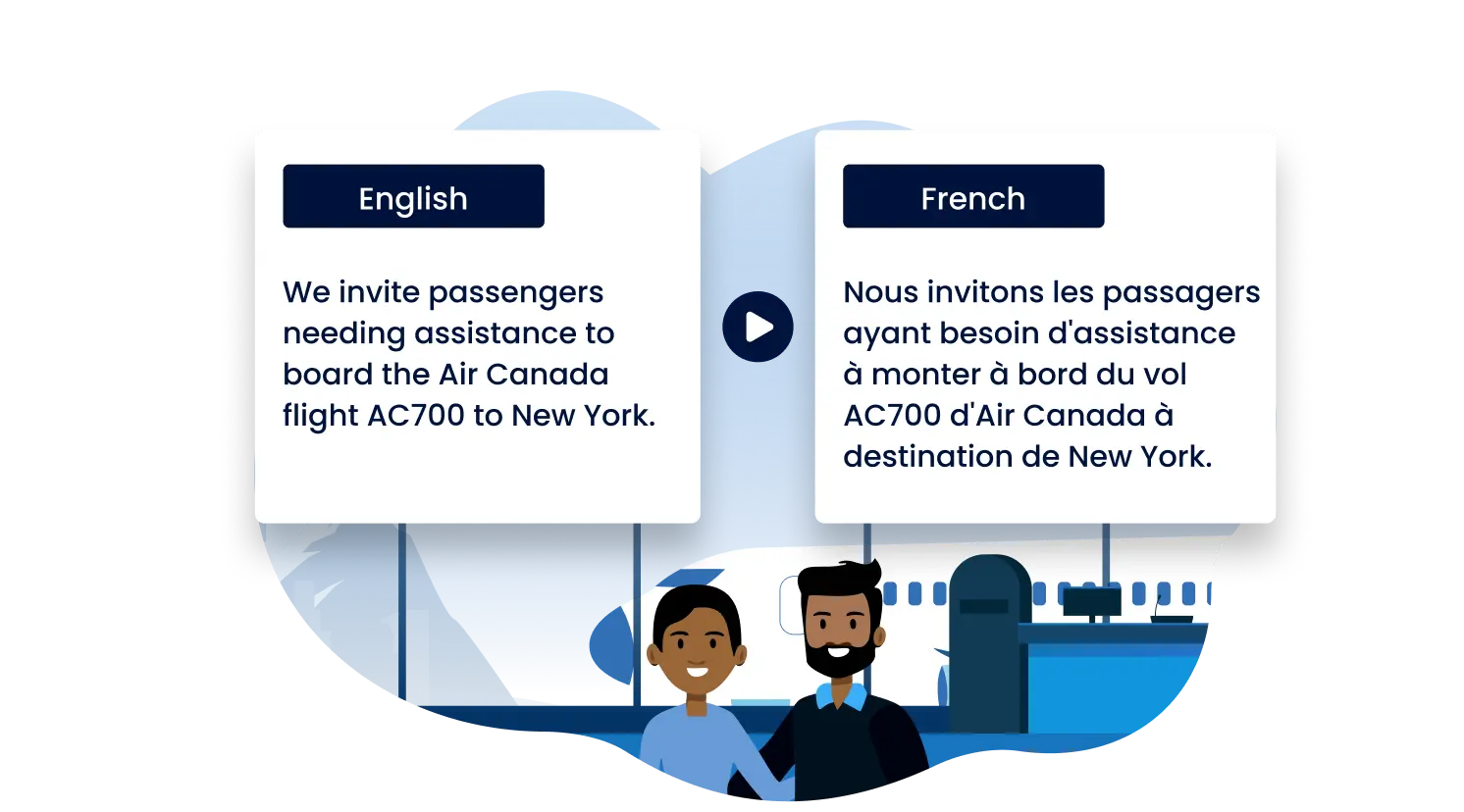
Multilingual Displays
Adapt content to flight destinations or passenger preferences

Accessibility Feature
Visual paging, sign language overlays, synchronized audio announcements

Advertising & Revenue
Schedule commercial content without disrupting passenger information
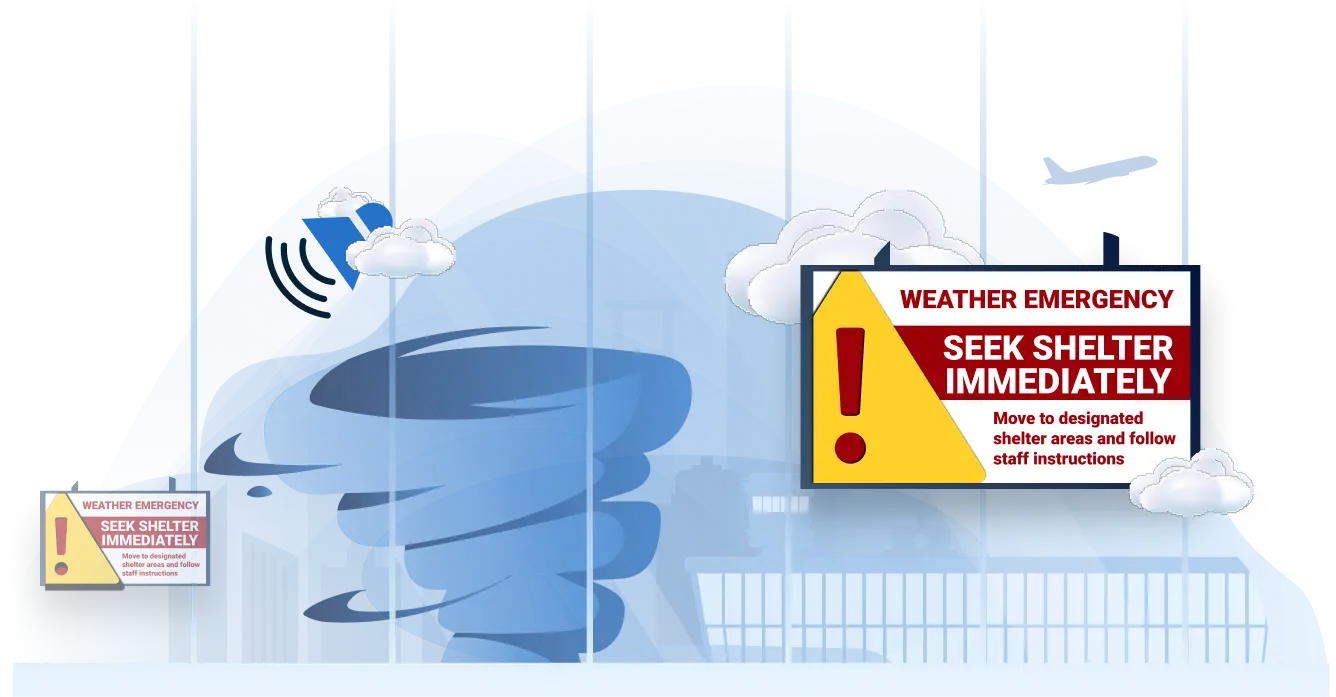
Emergency Messaging
Pre-configured alerts override all displays instantly

Wayfinding & Navigation
Guide passengers with walking distance indicators and dynamic maps
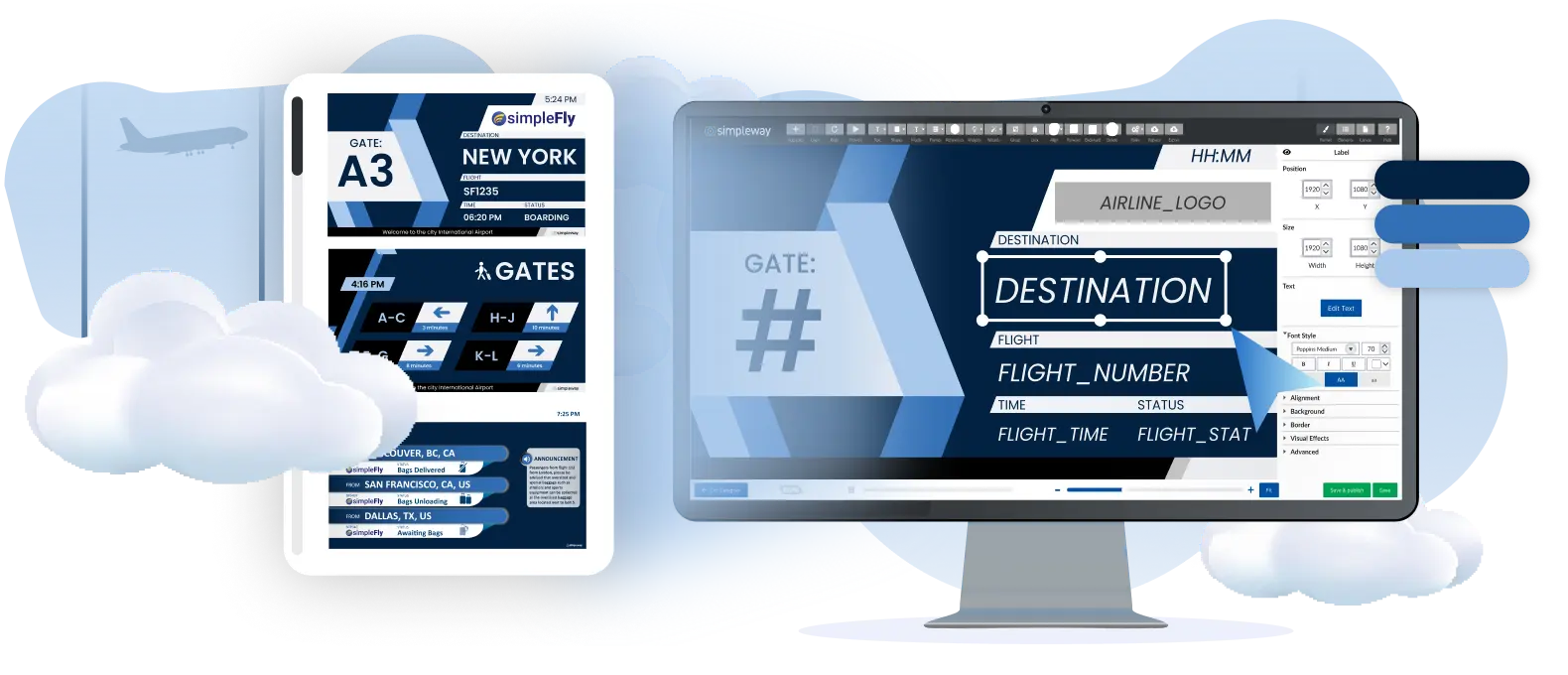
Dynamic Content
Live TV, video, weather, safety messaging, or destination content
AODB & Flight Management
Discover how Airport CX unifies flight data, passenger communications, and emergency systems into one powerful platform.
Real-time AODB Integration
Unified Communications
Emergency Response Ready

Role-Specific Interfaces
Each user sees exactly what they need, nothing more:
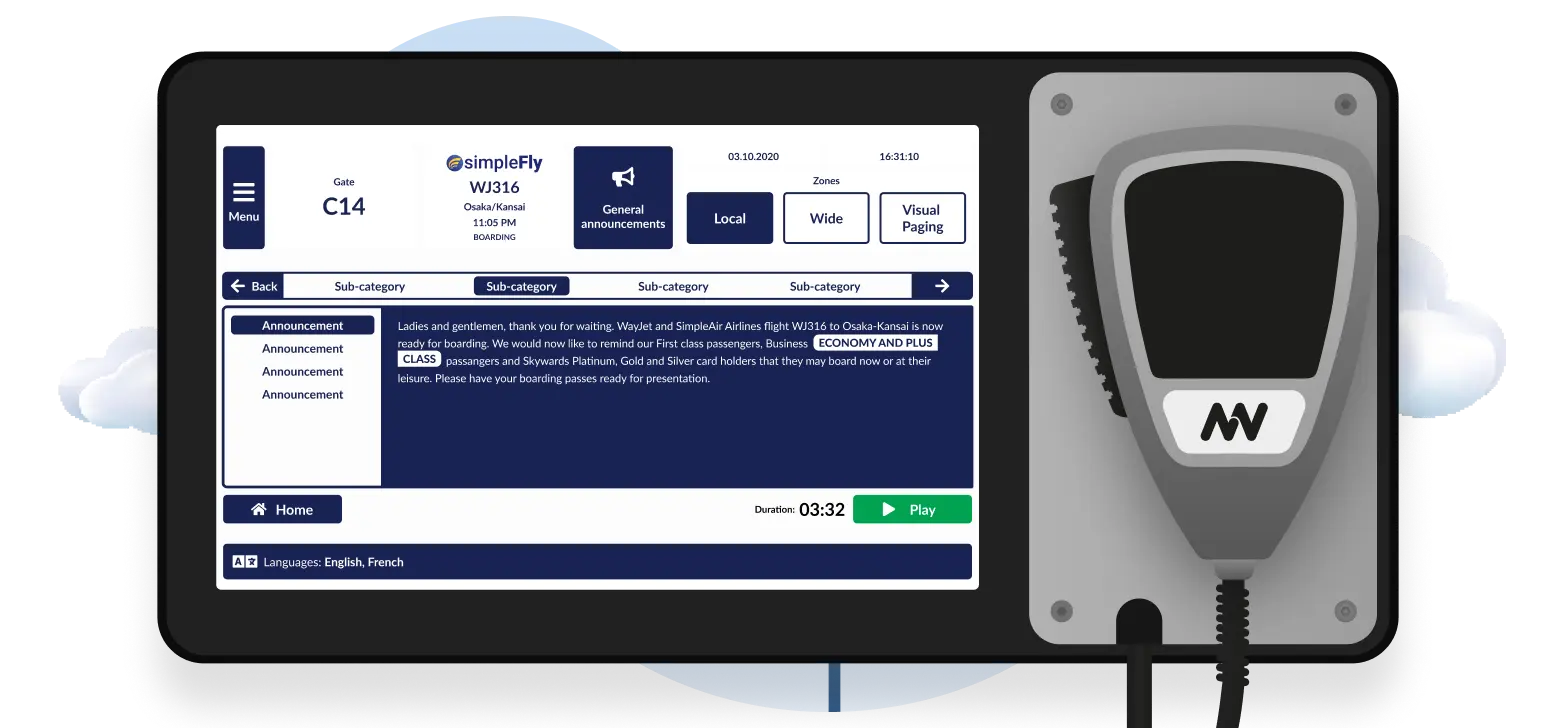
CheckinUI
Manage counters, classes, and messages.

GateUI & BaggageUI
Trigger announcements and update flight display systems.

TugmanUI
Rugged handheld interface for baggage handlers.

OpsUI
Supervisor oversight and airport-wide control.
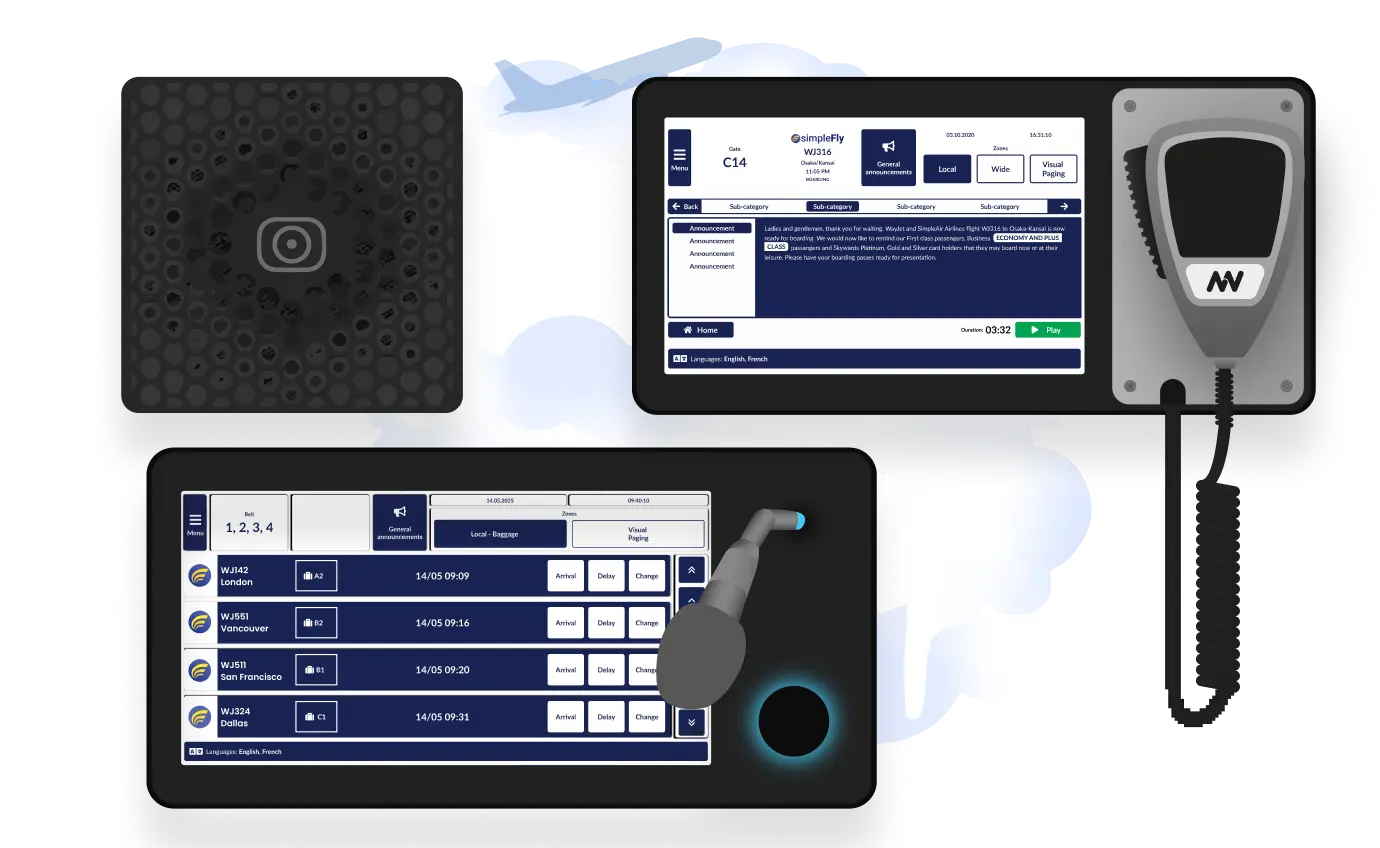
These specialized interfaces give airport staff complete control over both visual displays and audio announcements from a single platform. Whether updating gate information or broadcasting emergency alerts, each role can manage their specific communication needs. Want to see how our announcement systems deliver crystal-clear audio throughout your terminal?
Why Airports Choose Airport CX FIDS
When displays, data systems, and operations unite as one platform, your airport delivers consistent, accurate information while reducing hardware costs and vendor complexity.
Works with Existing Hardware
Compatible with LCDs, LEDs, video walls, and mixed display environments
Industry Standard Compliance
Fully compatible with EVIDS standards and AODB integration for real-time accuracy

No Vendor Lock-In
Integrates with your current systems without forcing hardware replacements
Smart Power Management
Reduces operational costs and extends screen lifetime automatically
Synchronized Audio & Visual

Dive Deeper with Unified Airport Communications





Start The Conversation, We’re Ready When You Are
.webp)
Frequently Asked Question
Got questions? We’ve got answers.
One platform with purpose-built interfaces for each role. Airport CX unifies all flight displays through a single backend—when flight status changes, arrivals boards, gate screens, and baggage displays update together. But gate agents see GateUI focused only on boarding operations. Baggage handlers get TugmanUI for carousel assignments. Check-in staff use CheckinUI for counter management. Each role gets an intuitive interface showing only what matters for their job, without navigating the full system. Prague Airport runs 1,400 displays this way—unified data, specialized control.
When new flight data arrives from the AODB, Airport CX FIDS propagates changes across all displays within seconds. Every airport departure board, gate display, and baggage screen updates together—passengers never see conflicting information between different areas of the terminal. Update speed to screens depends on your AODB data feed configuration; once data arrives, Airport CX distributes it immediately.
Yes. Airport CX FIDS screens can display flight data, advertising, wayfinding, and emergency messaging through one system. Tucson International uses split-screen layouts—flight information takes priority while promotional content fills available space during lighter traffic periods. The system adjusts automatically based on flight activity, maximizing advertising revenue without compromising passenger information during busy hours.
CheckinUI provides counter agents with a dedicated interface showing only their assigned positions. Staff update counter status (open, closed, last call), queue class assignments, and airline branding without accessing the full FIDS system. Changes appear instantly on the check-in display and propagate to related wayfinding screens. Role-based permissions ensure agents control their area while supervisors maintain terminal-wide oversight.
TugmanUI provides a rugged mobile interface for baggage handlers to update the baggage information display system from the ramp. Handlers assign carousels, mark first bag and last bag times, and flag special handling—all from a rugged device designed for outdoor use. Updates appear immediately on BIDS screens at baggage claim, reducing passenger waiting time and confusion.