Automation That Runs Your Airport
Automated Airport Communication: From Gate Changes to Emergencies, One System Delivers the Message
Airports don’t run on manual calls and ad-hoc fixes anymore. Boarding, arrivals, emergencies, accessibility, regulatory policies — they all demand speed, consistency, and clarity. But operators can’t be everywhere at once. Automated airport communication handles the messaging while operators focus on passengers.

Airport CX automation turns complex, repetitive airport tasks into intelligent, rule-driven actions that run themselves, while still giving your staff full control when it matters.


The Challenge: Manual Operations Breaking Under Pressure
Airports today face impossible demands: more passengers, fewer staff, and stricter regulatory requirements. Quiet Airport policies, accessibility mandates, standardized announcement formats — all must be met, without adding to operator workload.
What manual ops mean in practice:
For Airports
For Operators
For Passengers
Daily Automation in Action
Create a connected passenger journey with intelligent displays that adapt to operational changes, passenger flow patterns, and real-time airport conditions. Our integrated FIDS, BIDS, and GIDS solutions eliminate information silos and deliver consistent messaging across all touch-points.
Explore Automation Scenarios
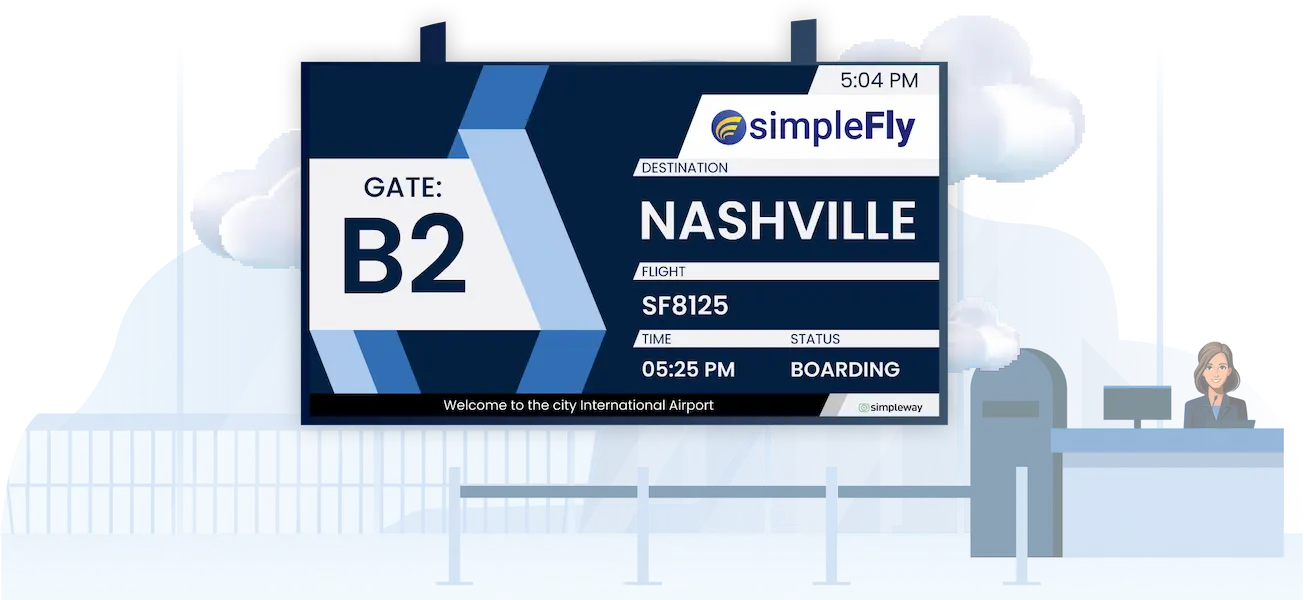
Boarding That Runs Itself
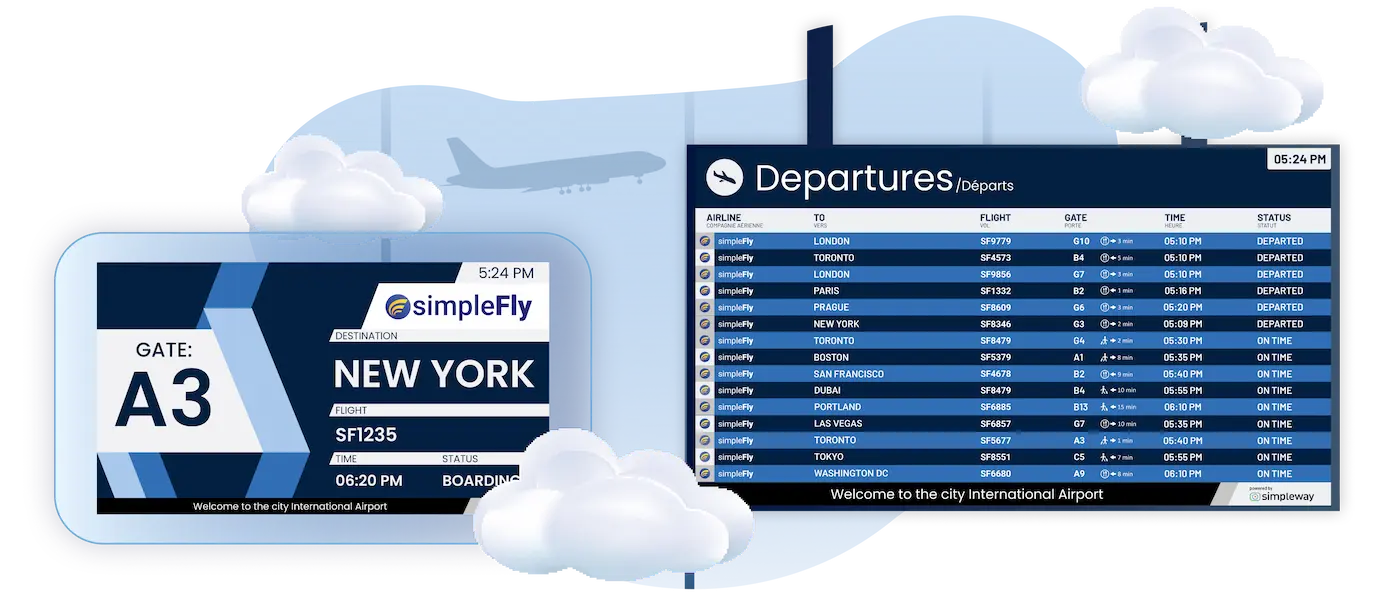
Within seconds of a gate change in AODB, the system delivers automated gate change announcements:
Flight info updates across all FIDS and wayfinding screens
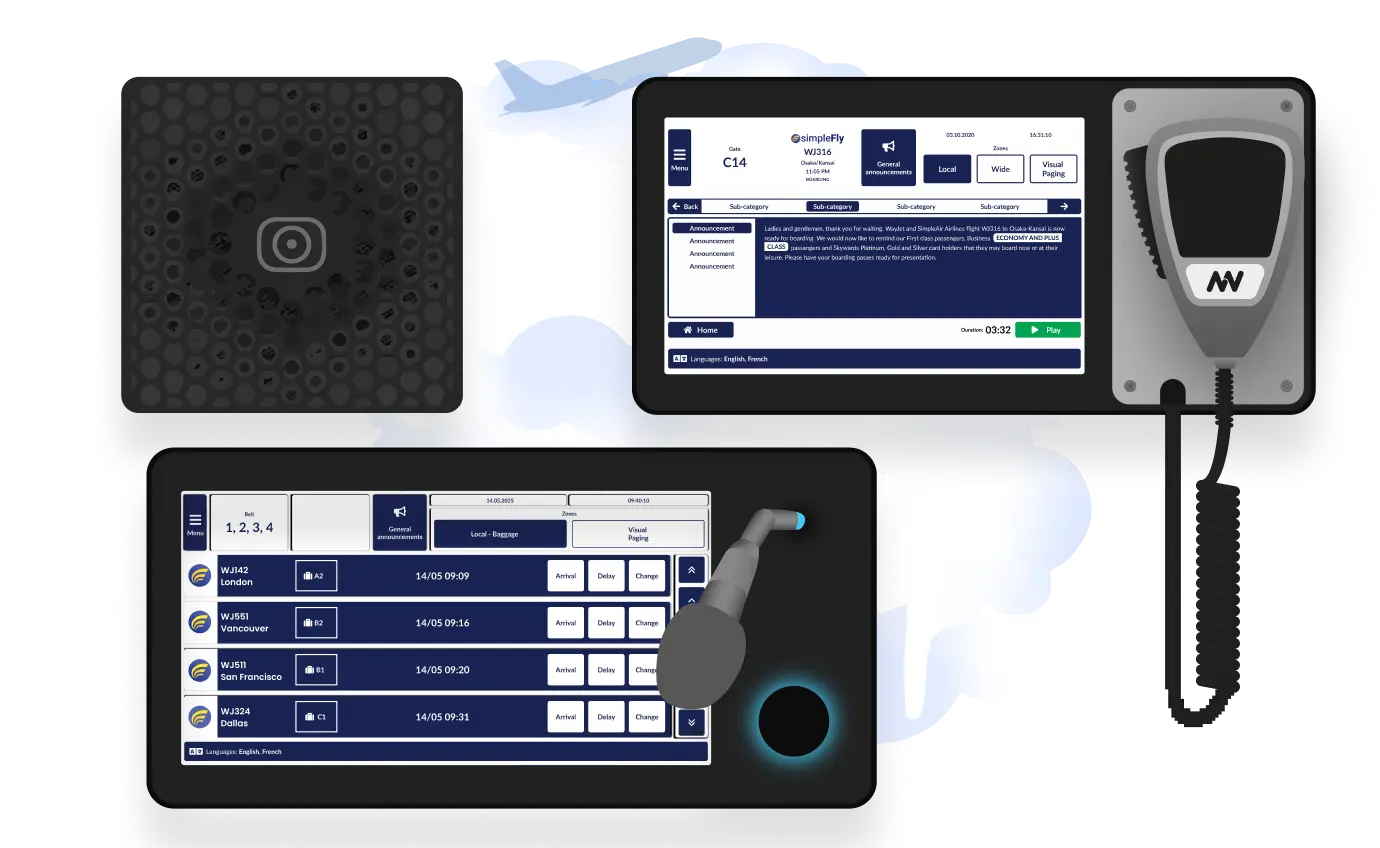
Announcements play automatically in approved languages
Old gate receives high-priority call, new gate receives medium-priority call
Ground handling and apps update in sync
The gate agent doesn't toggle between systems—one data change triggers consistent messaging everywhere.
Baggage Claim Automation
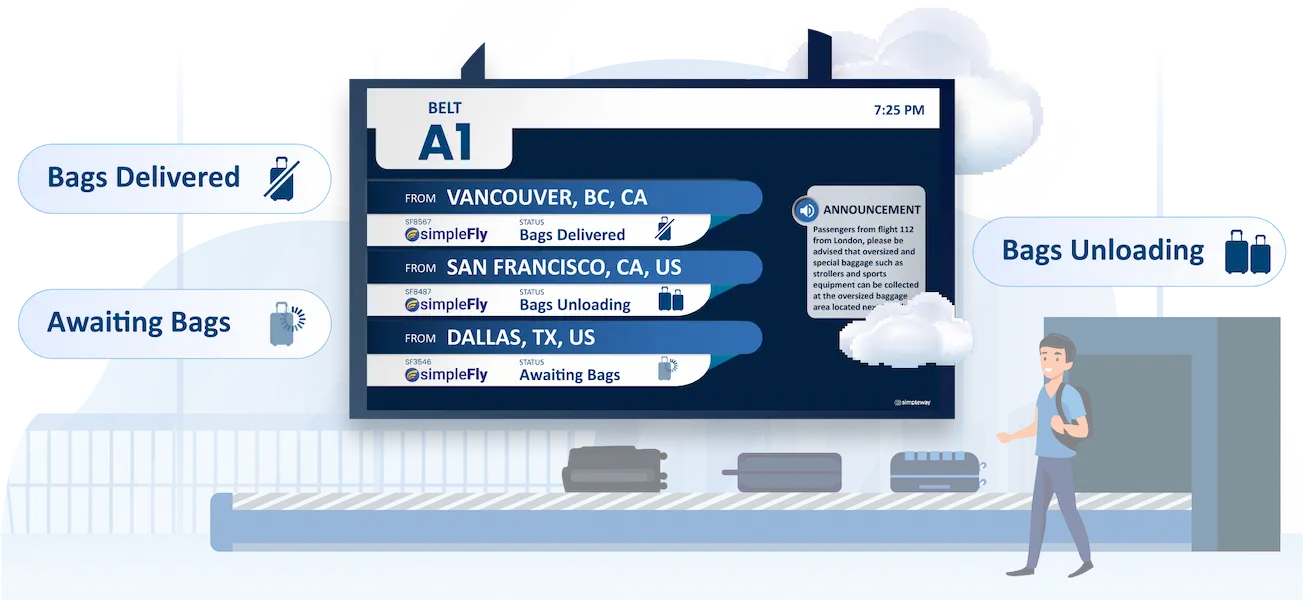
When a baggage handler assigns a belt in BaggageUI, or when an external system provides the assignment, automated baggage announcements take over:
Arrival hall screens update immediately
Announcements play in relevant languages
Wayfinding points to the correct carousel
Optional: “Bags arriving” messages triggered when sensors detect the first load
Passengers receive consistent information without staff manually updating each display and PA zone.
Quiet Airport Policy Enforcement
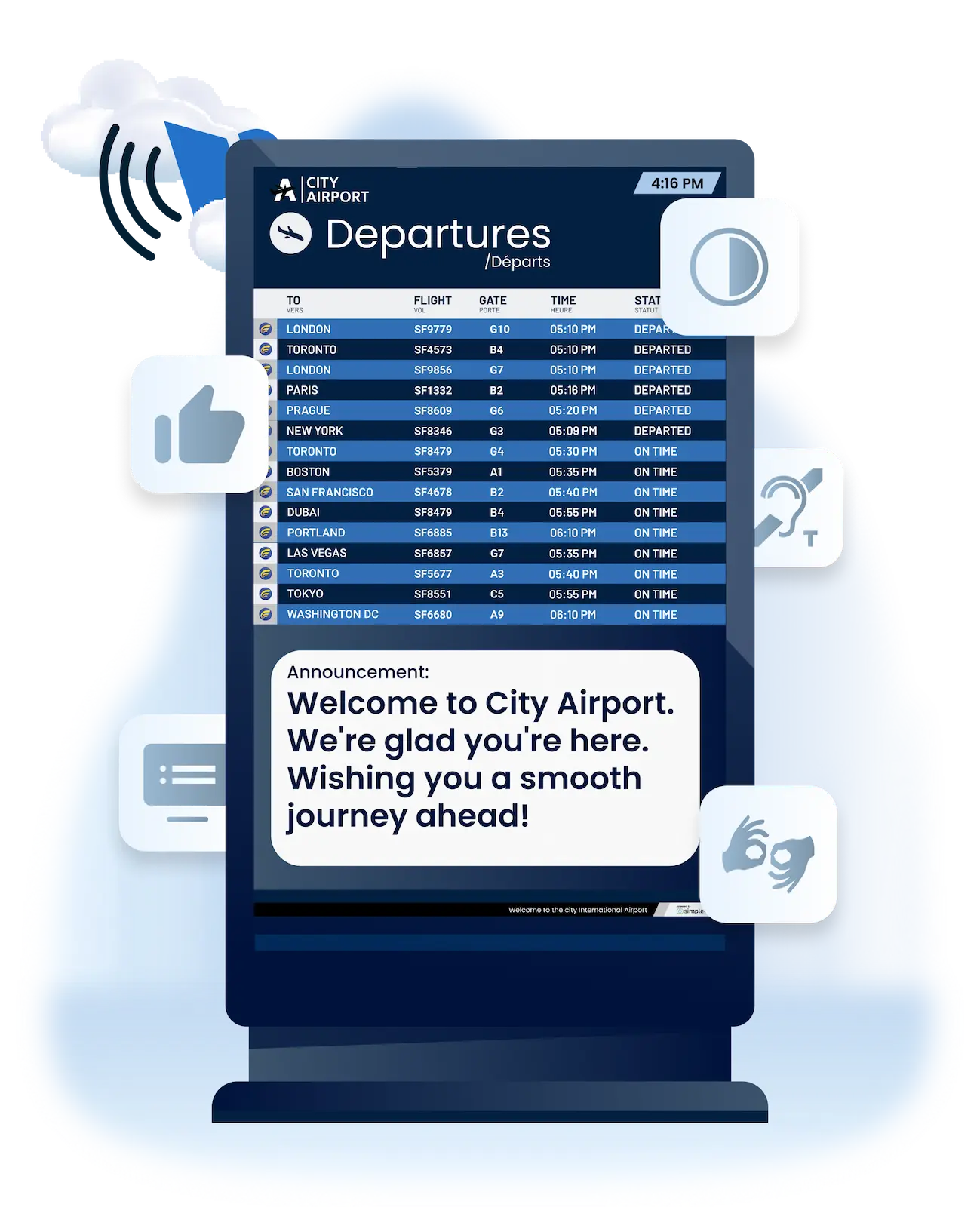
Instead of operators memorizing complex messaging rules, quiet airport announcement rules are enforced automatically:
Zone-based messaging: announcements play only where relevant, not entire terminals
Time windows: terminal-wide calls only within allowed hours
Language limits: cap the number of languages per announcement
Repetition rules: prevent unnecessary repeats, escalate only for final calls
Passengers know exactly where to go — without confusion or manual setup.
Macros: The Communication Automation Engine
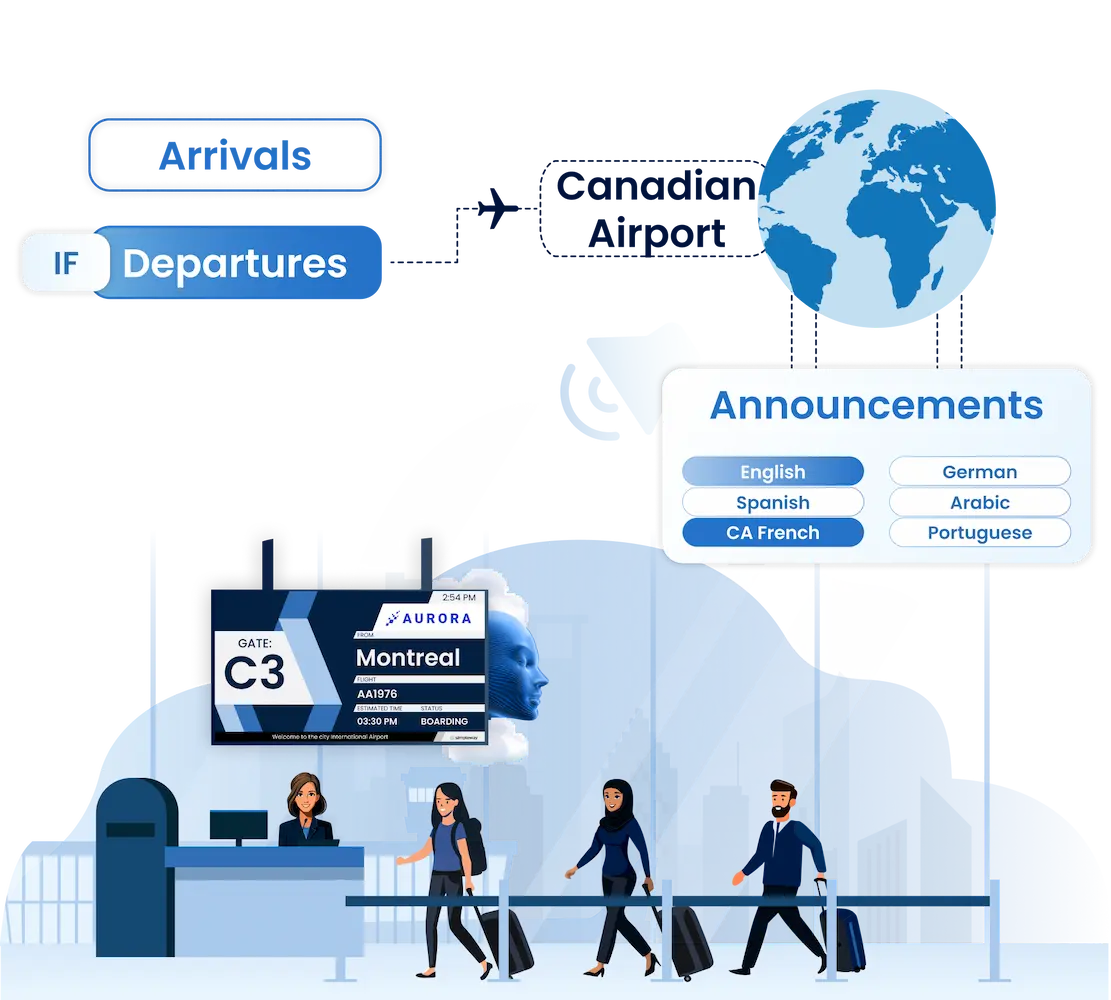
Macros are the airport's rule-based announcement system — intelligent rules that monitor operational triggers and automatically deliver the right message, to the right zone, at the right time.
Macros can:
Play announcements automatically in the right languages and zones
Update displays instantly with flight changes
Enforce Quiet Airport and accessibility policies automatically
Trigger alarms, control access, and manage connected systems
Run on any trigger: AODB updates, RMS events, baggage assignments, or operator input
(Think smartphone automation — but built for mission-critical airport operations.)
Scenarios: Ready for Emergencies
While Macros handle daily automation, they can also trigger Scenarios, pre-built emergency playbooks that coordinate hundreds of actions from a single input.
When a fire alarm activates, for instance, the system instantly displays evacuation messaging on screens, broadcasts multilingual announcements, unlocks emergency exits, and alerts staff simultaneously.
This demonstrates how one sensor can easily orchestrate comprehensive emergency responses across all communication and accessibility channels.

When Automation Needs a Human Touch:
The Interactive Dashboard
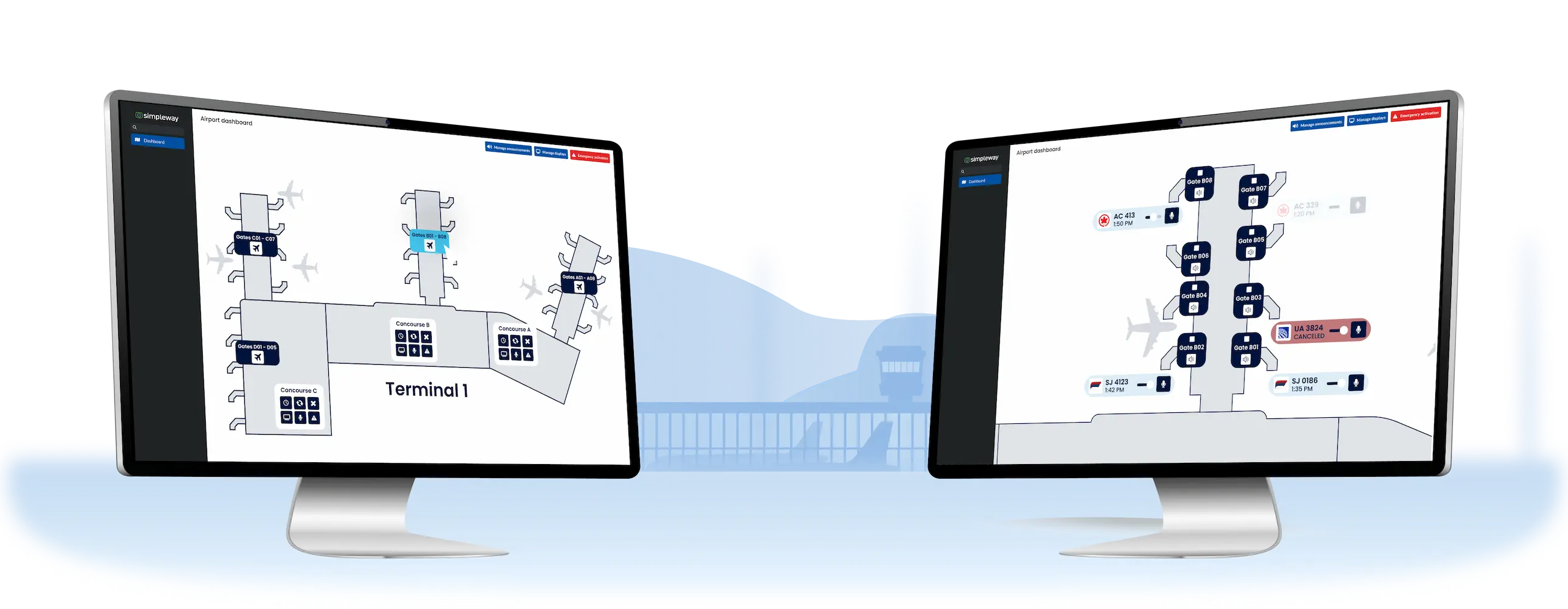
Even with unified systems, there are moments when automation data isn’t available, or staff need quick manual control. That’s why Airport CX delivers an interactive, configurable operations dashboard — built as a visual map of your airport, not a maze of tabs. It bridges the gap between automation and human oversight, giving operators fast, intuitive control.
What the operations dashboard enables:
Airport-Layout Interface
Click directly on gates, zones, or terminals to trigger actions (e.g., announcements, FIDS updates, emergency overrides).
Unified Control
Manage announcements, displays, and emergency scenarios from one screen, reducing operator stress and reaction time.
Optimized Workflow
No need to remember codes or navigate menus; the map-driven interface makes responses simple and visual.
When it matters most
During a gate change, baggage disruption, or medical emergency, every second counts. With the dashboard, operators simply select the zone, confirm, and the right actions — automated or manual — are executed instantly.
Why Airports Choose Airport CX Automation
Manual operations create bottlenecks. Regulatory requirements demand consistency. Intelligent automation handles repetitive tasks while giving your staff full control during critical moments.
Passenger Experience First
Less noise, clearer messages, real-time accuracy
Operator Relief
Removes repetitive workload while keeping full override control

Interactive Dashboard
Quick manual actions when automation isn’t possible
Policy & Compliance Built-In
Enforces Quiet Airport, accessibility, and regulatory requirements automatically
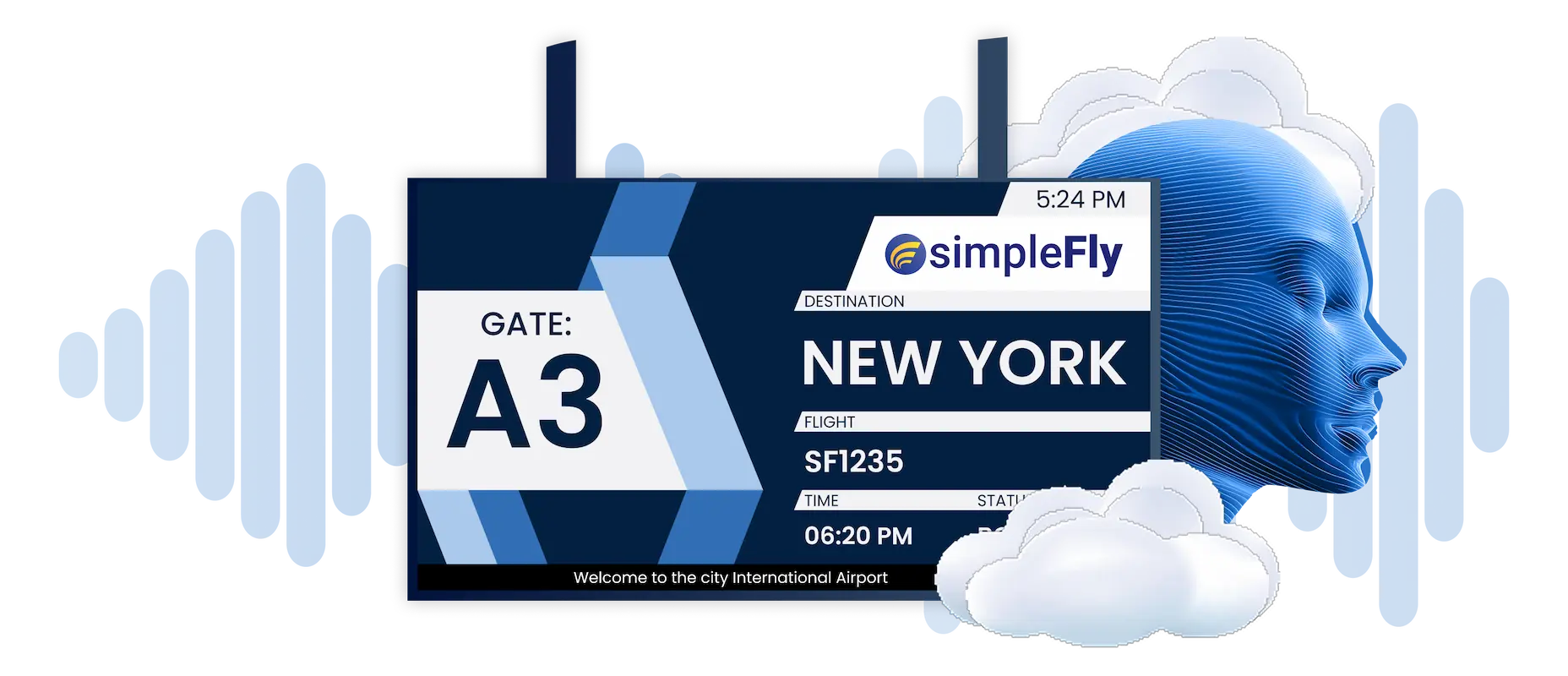
Synchronized Audio & Visual

Dive Deeper with Unified Airport Communications





Start The Conversation, We’re Ready When You Are
.webp)
Frequently Asked Question
Got questions? We’ve got answers.
Airport CX can automate passenger information delivery in response to operational triggers. Common implementations: flight status announcements triggered by AODB changes, gate change notifications across displays and PA simultaneously, baggage belt messaging with automatic wayfinding updates, Quiet Airport rule enforcement by zone and time, and accessibility compliance (visual paging synchronized with every audio announcement).
Quiet airport announcement rules are configured once and enforced automatically. Define zone restrictions (gate announcements only at affected gates), time windows (terminal-wide calls only during specified hours), language limits per announcement, and repetition rules (final calls only). The system blocks non-compliant messages while allowing priority overrides for emergencies and accessibility.
Scheduled announcements play at fixed times regardless of context. A rule-based announcement system responds to real conditions: a boarding call triggers when flight status changes to "Boarding" AND gate is confirmed AND no higher-priority message is active. This conditional logic delivers information when passengers actually need it, not when a clock says so.
Within seconds. When gate data changes in AODB, automated gate change announcements trigger: FIDS update across all terminals, announcements play at both old gate (high priority) and new gate (medium priority), wayfinding displays update, and visual paging text appears synchronized with audio. One data change, consistent messaging everywhere.
Automated baggage announcements activate when belt assignments enter the system. Arrival hall screens update with belt information, announcements play in configured languages, and wayfinding displays point to the correct carousel. Optional sensor integration triggers "bags arriving" messages when the first bag appears. Passengers get consistent information without staff updating each system manually.
Synchronized audio visual automation is core to the platform. When any trigger fires—gate change, boarding status, emergency—both audio announcements and display content update from the same source simultaneously. Visual paging text accompanies every spoken announcement for accessibility. Passengers never see one message on screens and hear something different.
Yes. Automated passenger information handles predictable messaging while the interactive operations dashboard provides instant manual control. Click directly on the airport map to trigger zone-specific announcements or display updates. Automation delivers routine messages; operators handle exceptions. Emergency scenarios always override regular messaging.