Dynamic Wayfinding & Queue Management
Real-Time Navigation & Intelligent Passenger Control
Static signs can't adapt to gate changes or congestion. Airport CX digital wayfinding signage transforms your navigation displays into a dynamic, data-driven system that guides passengers through check-in, security, gates, and baggage claim - updating in real-time as conditions change.



Create Smart Passenger Journeys
Imagine an international flight arriving. As passengers leave the aircraft, digital wayfinding signage directs them through arrivals, on to their assigned baggage belt, and then toward transport links — all in their own language. Along the way, they also see promotions, restroom directions, or local service offers.
This isn’t static signage. It’s a consistent, branded passenger journey powered by Airport CX.
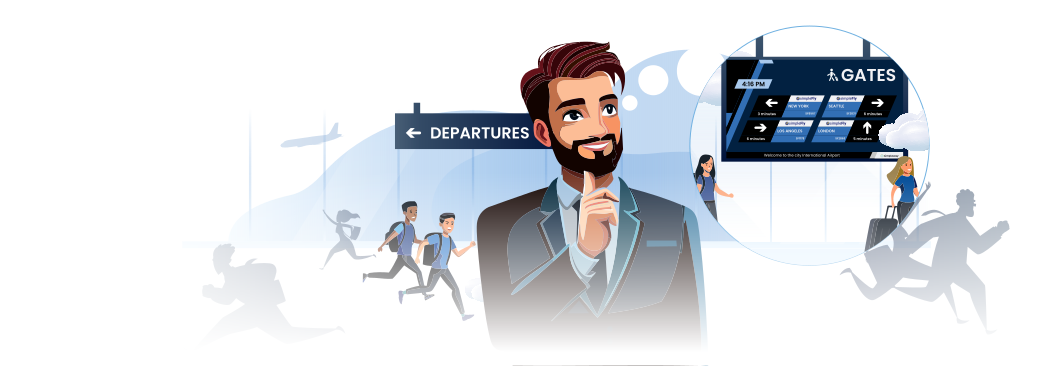
Beyond Static Arrows with Dynamic Wayfinding
With dynamic wayfinding, your airport can:
Show walking distance estimates to gates, lounges, or transfers - passengers see '8 min walk to Gate C24' rather than generic arrows
Direct arriving passengers to baggage belts assigned by FIDS.
Update guidance instantly based on flight codes and AODB data.
Display multilingual instructions automatically matched to flights.
Combine wayfinding with useful context: weather, connections, retail offers, or ground transport.

Queue Management & Dynamic Signage
Real-Time Queue Control at Every Checkpoint
Static queue signs can't show wait times or adapt to passenger volumes. Airport CX queue management displays give staff instant control over lane assignments while automatically showing wait time estimates, passenger class designations, and real-time TSA checkpoint status.

Open/Close Individual Lanes
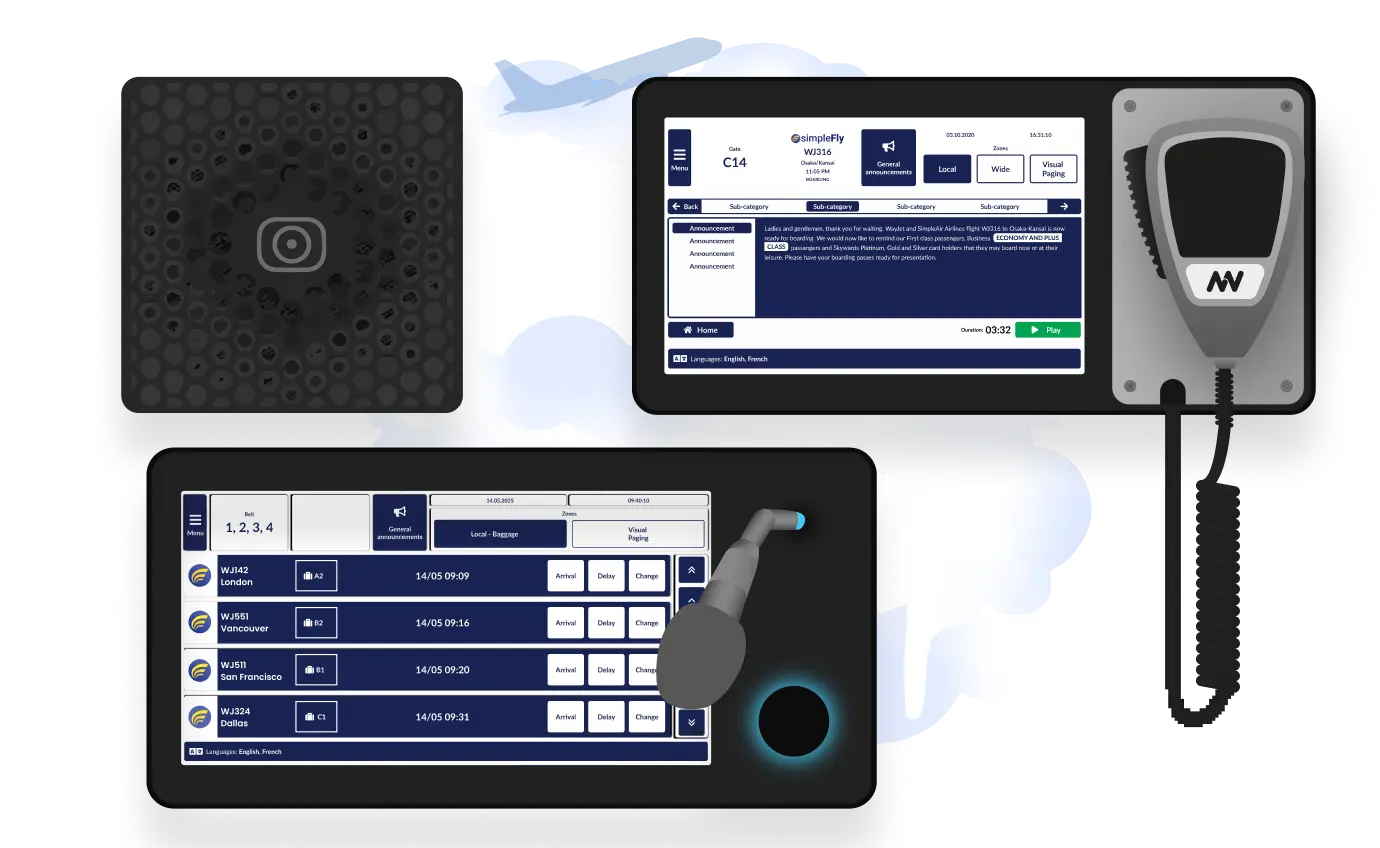
Agents control queue states directly from their workstations or touch-screen microphone stations micnode2 series.
Assign Queue Classes
Designate lanes for premium, economy, or special assistance in real-time. Or display boarding groups from reservation data.
One Click. Every Display Updated
Your agents update queue states with one click. The system pulls live data from your operational platforms, displaying everything from check-in desk assignments to TSA wait times.
Third-Party Data Integration
Show passenger counts, group bookings, or flight-specific information from your DCS, RMS, or reservation systems.
Why Airports Choose Airport CX Wayfinding System
Static signs point in only one direction. Dynamic wayfinding transforms passenger navigation into a real-time guided experience that responds instantly to flight changes, crowd patterns, and operational needs.
Passenger Confidence
Real-time navigation reduces stress and confusion
Operational Efficiency
Smooth passenger flows prevent queues and delays

Branded Experience
Navigation signage reflects your airport’s identity
Multilingual & Accessible
Clear communication for every passenger, every time
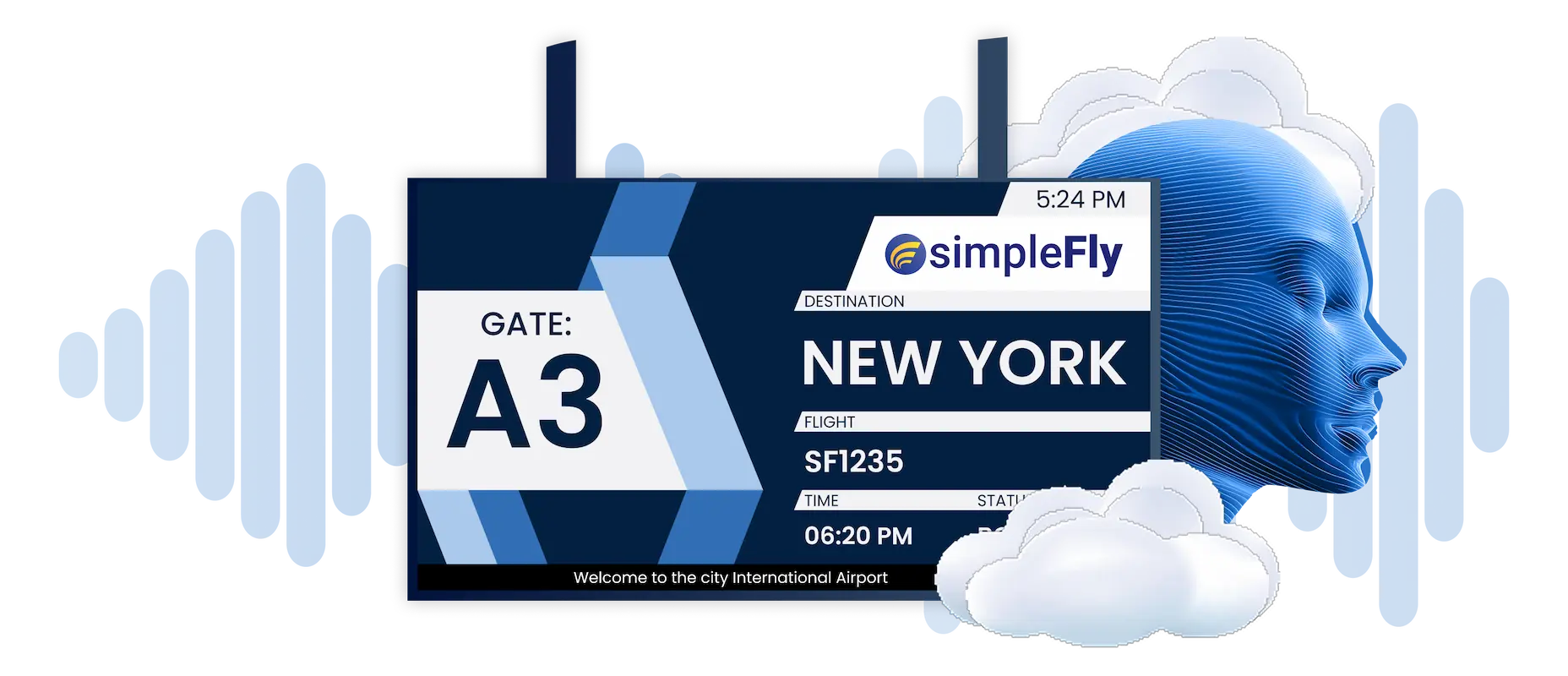
Synchronized Audio & Visual
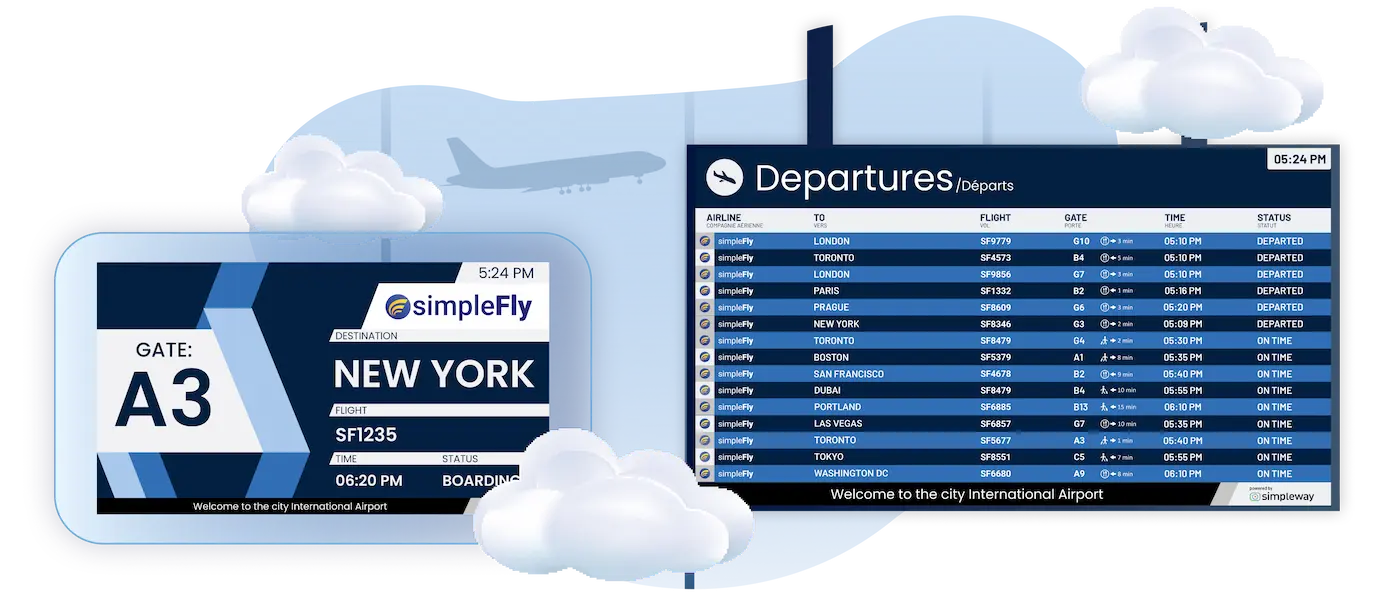
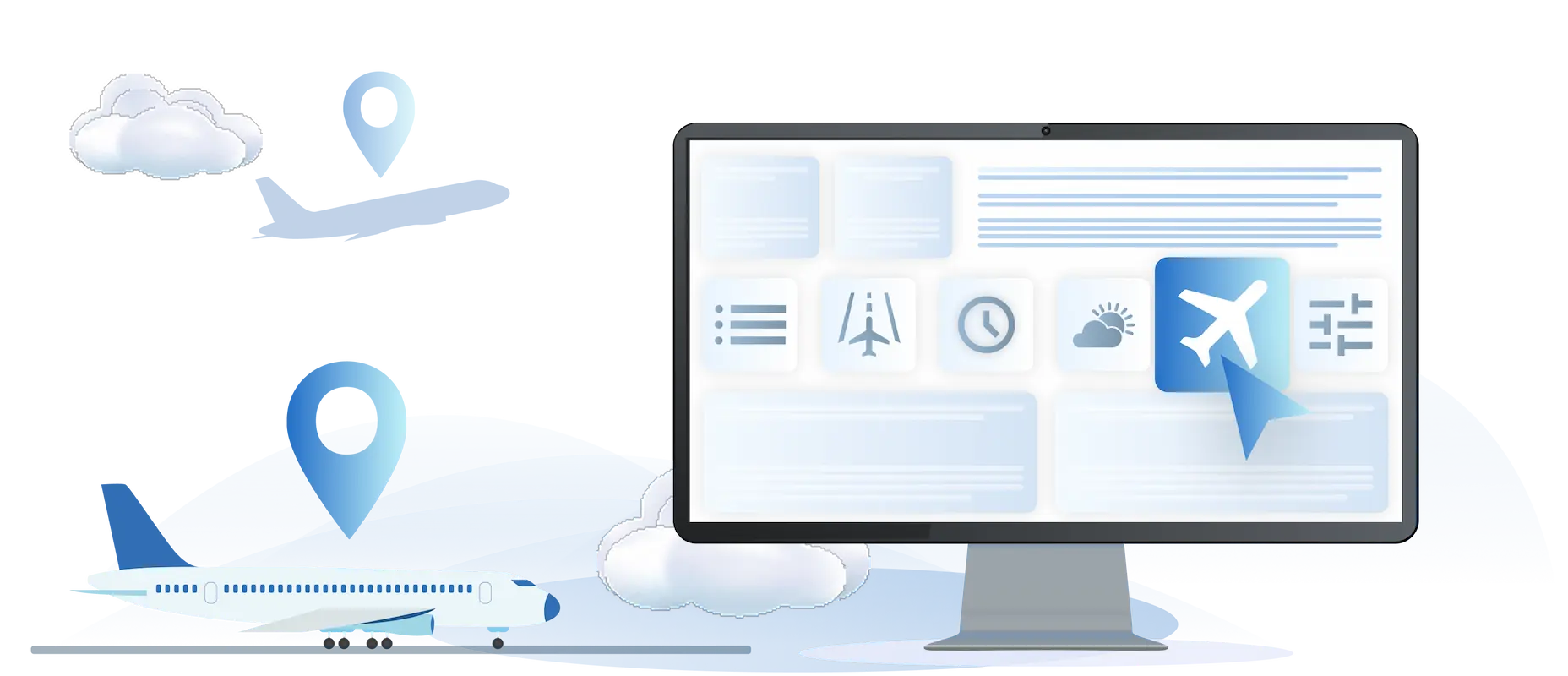
Dive Deeper with Unified Airport Communications





Start The Conversation, We’re Ready When You Are
.webp)
Frequently Asked Question
Got questions? We’ve got answers.
Airport CX digital wayfinding updates automatically based on real-time flight data. When gates change, wayfinding displays update immediately across affected areas. Passengers see current walking distances, not fixed arrows. Baggage belt assignments appear before passengers reach arrivals. Static signs require manual updates and can't respond to operational changes-digital wayfinding adapts continuously.
Yes. Airport CX calculates and displays walking distances from each screen location to destinations like gates, lounges, and connections. Passengers see "8 min walk to Gate C24" rather than generic directional arrows. Walking times help passengers decide whether to browse shops or proceed directly to gates-reducing last-call boarding announcements and missed flights.
Staff control queue lane states directly from workstations or micnode2 touchscreen stations. Open or close lanes, assign passenger classes (premium, economy, special assistance), and display boarding groups. The system pulls live data from airport operational systems - one click updates every display in the queue area simultaneously.
Airport CX pulls baggage belt assignments from system flight data and displays them on arrival hall wayfinding screens. As passengers exit the aircraft, displays already show their flight's belt number with walking directions. No searching for monitors, no confusion about which belt - passengers navigate directly to their luggage location.
Yes. Wayfinding displays can show directions in passenger-relevant languages based on arriving flights. A Tokyo arrival triggers Japanese wayfinding in the arrivals corridor. A Frankfurt arrival shows German. The system rotates languages or displays multiple simultaneously-no manual switching required.
Airport CX manages both wayfinding and FIDS from the same platform. When a gate changes in AODB, both the FIDS screen at the original gate and wayfinding displays throughout the terminal update simultaneously. Passengers checking departure screens see the new gate; passengers following wayfinding signs are directed to the correct location. One data source, consistent information everywhere.