Emergency Response & Security
When Seconds Matter,
Your Campus Responds as One
Protecting students and staff is foundational to everything schools do. Yet when emergencies strike, many campuses still rely on fragmented systems where PA announcements, digital displays, door locks, and alert notifications operate independently.
Education CX coordinates all your school safety communication through one platform, turning separate tools into a synchronized emergency response that activates across your entire campus in seconds.


One Coordinated Response
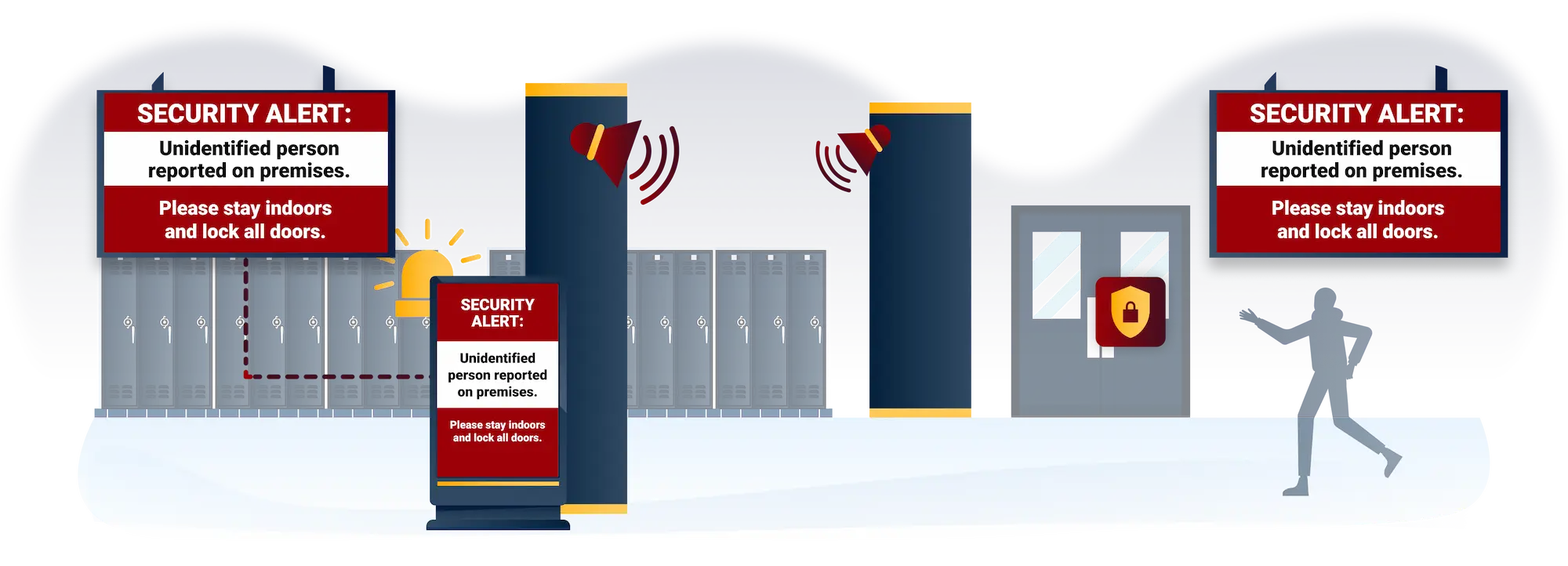
When an emergency is declared, Education CX triggers audio and visual response across campus simultaneously from a single activation.
Campus Digital Signage & Wayfinding
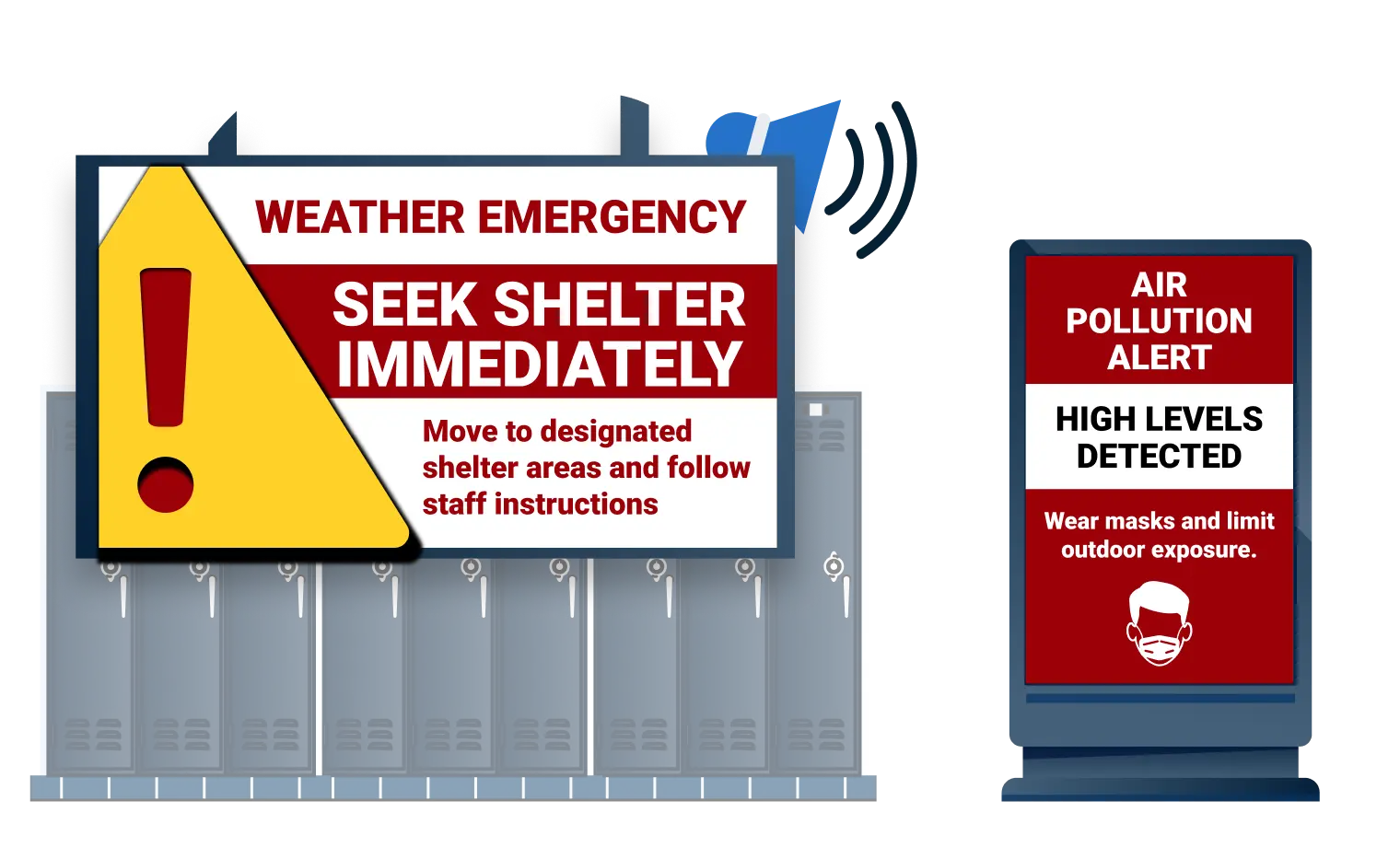
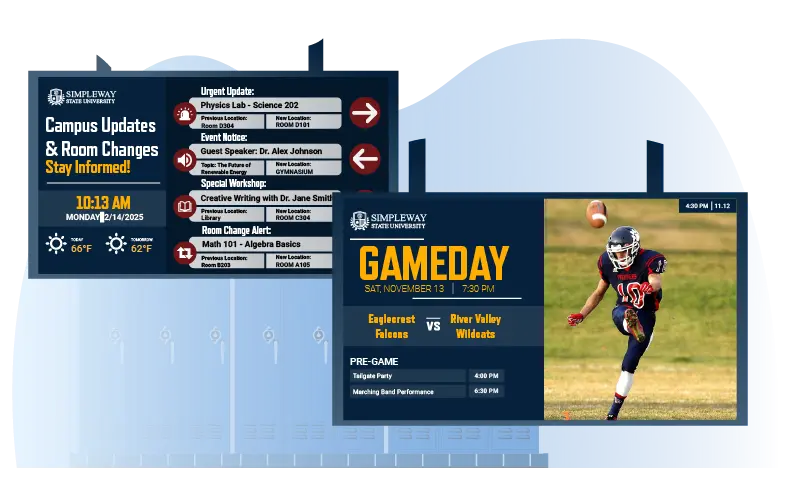
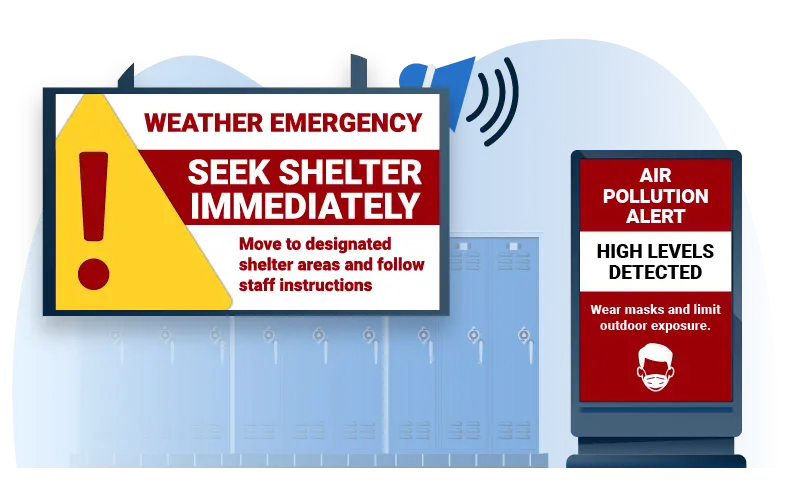
Show emergency alerts across all campus screens with visual instructions
.webp)
Voice Announcement System
Broadcast announcements through existing PA systems to all zones
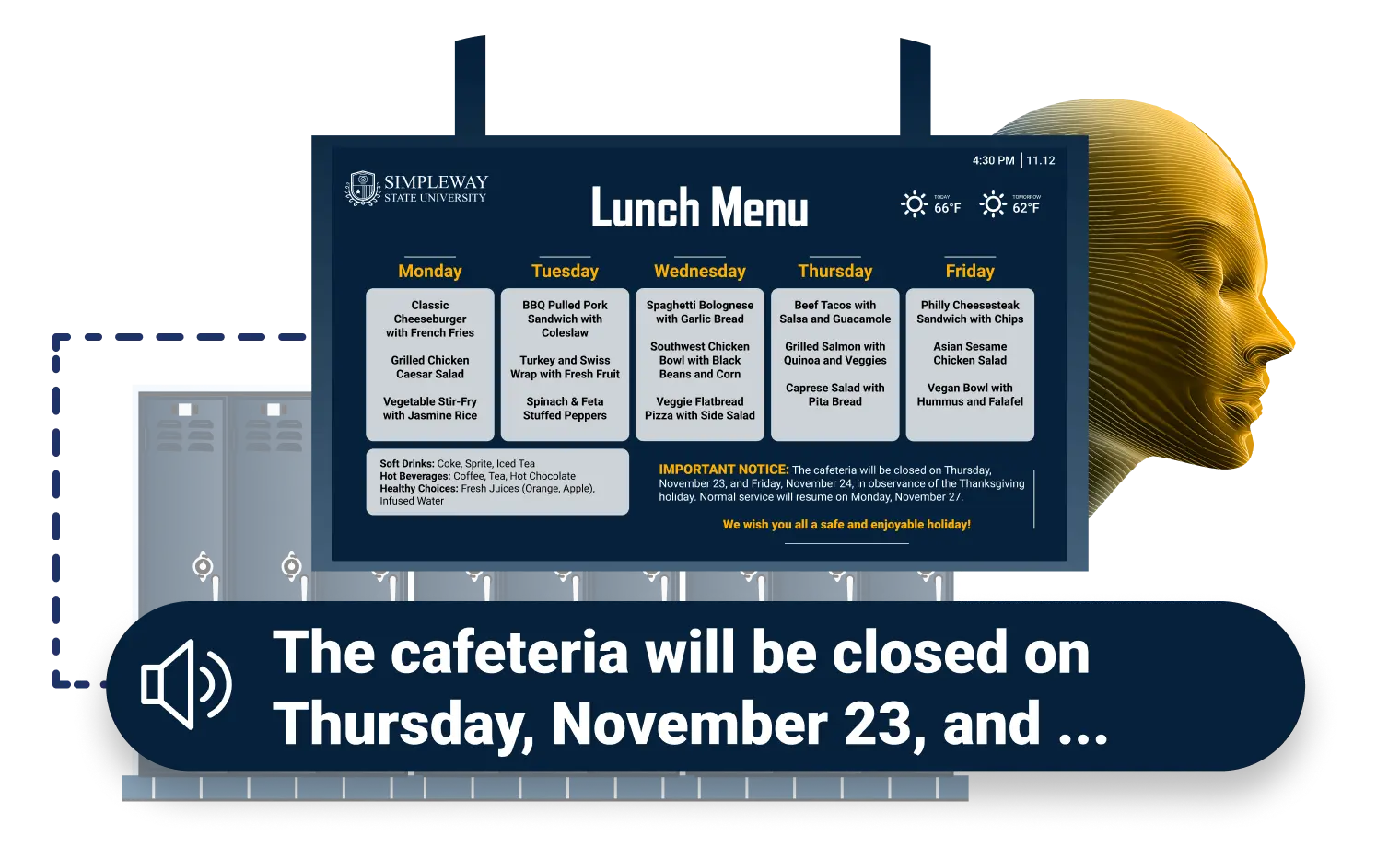
Audio announcements and screen alerts activate together, so every zone receives the same message at the same time.
One System for Announcements, Displays, and Emergency Alerts
Protected by Two Decades of Experience
For over two decades, Simpleway has protected critical communication infrastructure worldwide, and Education CX is built to the same standard. Available as cloud or on-premise to match your school's IT requirements, the platform includes end-to-end encryption, role-based access controls with Active Directory integration, and audit logging for every emergency activation. Our teams monitor and update security continuously.

Integration with Existing Security Infrastructure
Education CX works with your current school security systems rather than requiring complete replacement.
Compatible Security Integrations
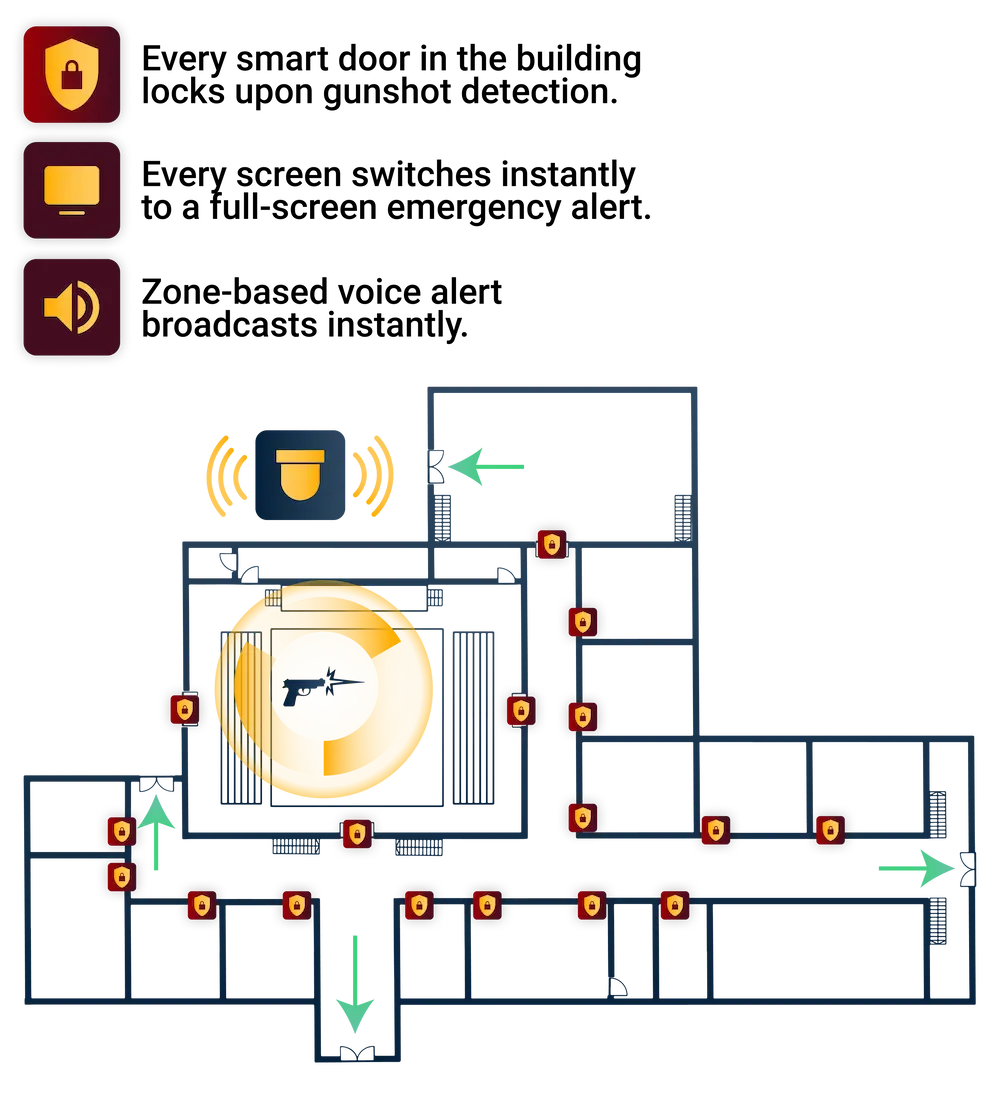
Gunshot detection systems: Automatically trigger lockdown scenarios when shots detected.
Access control systems: Coordinate door locks with emergency responses.
First Responder Coordination
System logs all emergency activations including timing, affected zones, and actions taken. This documentation supports post-incident review and compliance requirements.
Pre-Built Scenarios Enable Split-Second Response
Schools configure emergency scenarios in advance with specific responses for each threat type. When activated (manually or automatically), the entire campus responds according to pre-set rules.
Real-World Emergency Scenarios:
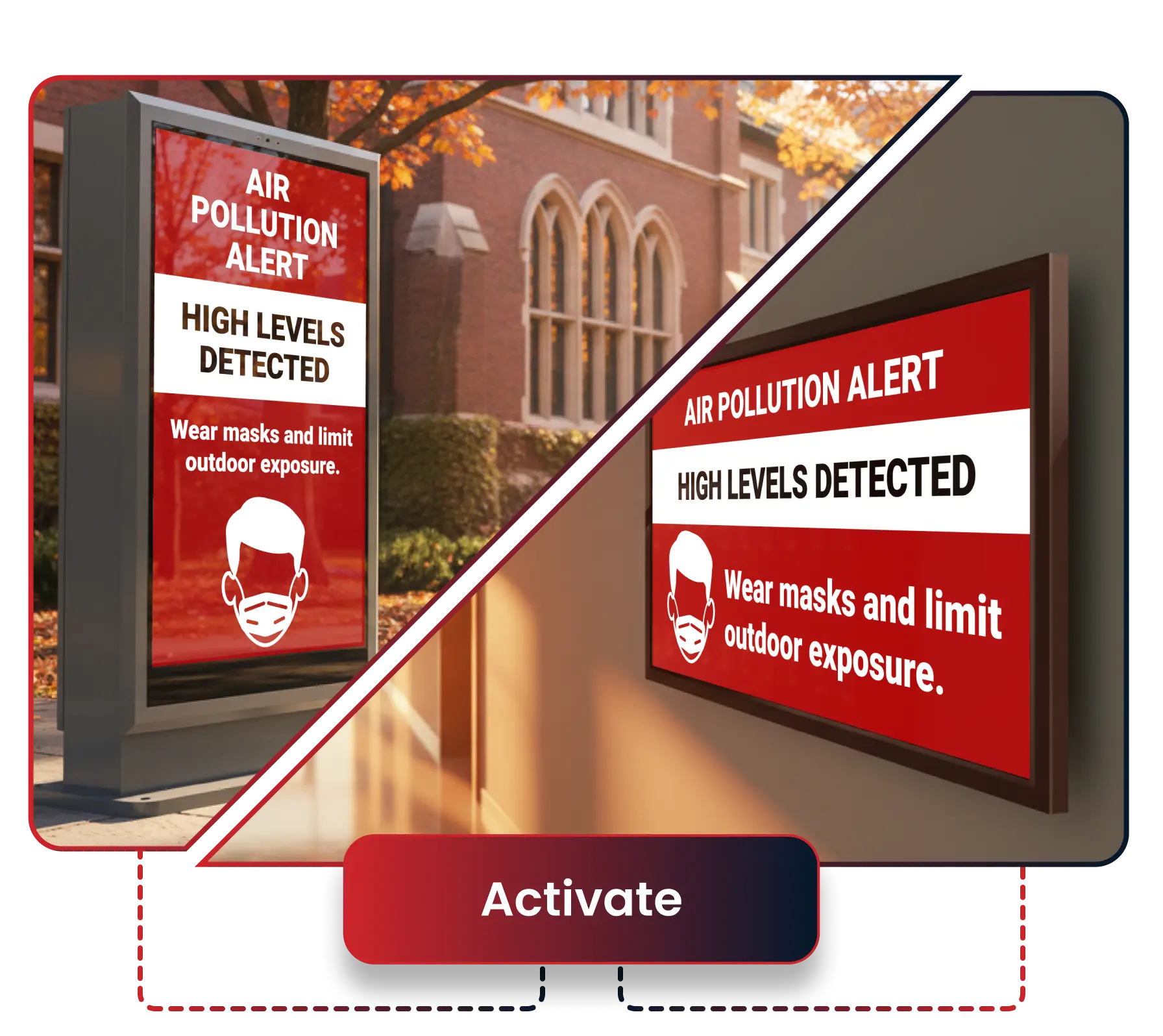
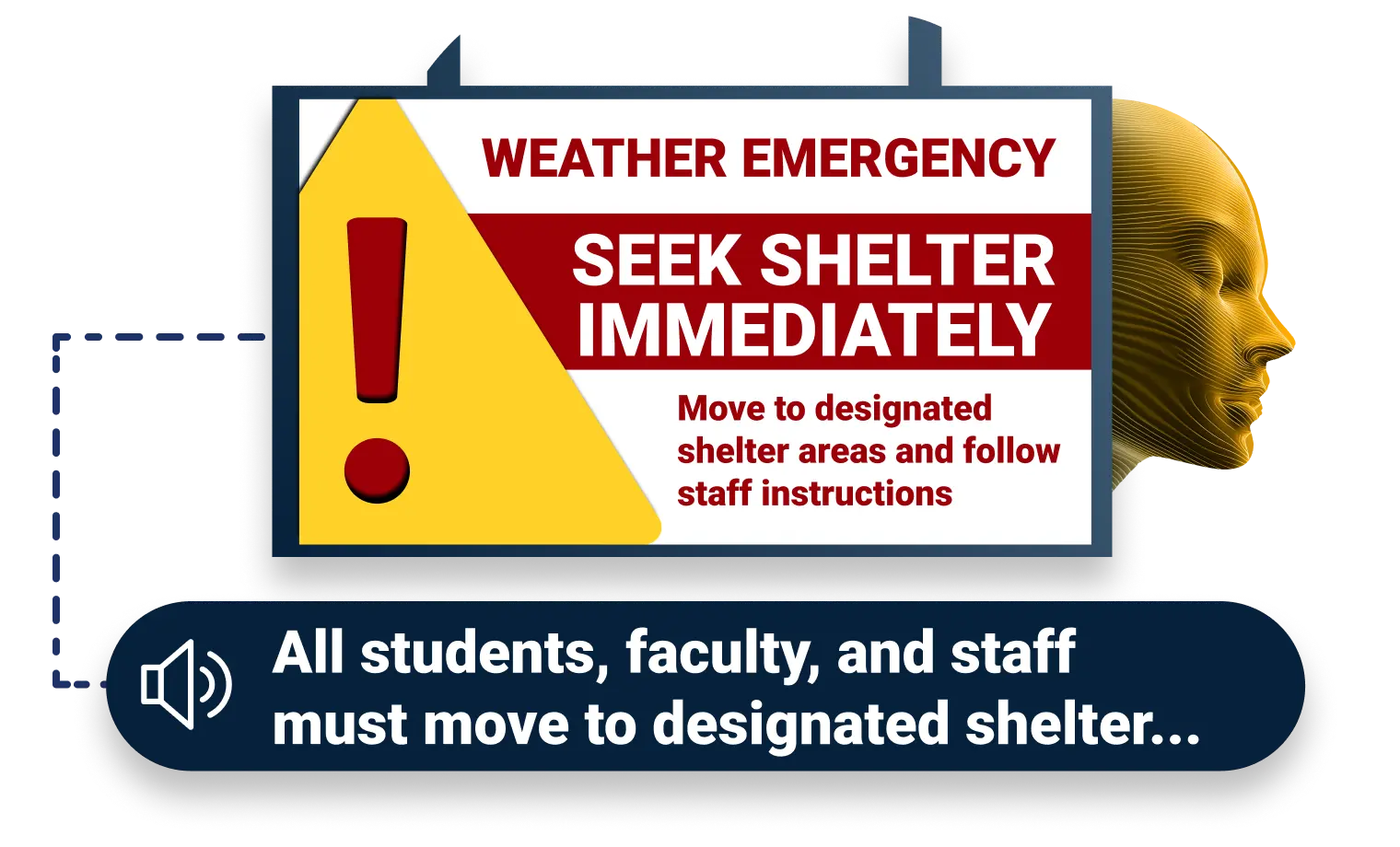
Severe Weather Conditions: Campus-wide alerts display shelter locations while announcements guide students to safe zones. Outdoor displays show different messaging than indoor screens.
Active Threat Response: Gun detection sensors trigger automated lockdown scenario. Emergency displays show "Shooter on premises" with run-hide-fight guidance.
Fire on Premises: Fire alarm integration triggers evacuation messaging on all displays with exit routes. PA system broadcasts evacuation instructions.
Automated or Manual?
You Choose the Response Mode

Automated Mode

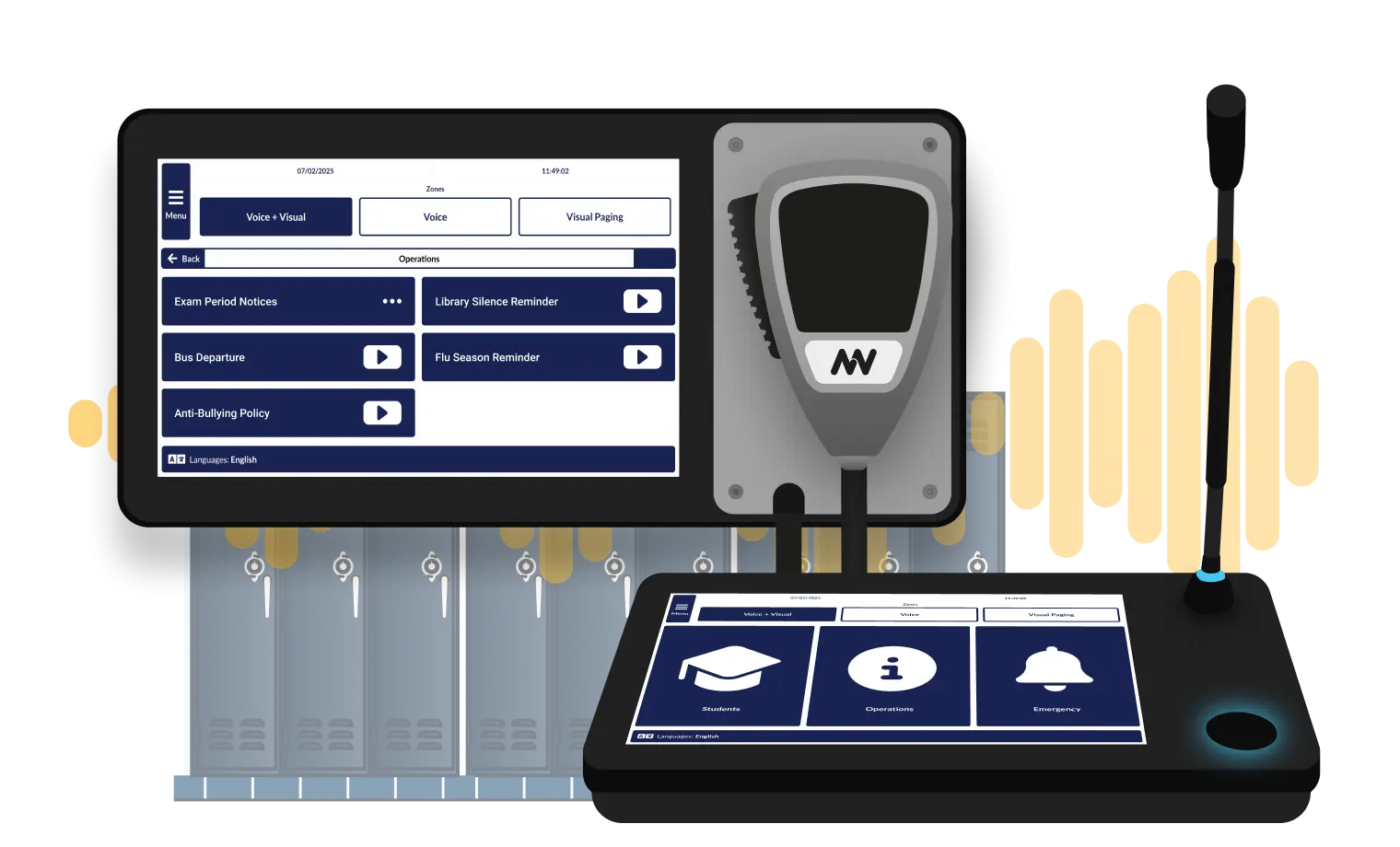
Manual Activation

Flexible Control During Crisis
Zone-Based Control for Precise Response
Target Specific Buildings or Areas:
Not every emergency affects the entire campus. Our school emergency notification system allows for zone-specific capabilities for targeted response.
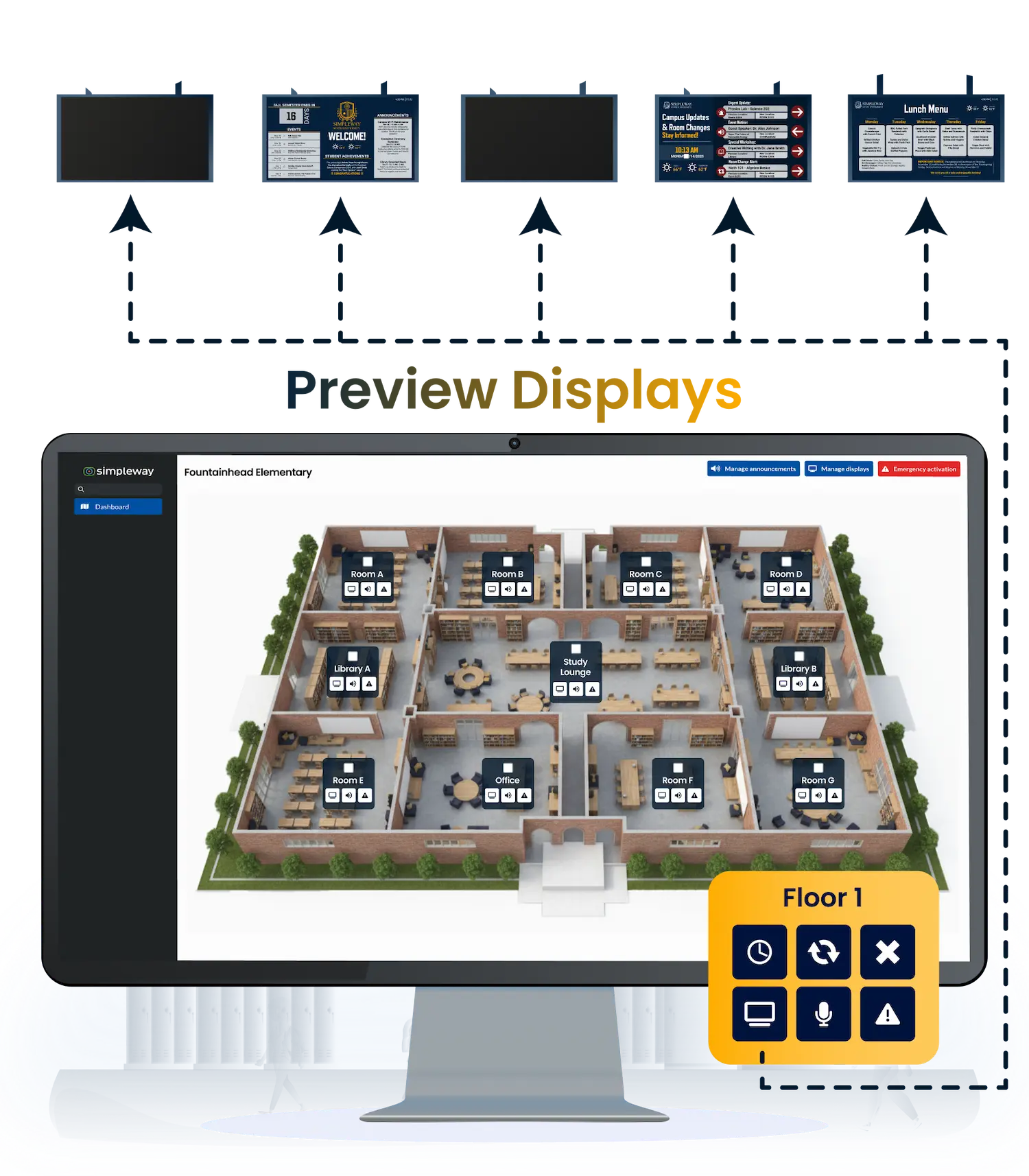
Visual Zone Selection:
Interactive campus dashboards show real-time status of each zone. Click zones to include them in emergency responses or view their current security status.
Synchronized Audio and Visual for Accessibility
Emergency communications must reach everyone, including students and staff with hearing or vision disabilities. Education CX provides redundant communication through both audible and visual channels, meeting accessibility requirements for emergency notification.
The system integrates with assistive listening technology to transmit announcements directly to hearing aids, displays visual alerts on digital signage with high-contrast text, and supports multilingual announcements.
Why Schools Choose Education CX Announcement System
Education CX handles the full range of campus audio communication, from automated bell schedules to live emergency broadcasts, in one integrated system.
Automated Communication
Bell schedules, bus arrivals, and morning announcements run without staff involvement.
Zone-Specific Targeting
Messages reach the right areas without interrupting the rest of the building.
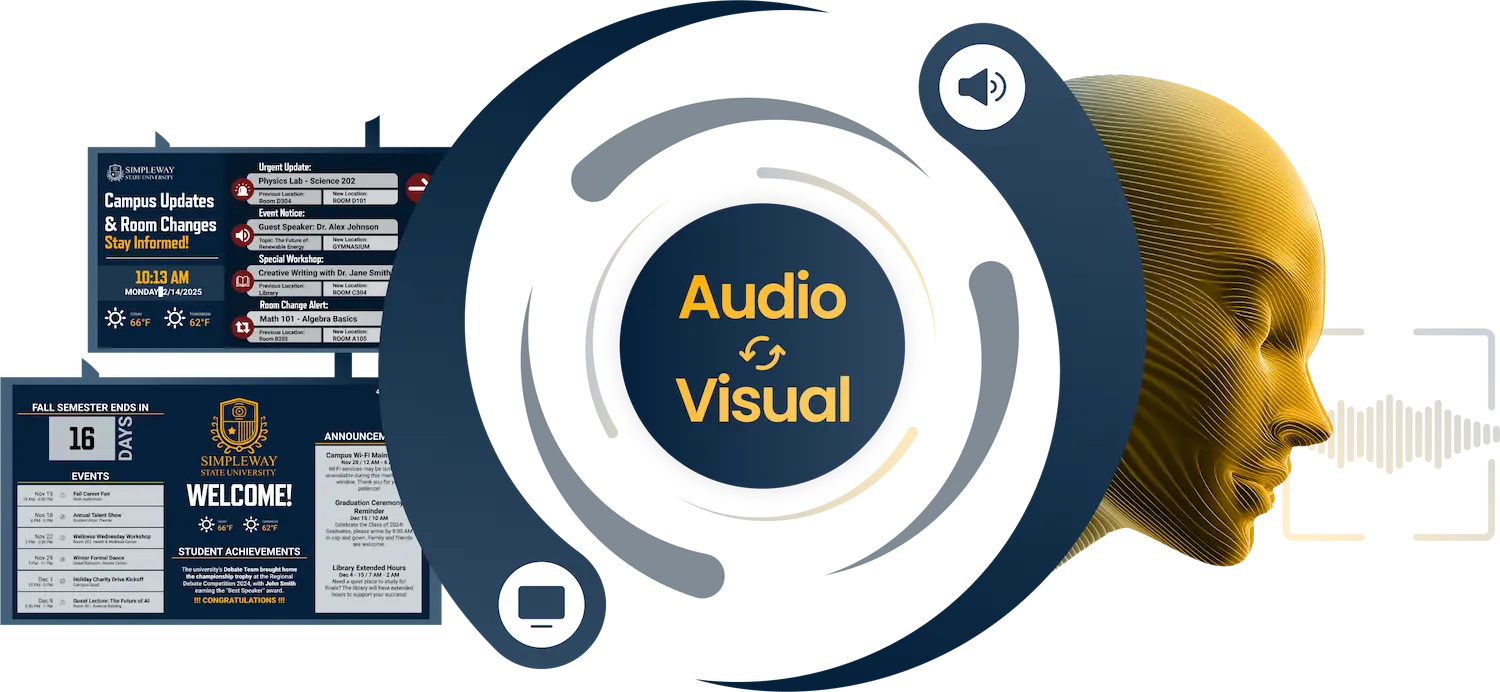
Audio and Visual Together
Announcements display simultaneously on campus screens, meeting ADA accessibility requirements.
Simple for Any Staff Member
Live broadcasts and scheduled messages require no technical training to operate.
Synchronized Audio & Visual
Coordinate Your Campus Emergency Response From One System
.webp)
Frequently Asked Question
Got questions? We’ve got answers.
When enabled, the system activates the pre-configured scenario the moment a trigger is received, whether from a gunshot detection sensor, a panic button, or an integrated alarm. There is no delay waiting for staff to log in or navigate a menu. The scenario executes immediately across all five components: displays, PA, access control, doors, and external alerting.
Yes. Each scenario is built separately with its own response settings. Severe weather triggers shelter-in-place messaging with different content than an active threat lockdown. A fire on premises activates evacuation routing rather than lockdown instructions. Zone assignments, display content, door behavior, and which authorities are notified are all configured individually per scenario.
Emergency alerts display simultaneously on every campus screen in high-contrast visual format alongside audio paging. Hearing loop integration transmits alerts directly to compatible hearing aids. Visual instructions, including run-hide-fight guidance for active threat scenarios, appear on displays as part of the scenario configuration. Both channels activate together from a single trigger.
Yes. Education CX integrates with gunshot detection systems to automatically trigger the corresponding lockdown scenario when shots are detected. The integration is configured during deployment. Contact us to confirm compatibility with your specific detection system.
What's New

Simpleway Joins PAVS.CA, Canada's Professional AV Society
Are Live Pages the Weak Link in Your Announcements?
%20(1).webp)