Campus Digital Signage & Wayfinding
Digital Signage for Schools and Universities
Put every display across your campus on a single live feed. Education CX unifies scattered screens from hallways and classrooms to athletic facilities and administrative offices, delivering real-time information that adapts to daily schedules and emergency situations.
Where It Stands Out
Centrally managed displays
across every building from one platform
Schedule-driven content
that updates automatically throughout the day
Your branding on every screen
consistent across every campus location
.webp)


End-to-End Campus Communication
Campus digital signage unifies hallway monitors, classroom displays, cafeteria menus, wayfinding, and athletic scoreboards. Our integrated system delivers schedule updates, emergency alerts, and student information that adapts to bell schedules and operational changes.
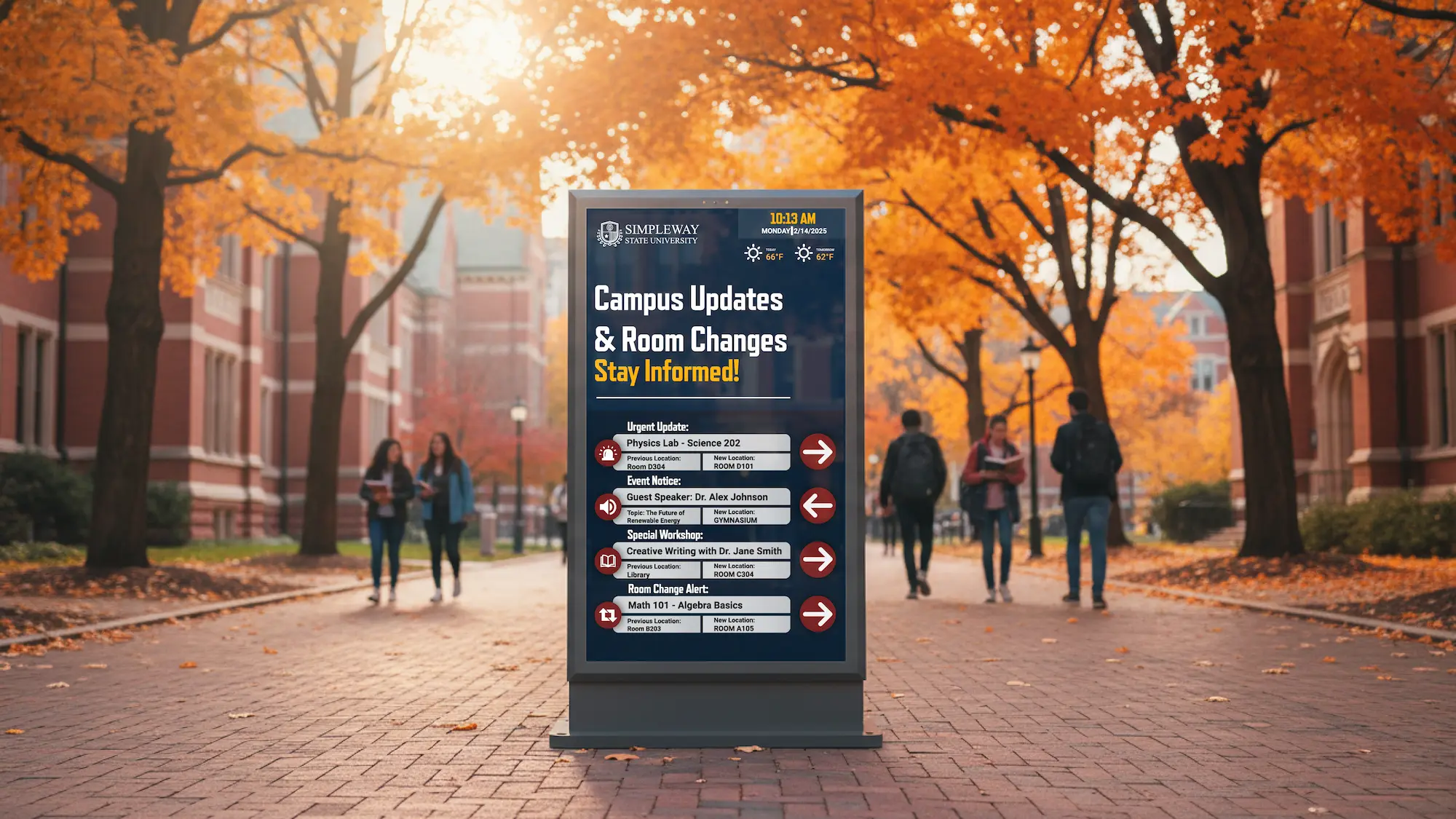
Real-Time Class Schedules & Room Assignments
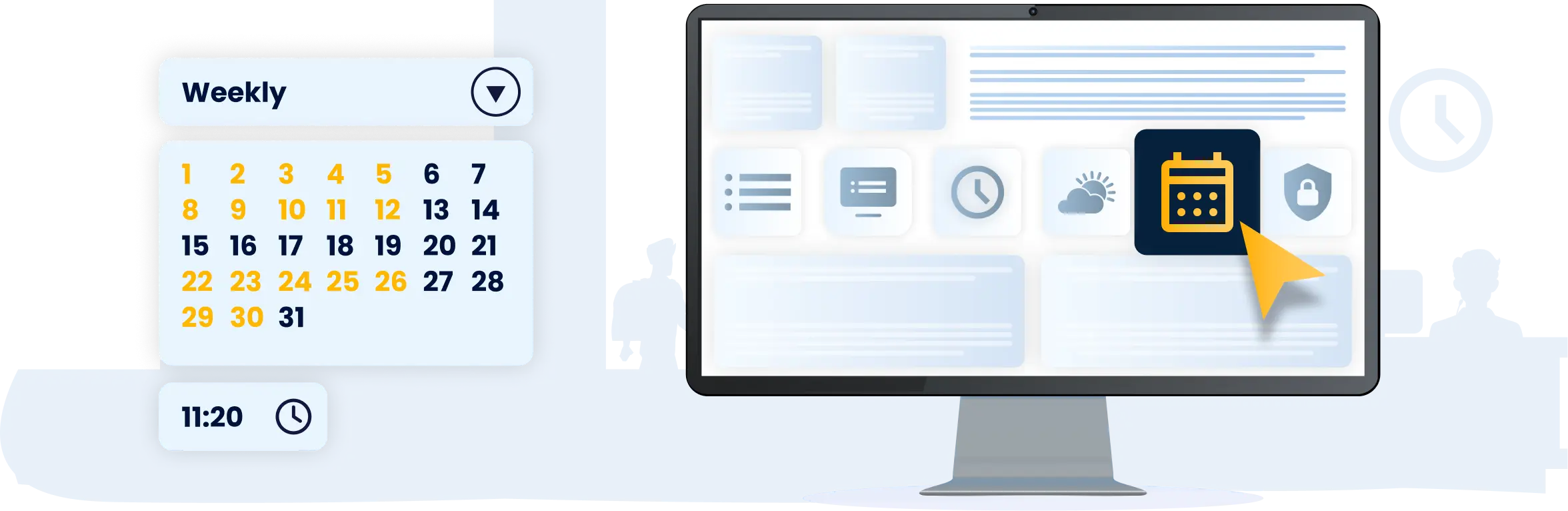
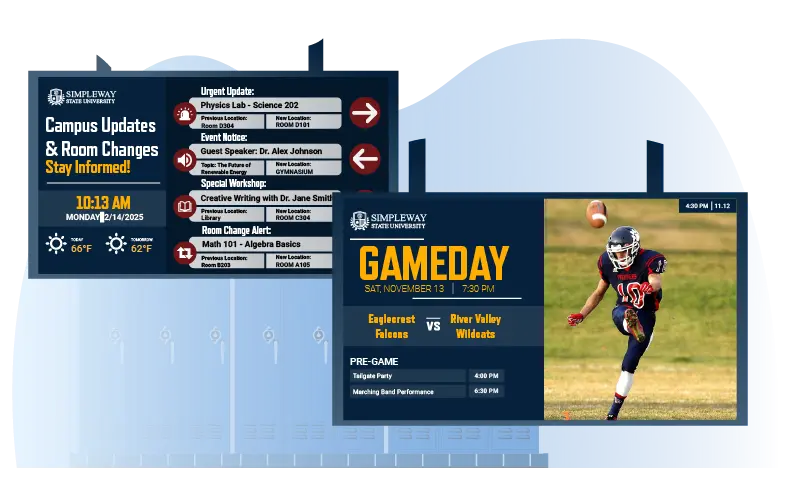
Displays throughout the building show current period information, room assignments, and schedule changes as they happen. When a class moves or an assembly replaces a regular period, every relevant screen updates automatically.
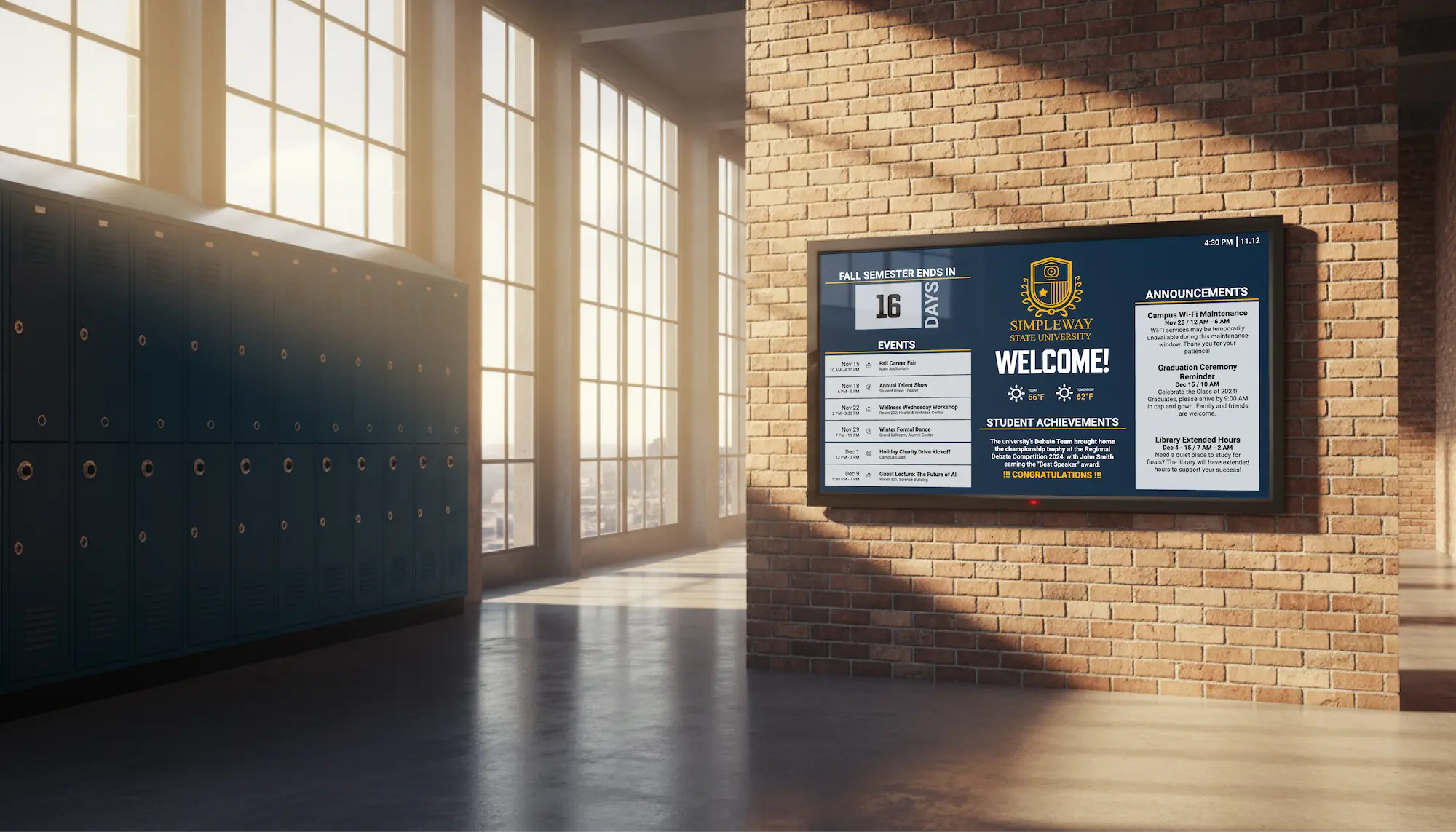
Student Communication & Campus Navigation
Hallway and common area displays keep students informed and oriented throughout the school day, covering everything from schedule changes and upcoming events to office locations and building navigation.
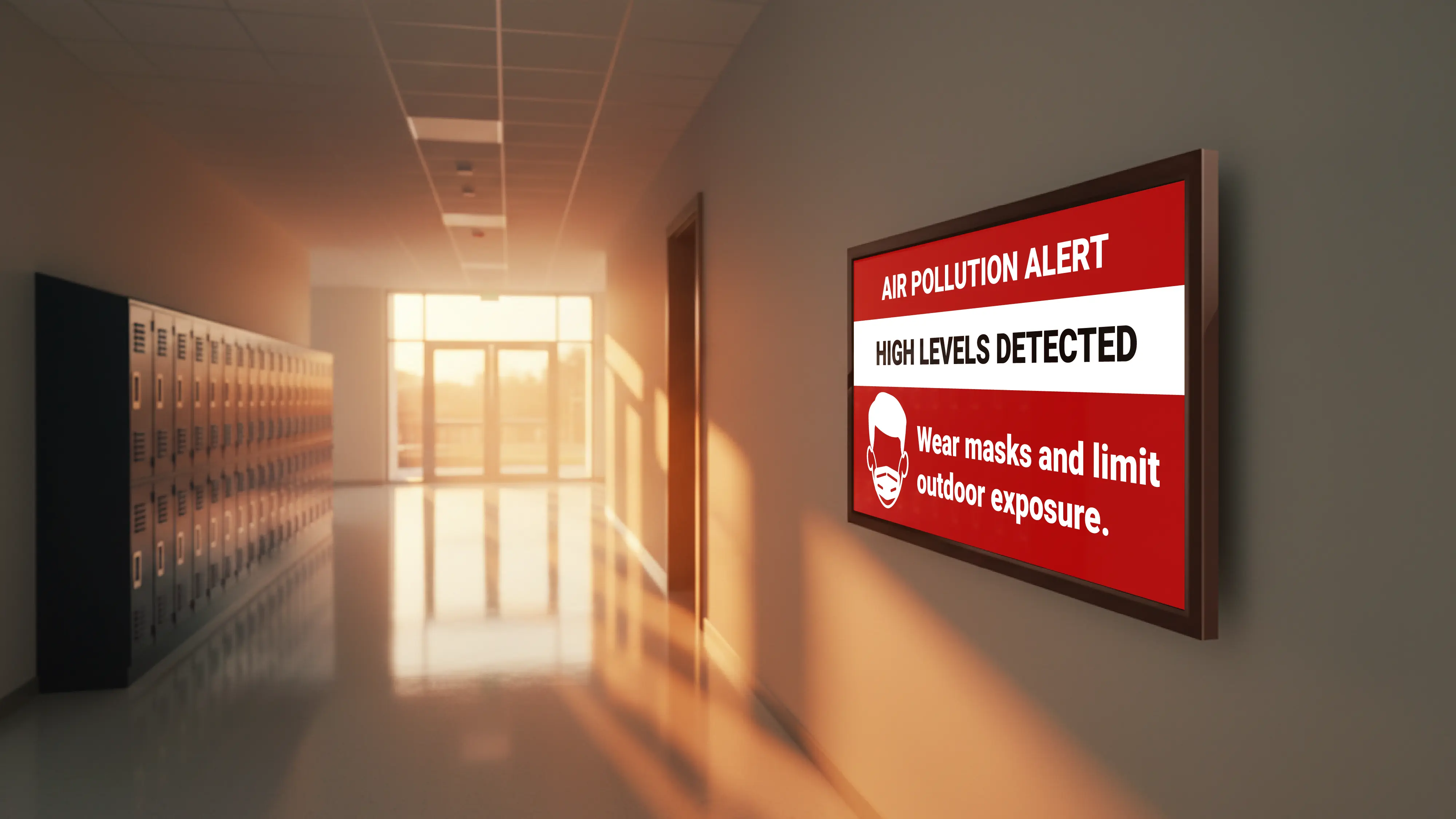
Campus Safety & Emergency Response
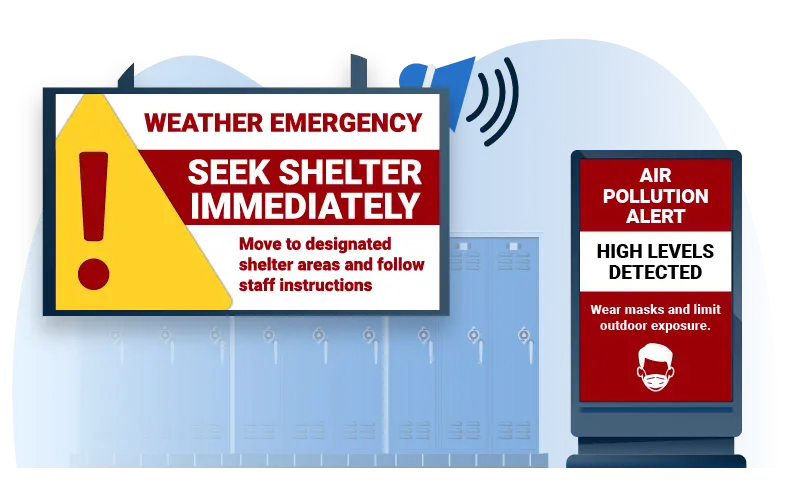
When a threat is detected or an emergency declared, every display across the building switches immediately to the relevant scenario. Each scenario is configured in advance, so the right message reaches every room at once.
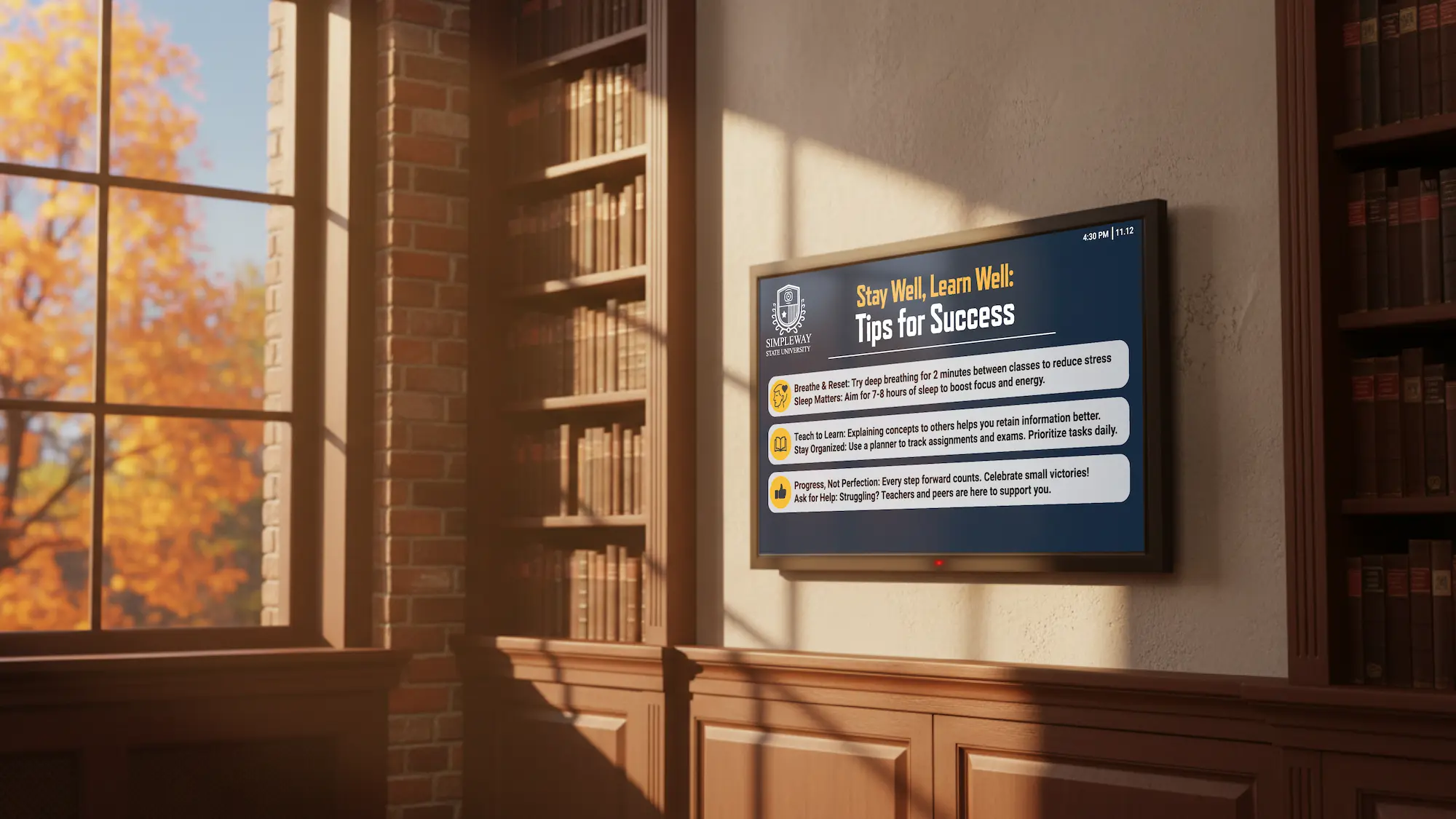
Administration & Staff Areas
Break rooms and administrative offices display internal communications not meant for students. Central office can push messages to individual buildings or the entire campus from a single interface.
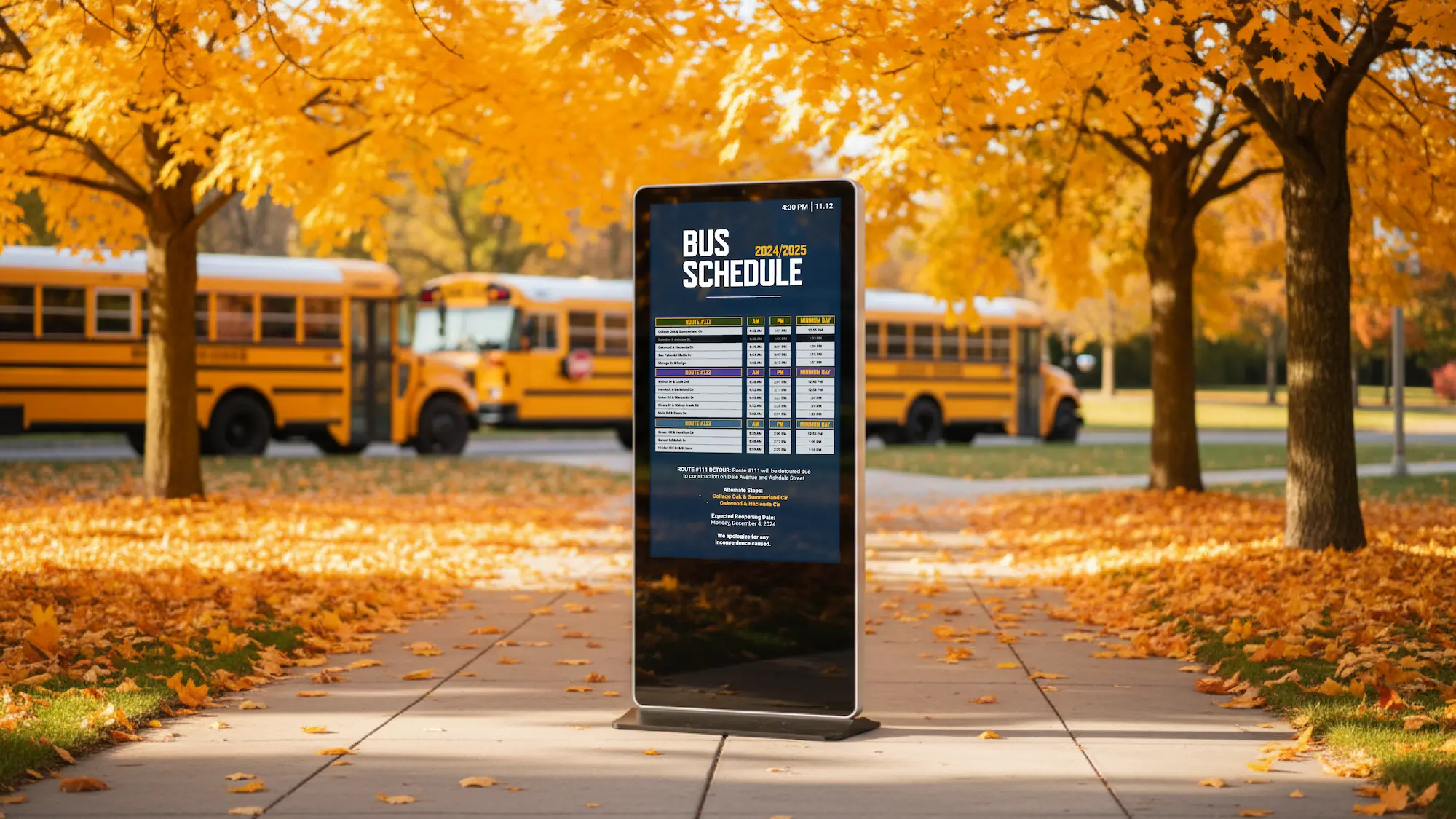
Bus Schedules & Route Updates
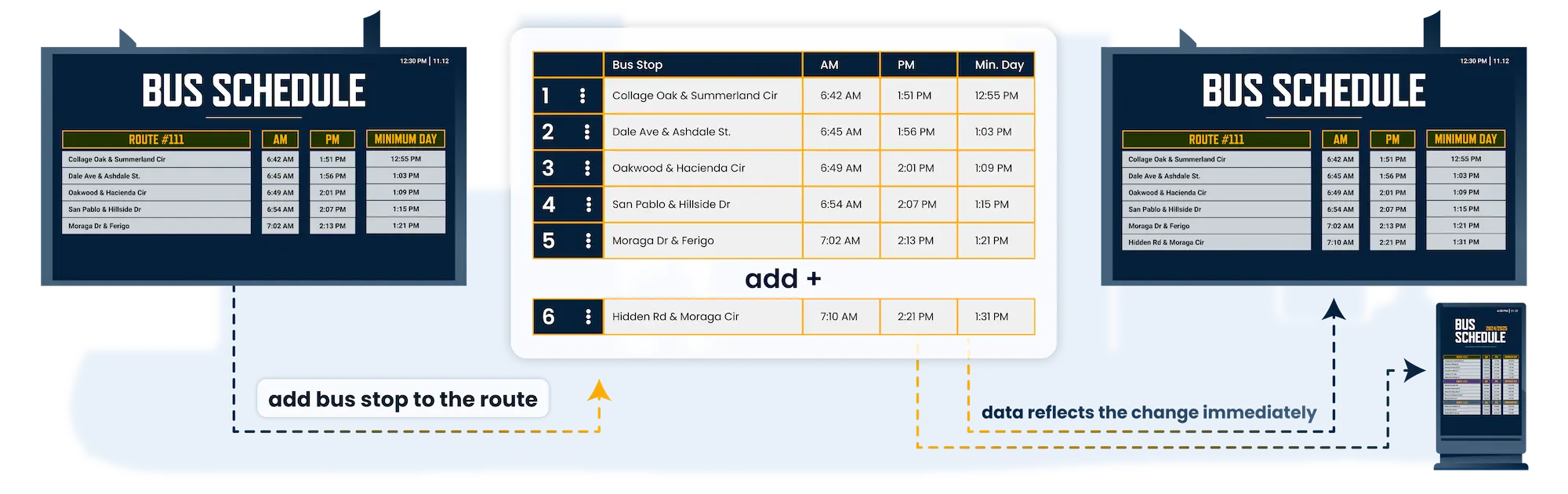
Classroom and lobby displays show current departure times and route status for every bus running that day, keeping students in their rooms until their route is ready to board.
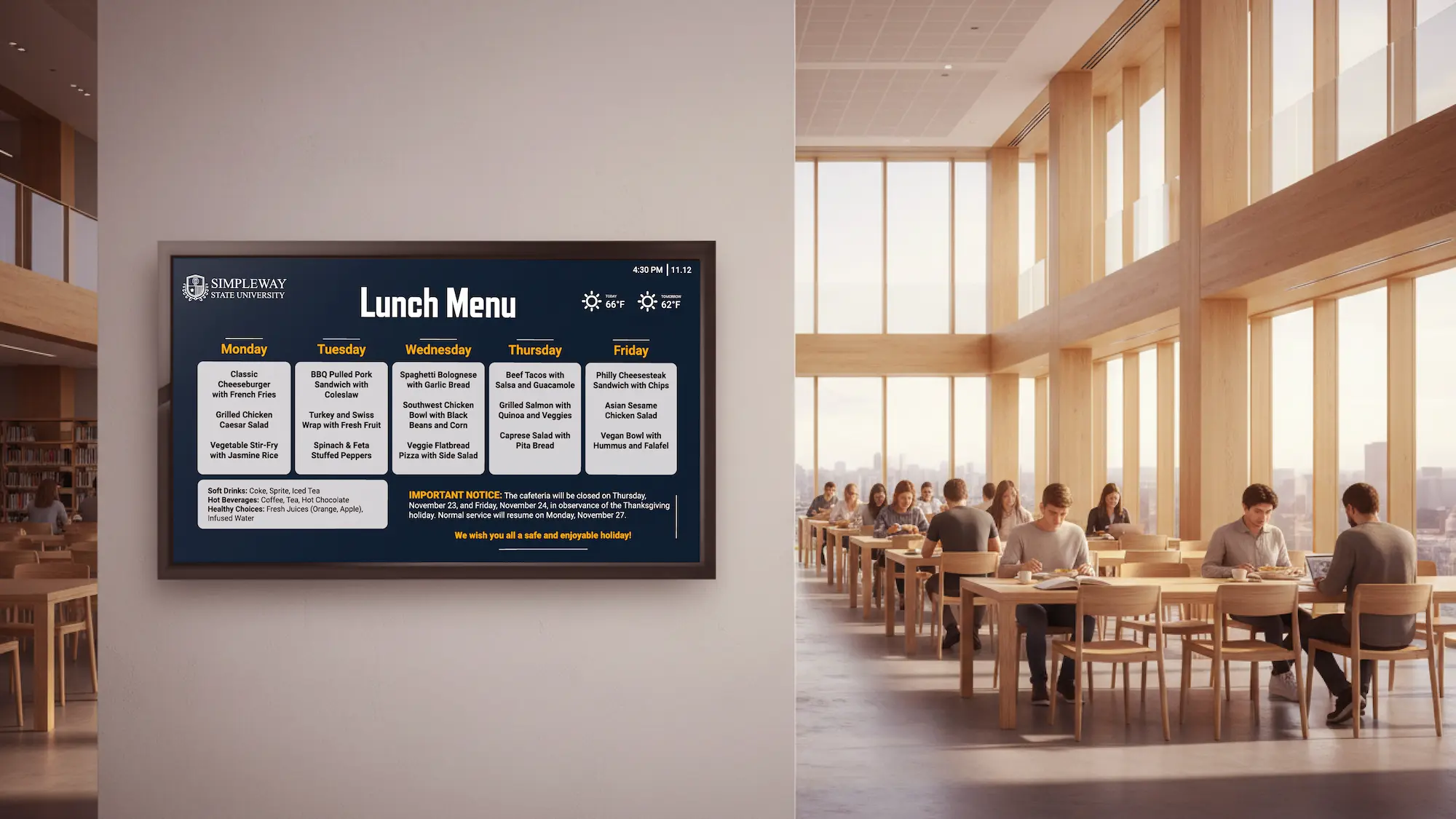
Cafeteria Digital Menu Boards
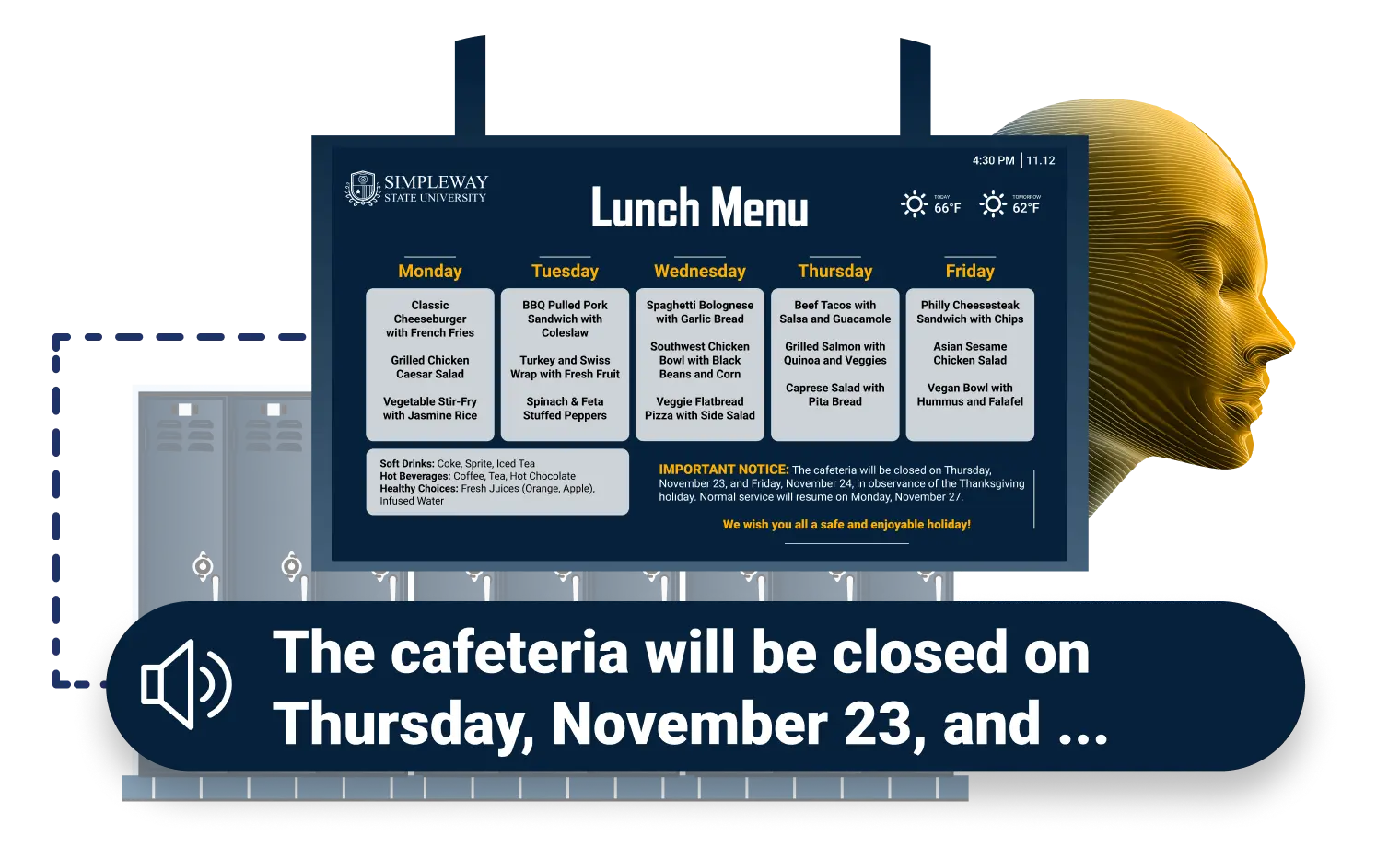
Cafeteria displays show daily meals, allergen information, and nutritional details, with content simple enough for any staff member to update without IT support.
Every Screen Reflects Your School
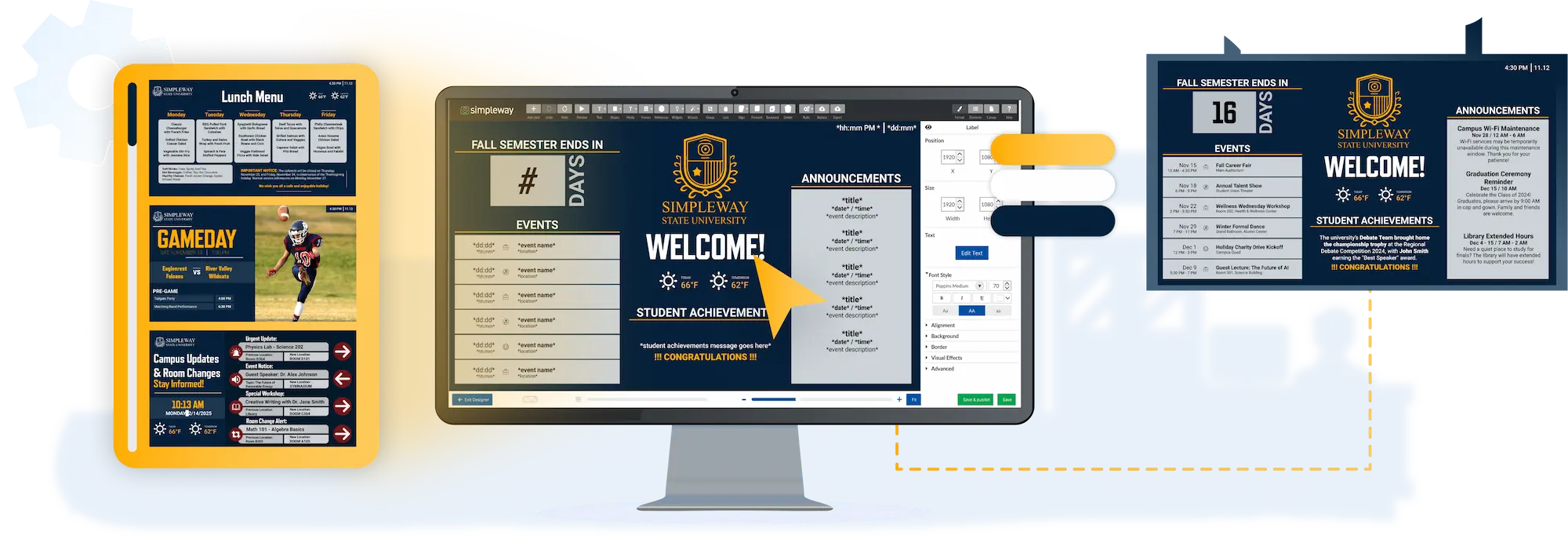
Every layout in Education CX is built around real school content types like class schedules, lunch menus, event announcements, and bus departures. Your staff can customize any template directly and publish to any screen on campus without graphic design experience or IT support.
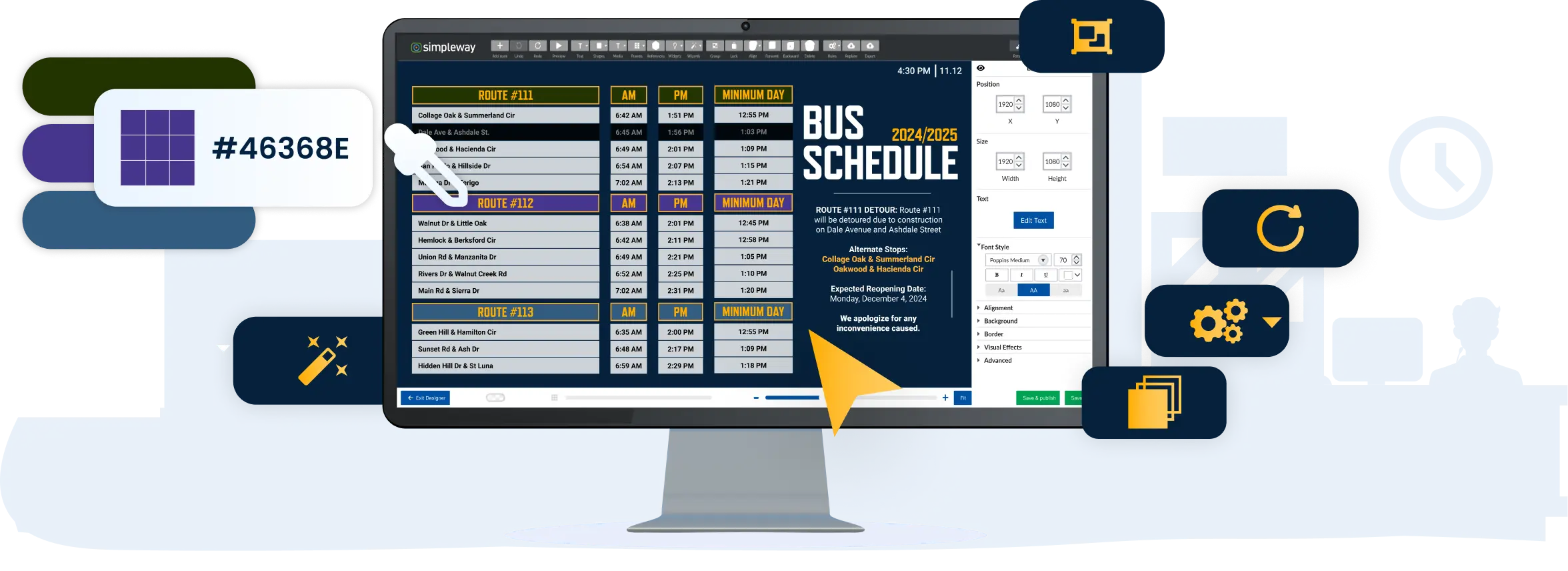
Simple Content Creation
Education CX gives any staff member the tools to keep campus displays current, without design skills or IT support:
Automated Content Management
Displays stay accurate throughout the school day without anyone manually pushing updates:
Additionally, Education CX CMS supports:
Education videos, extracurricular activities information, and more
Multi-language and multi-alphabet support (Latin, Arabic, Cyrillic, etc.)
Accessibility features such as visual paging and sign language video
Update Displays Across Your Campus in Seconds
Centrally Managed Data Tables
Tables give you one place to manage information that feeds any number of displays across campus. Update a lunch menu, bus departure time, or bell schedule once and every screen using that data reflects the change immediately. Different zones can pull filtered subsets from the same table, so a classroom shows only its period schedule while the lobby shows the full day.
Generate Additional Revenue With Your Display Network
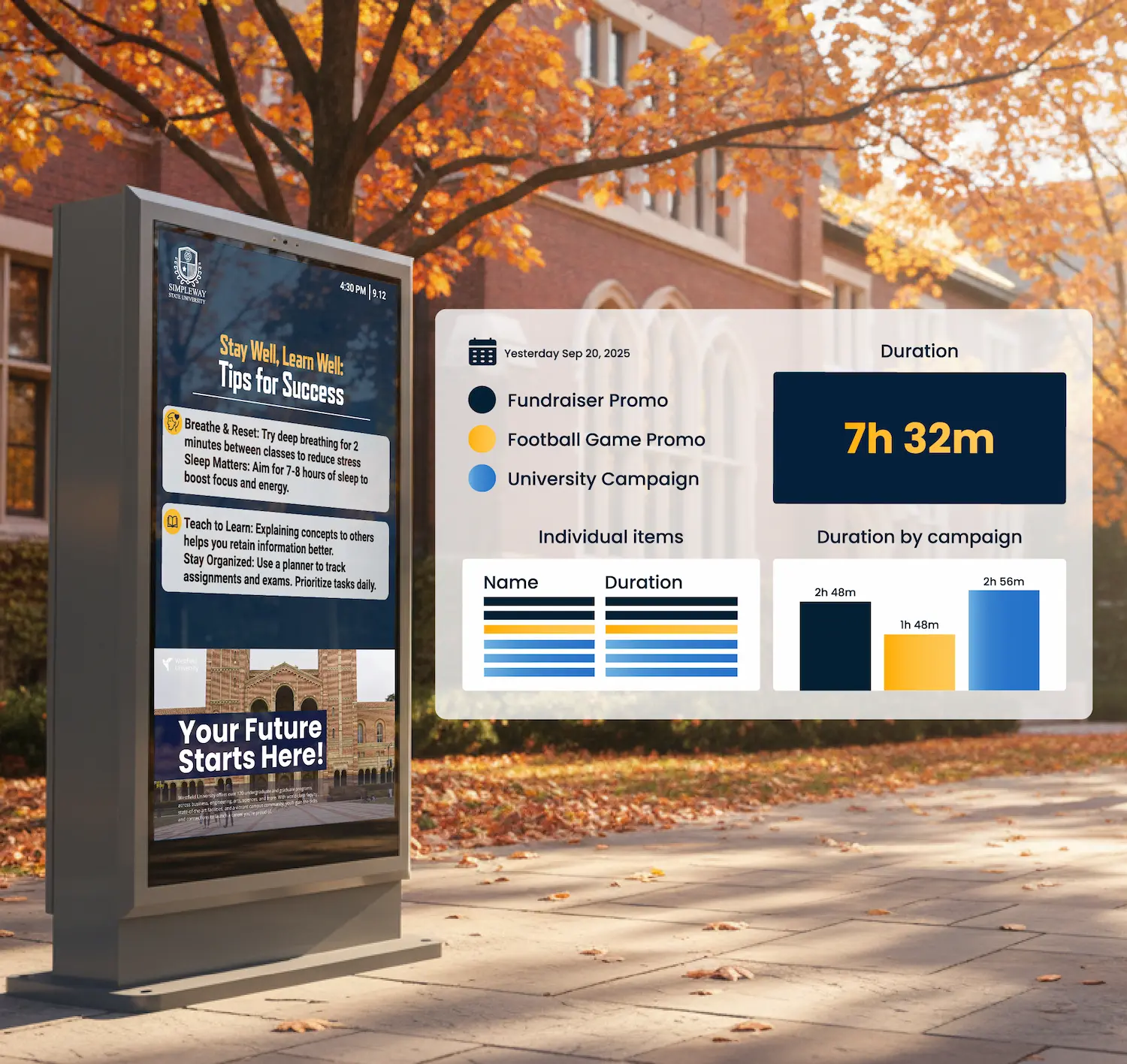
Every hallway, lunchroom, and athletic facility represents display time that can generate revenue. A campus-wide network gives schools the infrastructure to put that capacity to work.
Athletic event sponsorships display local business content on scoreboards, gym displays, and ticket booth screens during games and tournaments.
Community business advertising on hallway and common area screens gives tutoring centers, sports camps, after-school programs, and local colleges a way to reach students and families during the school day.
Concession and merchandise promotion at athletic facilities drives direct sales that benefit booster programs, with digital menus and product displays.
School event promotion for ticketed performances, fundraisers, and athletics can increase attendance and participation.
Lower Your School's Energy Bills with Scheduled Power-Off
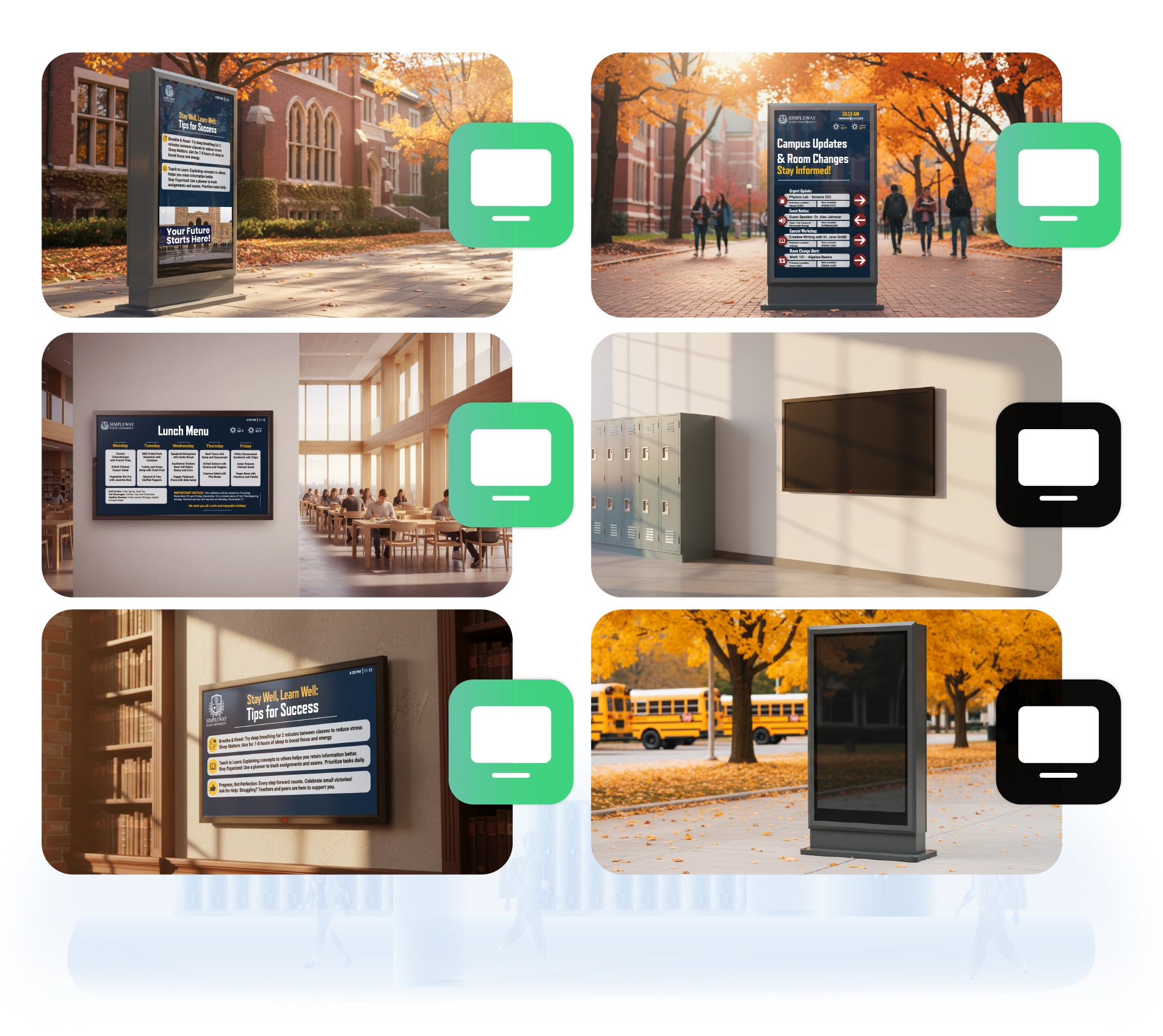
Scheduled power management handles your entire display network based on the hours you actually operate.
Automated power scheduling turns displays on and off based on your actual operating hours.
Zone-based control lets you set different schedules for classrooms, administrative offices, the gym, and cafeteria independently.
Compatible With Any Display
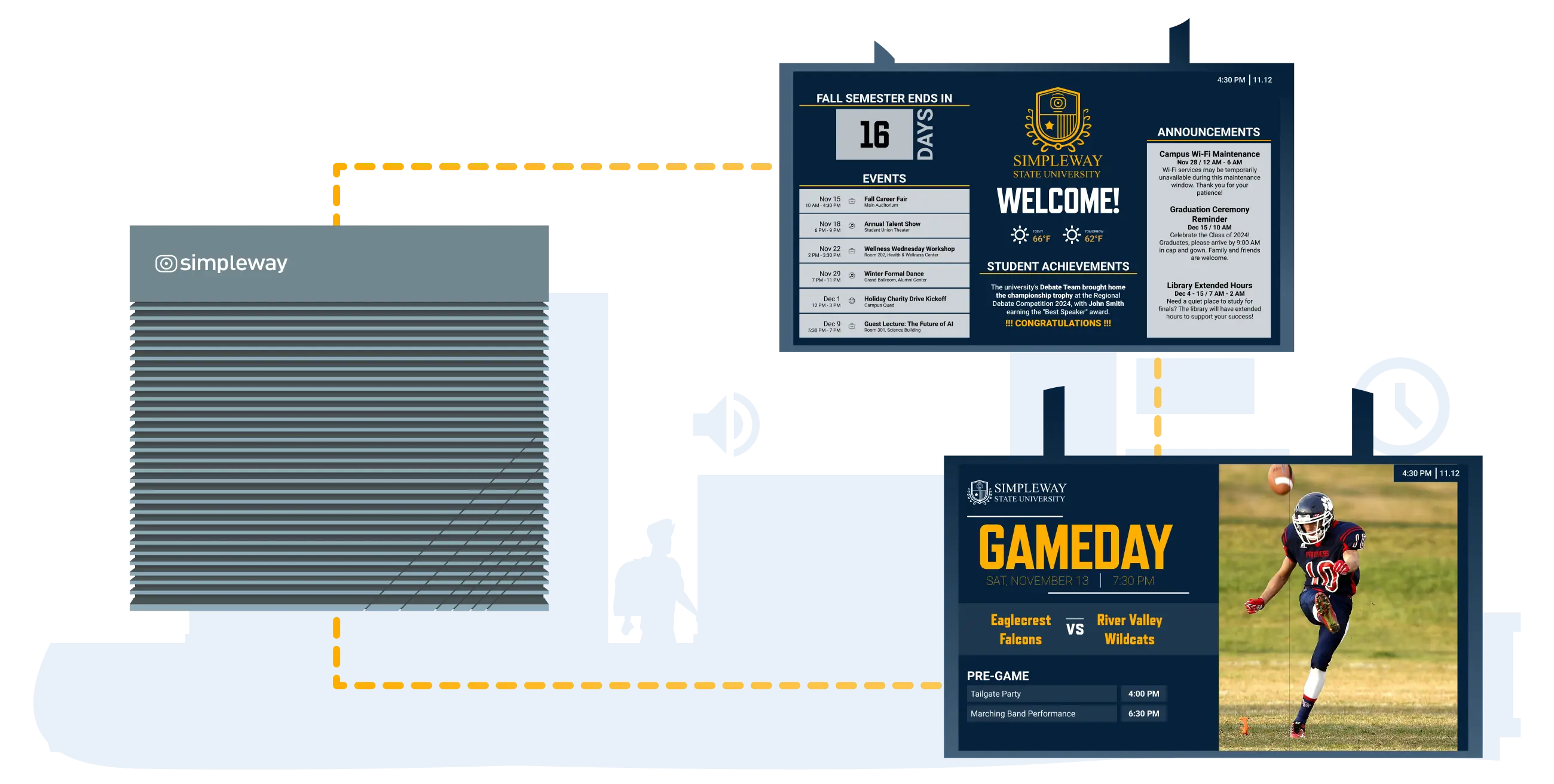
Education CX does not lock you into one brand of hardware. Pick from three connection methods and assign each screen the one that suits it.
With a display controller: Controllers push content to any commercial display that takes HDMI. Samsung, LG, NEC, Sony, the list goes on. A 1080p monitor from a few years back and a brand new 4K screen both work. This route gives you the broadest device support and access to all display functions.
Directly on smart displays: The platform also lives on Samsung Tizen and LG webOS screens. Content plays through the display's own player. No separate controller in the mix.
On LED boards: Big LED boards from Absen, Daktronics, or Watchfire tie in through API.
Why Schools Choose Education CX Announcement System
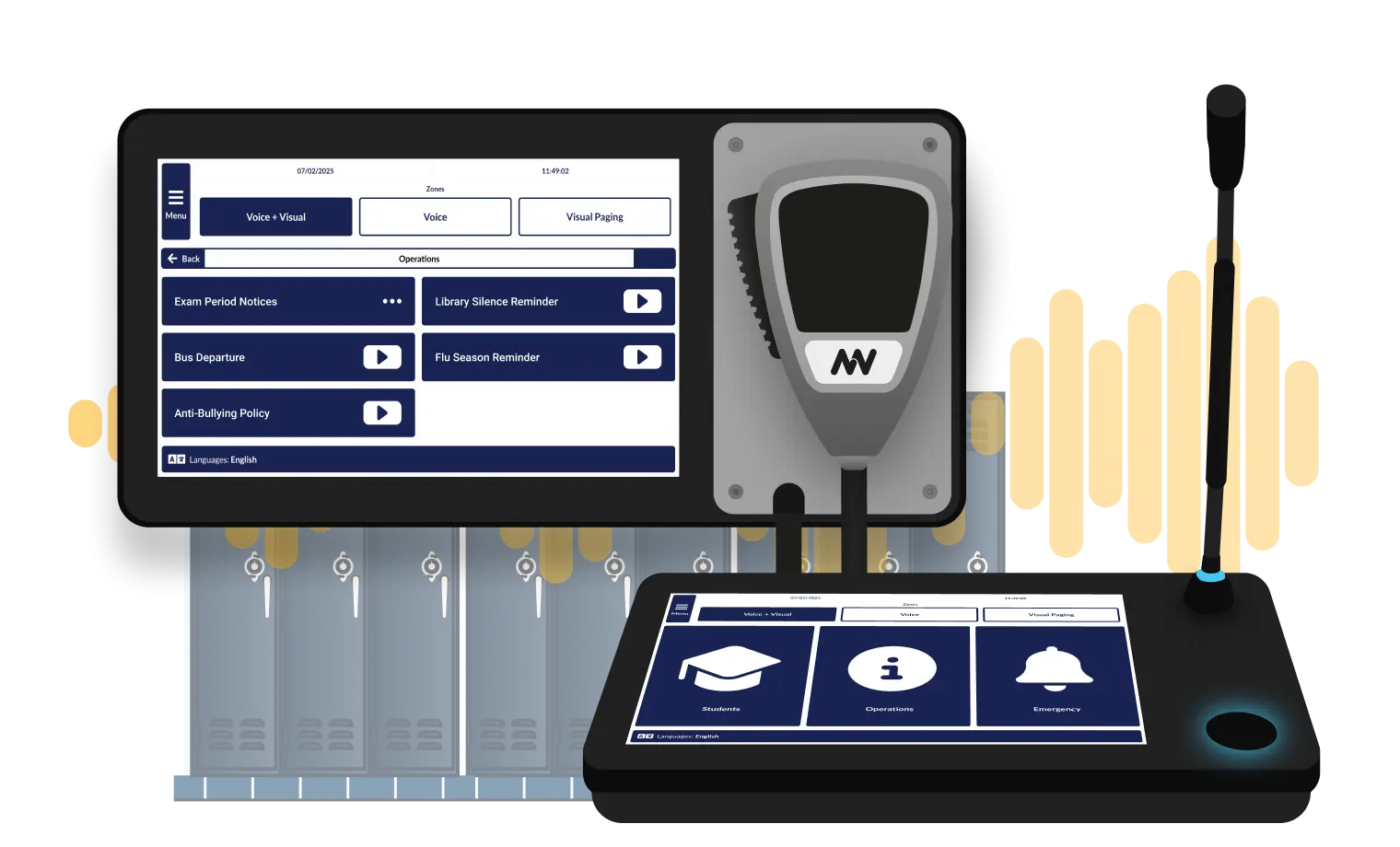
Education CX handles the full range of campus audio communication, from automated bell schedules to live emergency broadcasts, in one integrated system.
Automated Communication
Bell schedules, bus arrivals, and morning announcements run without staff involvement.
Zone-Specific Targeting
Messages reach the right areas without interrupting the rest of the building.
Audio and Visual Together
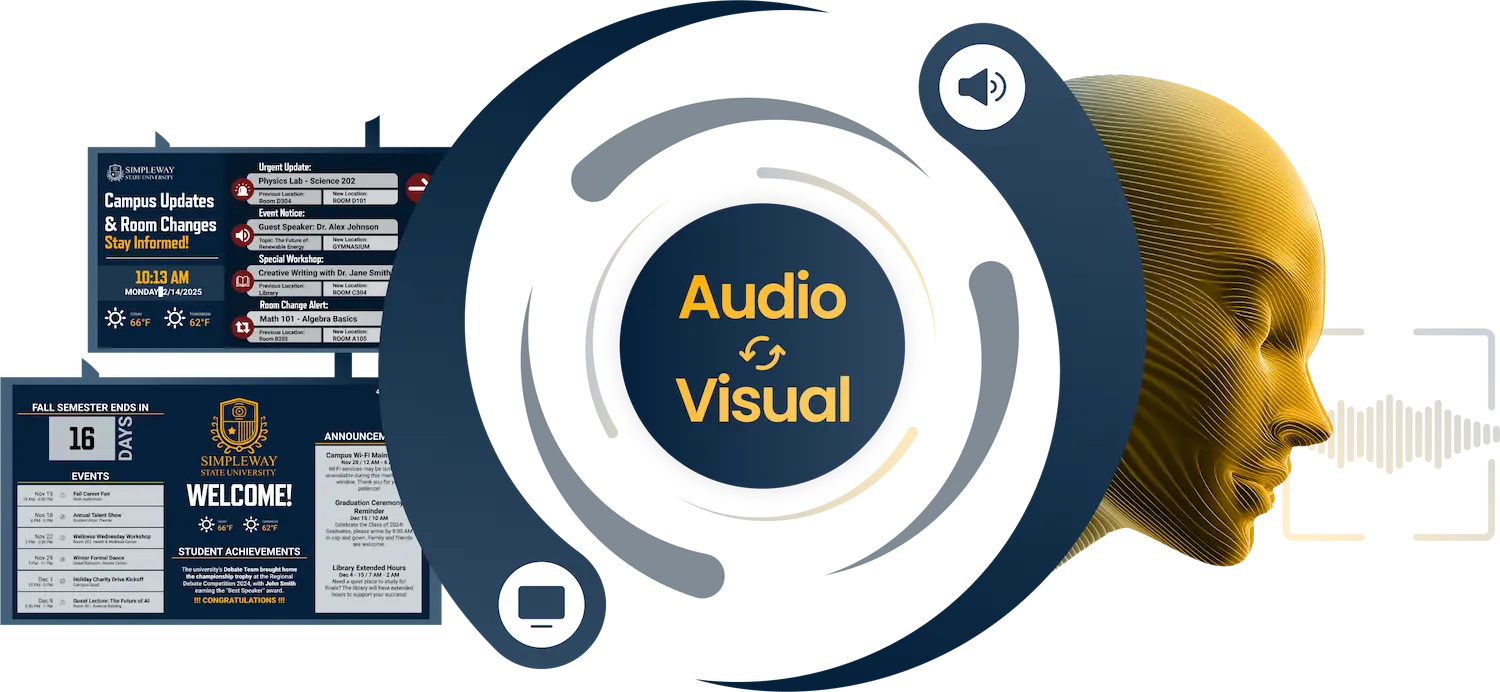
Announcements display simultaneously on campus screens, meeting ADA accessibility requirements.
Simple for Any Staff Member
Live broadcasts and scheduled messages require no technical training to operate.
Synchronized Audio & Visual
Let’s Bring Dynamic Digital Signage on Your Campus!
.webp)
Frequently Asked Question
Got questions? We’ve got answers.
No. For most day-to-day updates, staff never need to open a designer at all. The Tables feature lets any staff member update a single data source like a lunch menu, bus schedule, or bell schedule, and every display across campus that pulls from that table reflects the change immediately. There is nothing to republish or reformat.
Our team can build your templates to match your school's visual identity, or your staff can create them directly in the platform if you prefer to handle it in-house. Either way, once templates are set up, everyday content management requires no design experience or IT involvement.
Displays are programmed to show different content at different times based on your bell schedule and calendar. Morning arrival screens show today's schedule and announcements. Cafeteria displays switch to lunch menus at the right time. End-of-day screens show bus departure information. This happens automatically once the schedule is configured.
Education CX works with commercial displays from any manufacturer that has an HDMI input, including Samsung, LG, NEC, and Sony. Outdoor LED boards from manufacturers like Absen, Daktronics, and Watchfire are supported through API integration. Schools are not locked into specific hardware vendors when upgrading or expanding.
No. The Tables feature lets you update a data source once and have every screen pulling from it reflect the change immediately. A cafeteria manager updates the menu in one place. A transport coordinator updates bus times in one place. Different zones can display filtered views of the same data without separate manual updates.
Education CX manages all displays from a central interface regardless of location. Different zones can run different content schedules, and role-based access lets department leads manage their own area without touching the rest of campus. Multi-building and outdoor display deployment is standard.
Yes. Scheduled power management turns displays on and off based on your actual operating hours. Different zones can have different schedules, so classrooms, the gym, and administrative offices all power down according to when they are actually in use.