School Voice Announcement System
Intelligible Announcements for Schools & Universities
Schools and college campuses coordinate continuous communication across multiple zones throughout each day. Education CX automates voice announcements based on bell schedules, transportation arrivals, weather changes, and campus events. Our PA system delivers clear audio in 80+ languages to students, staff, faculty, and visitors while protecting the learning-focused environment your institution needs.
What Sets It Apart
Automated daily scheduling
for bell schedules, bus calls, and routine broadcasts
Accessible by design
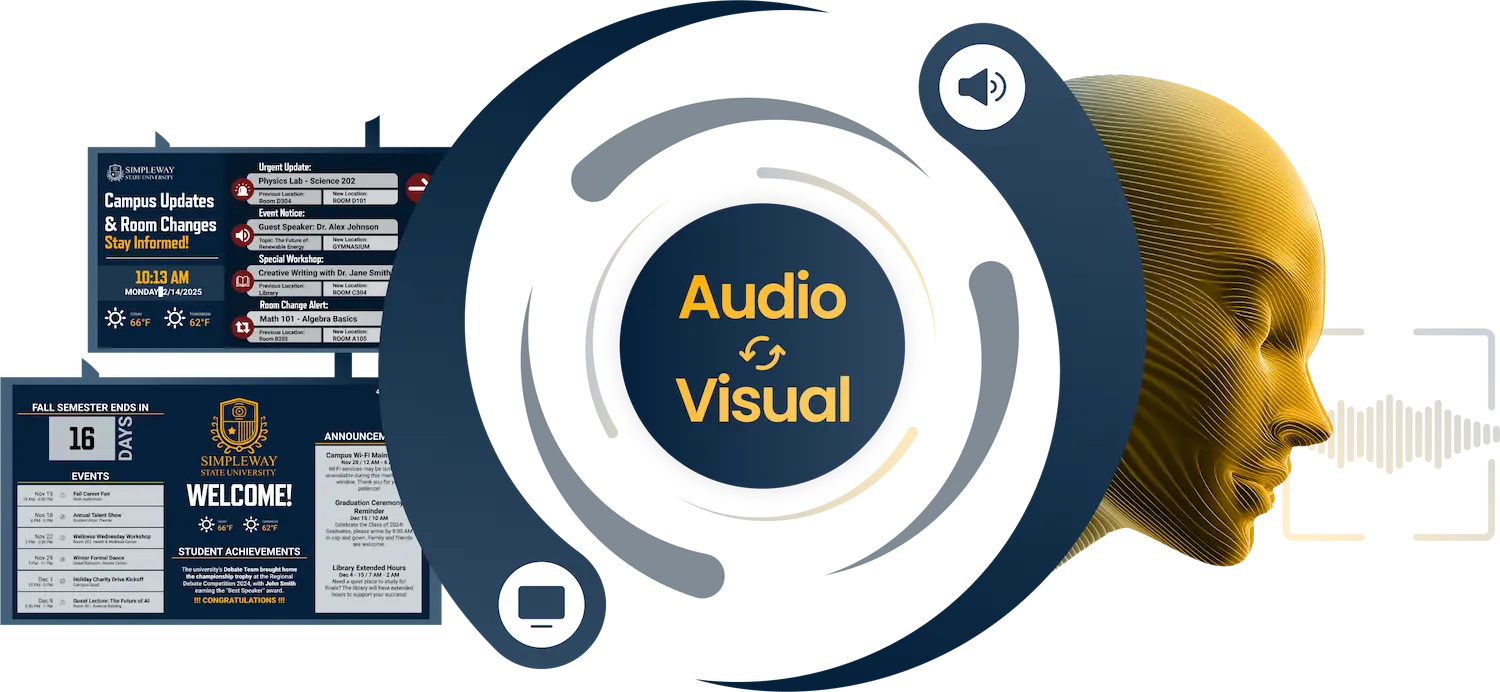
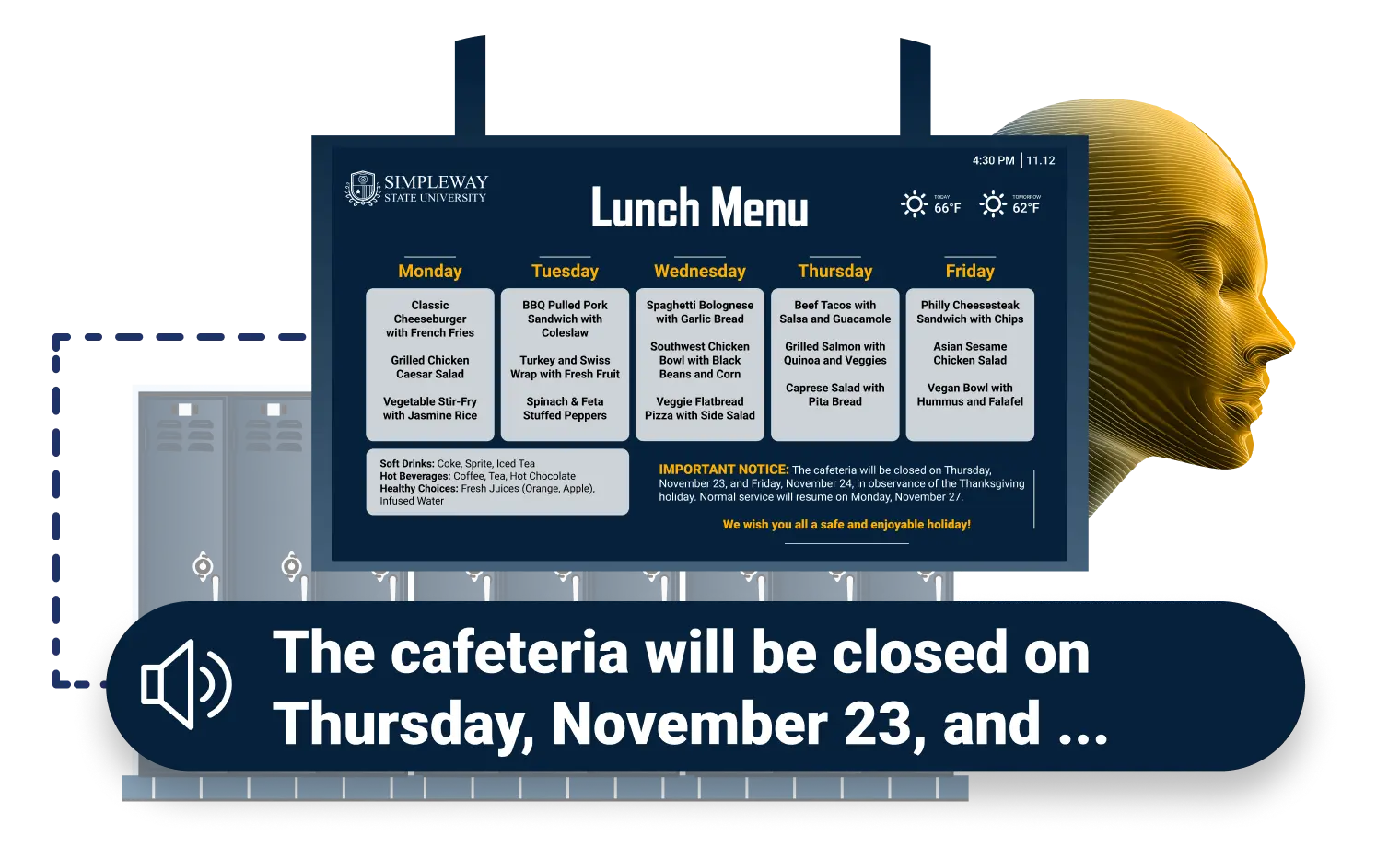
audio and visual announcements delivered together
Zone-Specific Audio Targeting
to reach the right areas without interrupting others





.webp)


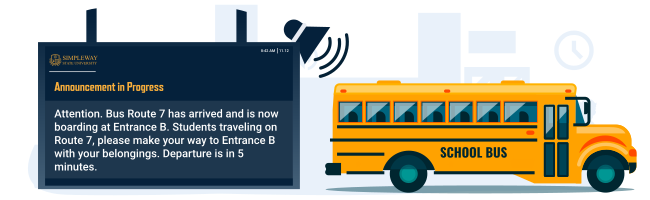

School PA System with Advanced Paging & Automation
Educational institutions require instant paging capability for urgent situations alongside automation for recurring daily communication. Education CX combines live broadcasting stations throughout campus with automated bell schedule systems that handle routine messages automatically.
Live Administrative Broadcasting
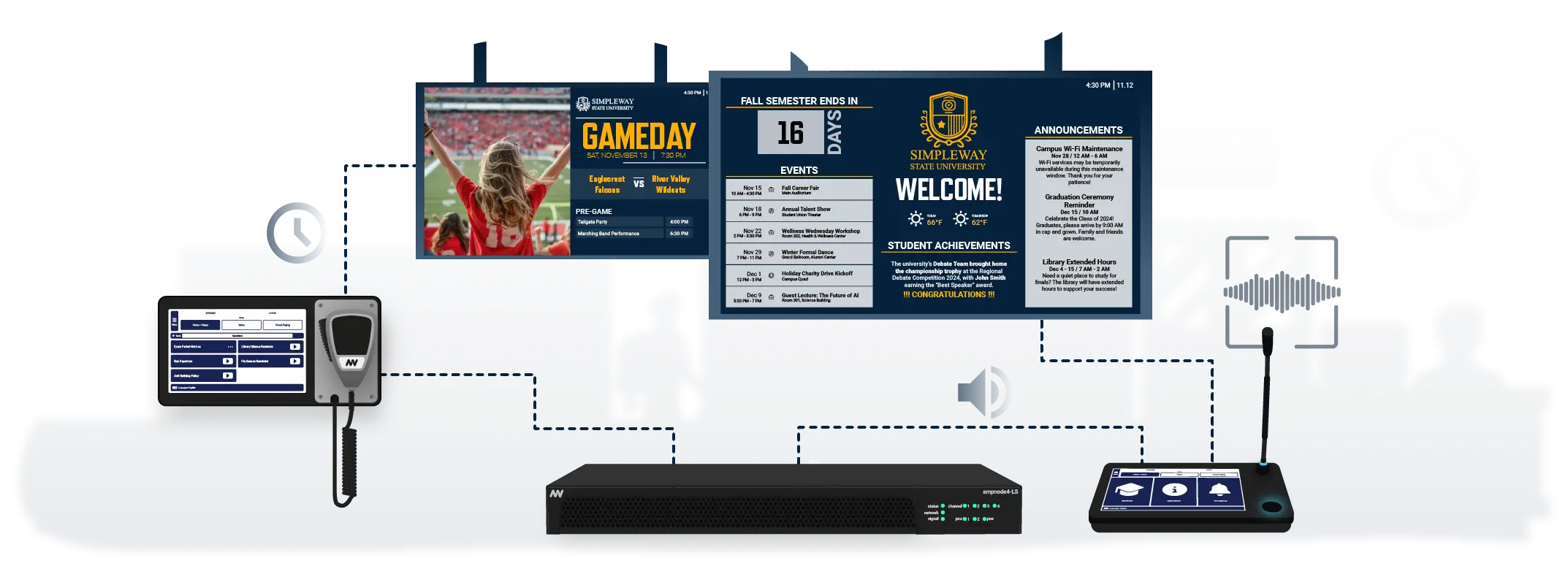
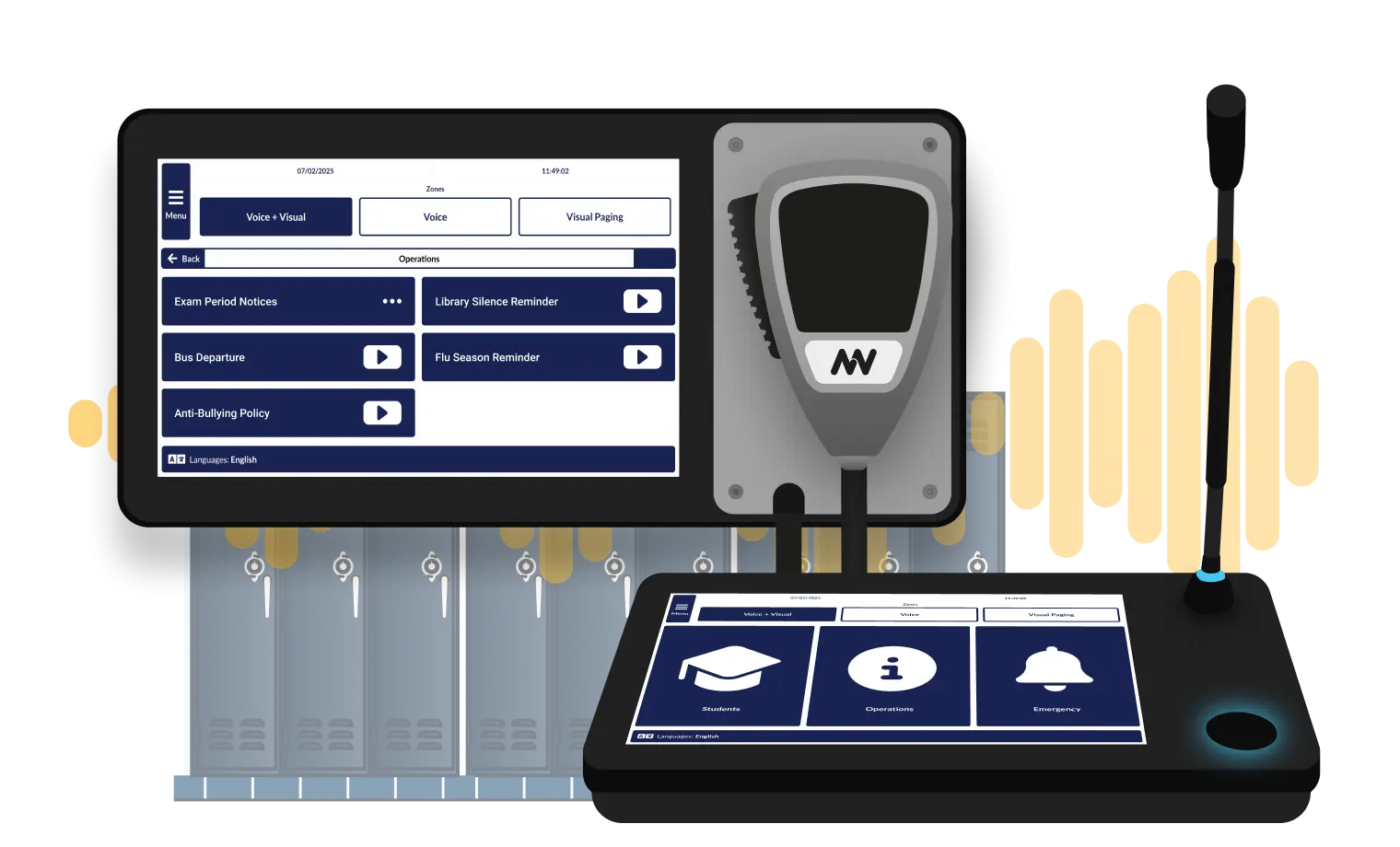
Staff broadcast instantly from paging stations at administrative offices, security posts, and department hubs, targeting specific zones so messages reach only the intended areas. Every live call is automatically transcribed and can be converted to TTS announcements, including in additional languages if needed.

School Emergency Alert System
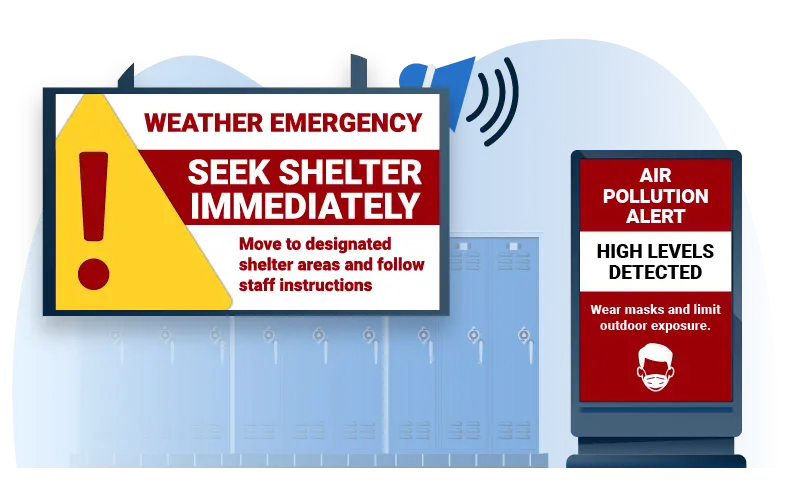
Broadcast emergency notifications campus-wide or to targeted zones based on threat type and location. Lockdown notification systems activate response protocols instantly while individual staff pages coordinate administrative response. Visit our School Safety & Emergency Response page for complete emergency management details.
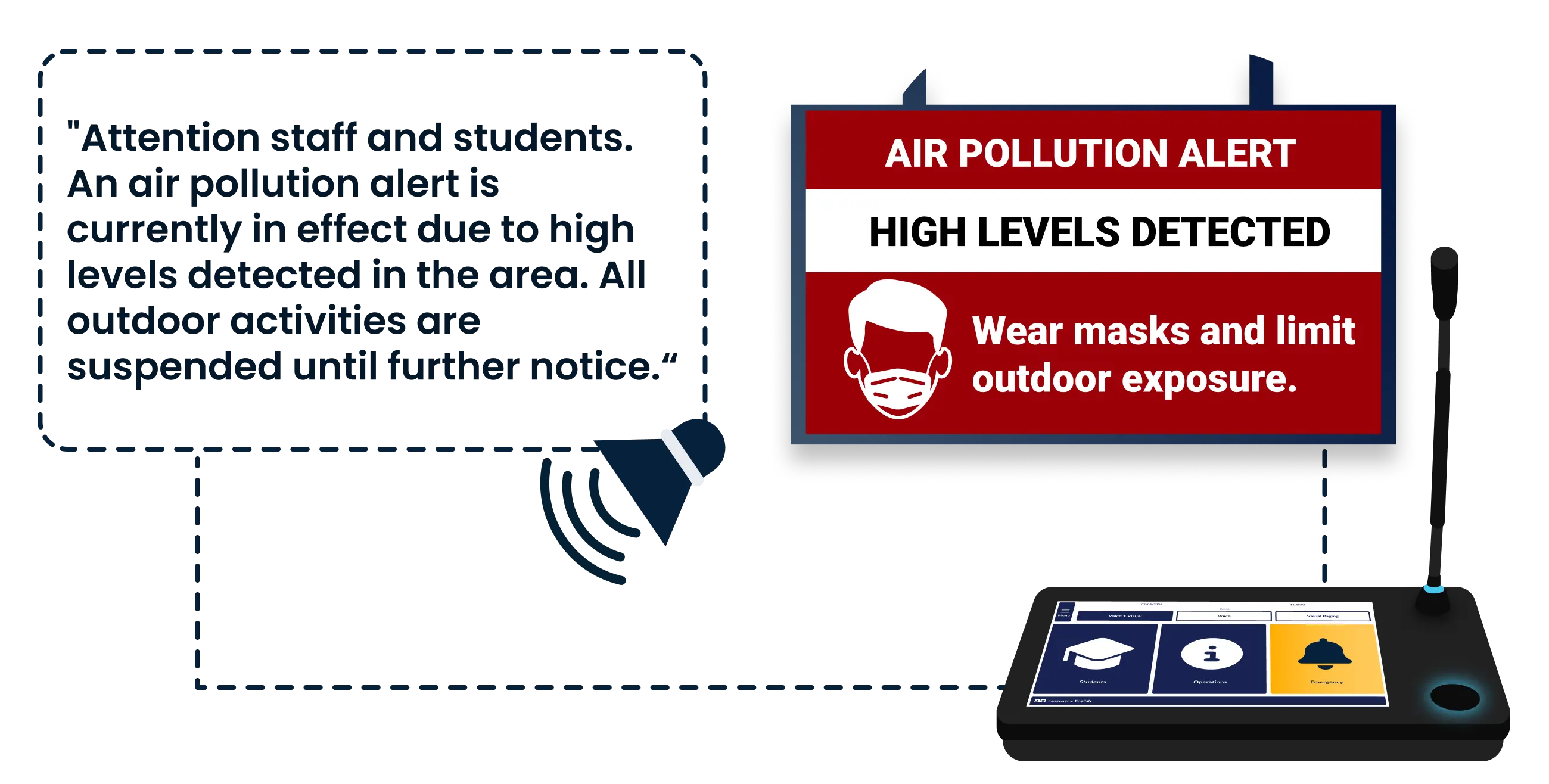
Scheduled Announcements with Emergency Override
Schools operate on fixed schedules yet face constant unexpected situations. Education CX handles recurring campus communication automatically through bell schedule integration and pre-programmed announcements while keeping staff control for schedule changes, weather alerts, and urgent messages. Automation reduces repetitive administrative tasks without sacrificing the flexibility administrators need when situations change.

Scheduled Daily Announcements
Automate routine school communication that happens consistently throughout your campus without consuming staff time or requiring manual triggers.
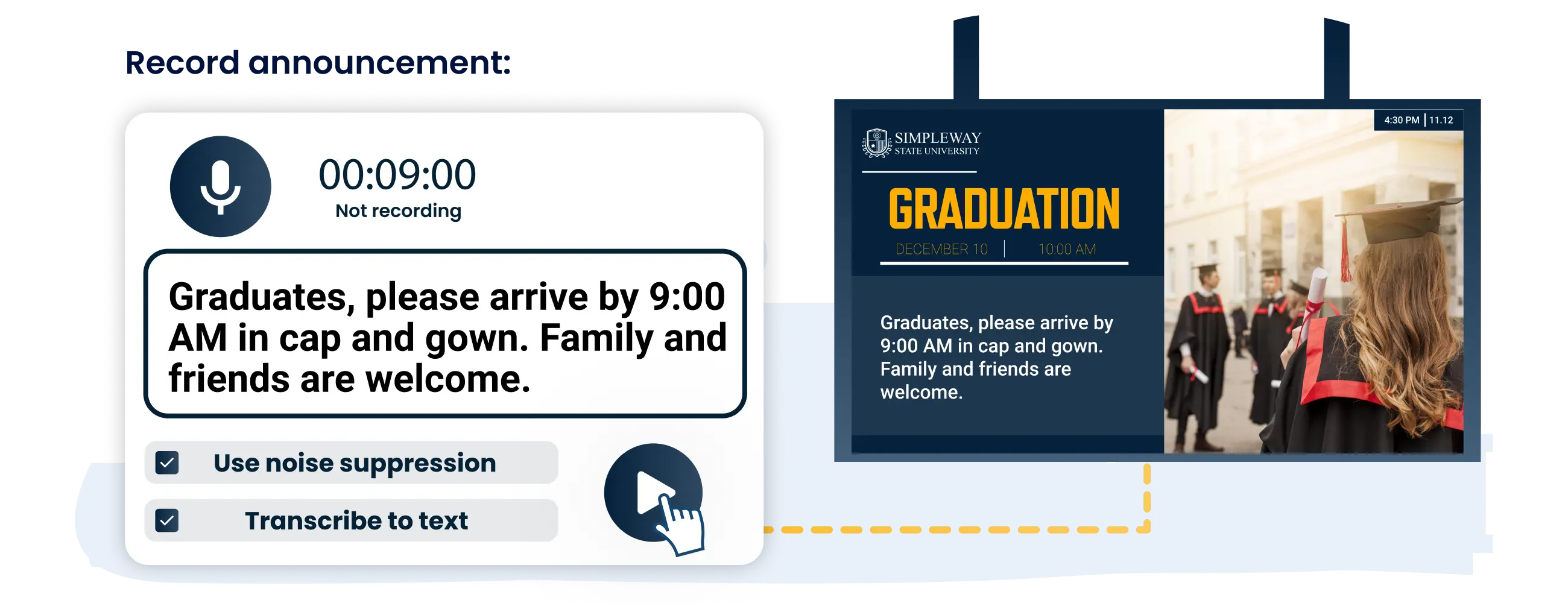
Instant Announcement Deployment
Deploy unscheduled announcements quickly for time-sensitive situations and campus updates that require immediate communication.
Cloud-Based Text-to-Speech for School Communication
Education CX uses Microsoft Azure AI Speech technology to generate natural-sounding announcements designed specifically for K-12 and campus environments. Our implementation team configures voice characteristics, pronunciation, and delivery patterns to match your school's specific requirements.
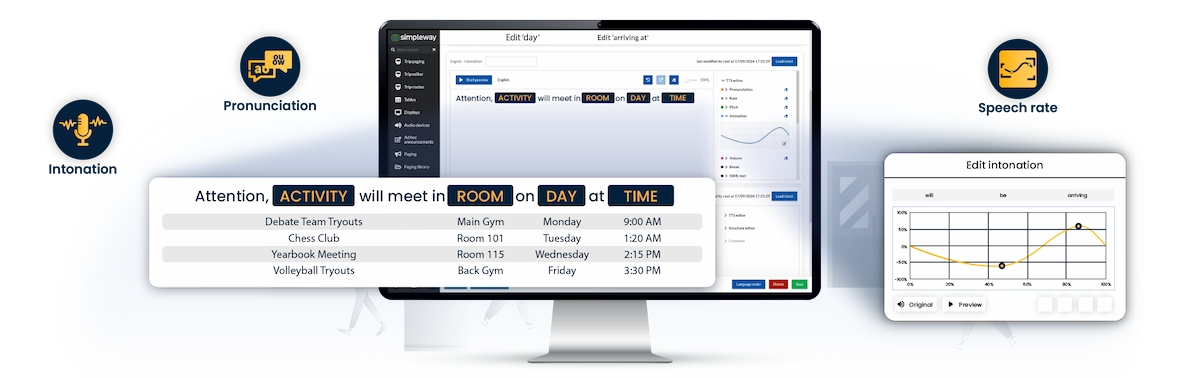
Real-Time Data Integration Variables
Announcement templates automatically populate with current information from connected school systems. Variables insert bell schedules, class periods, bus times, room locations, weather data, and dismissal details directly into announcement text and speech without requiring manual updates.

Customizable Speech Settings
Control how announcements sound through detailed voice configuration options:

Visual Paging Integration for Accessibility Compliance
Meet ADA compliance requirements through coordinated audio and visual communication:
Campus-Wide PA System Audio Environment Control
Build Learning-Focused Soundscapes Across Campus
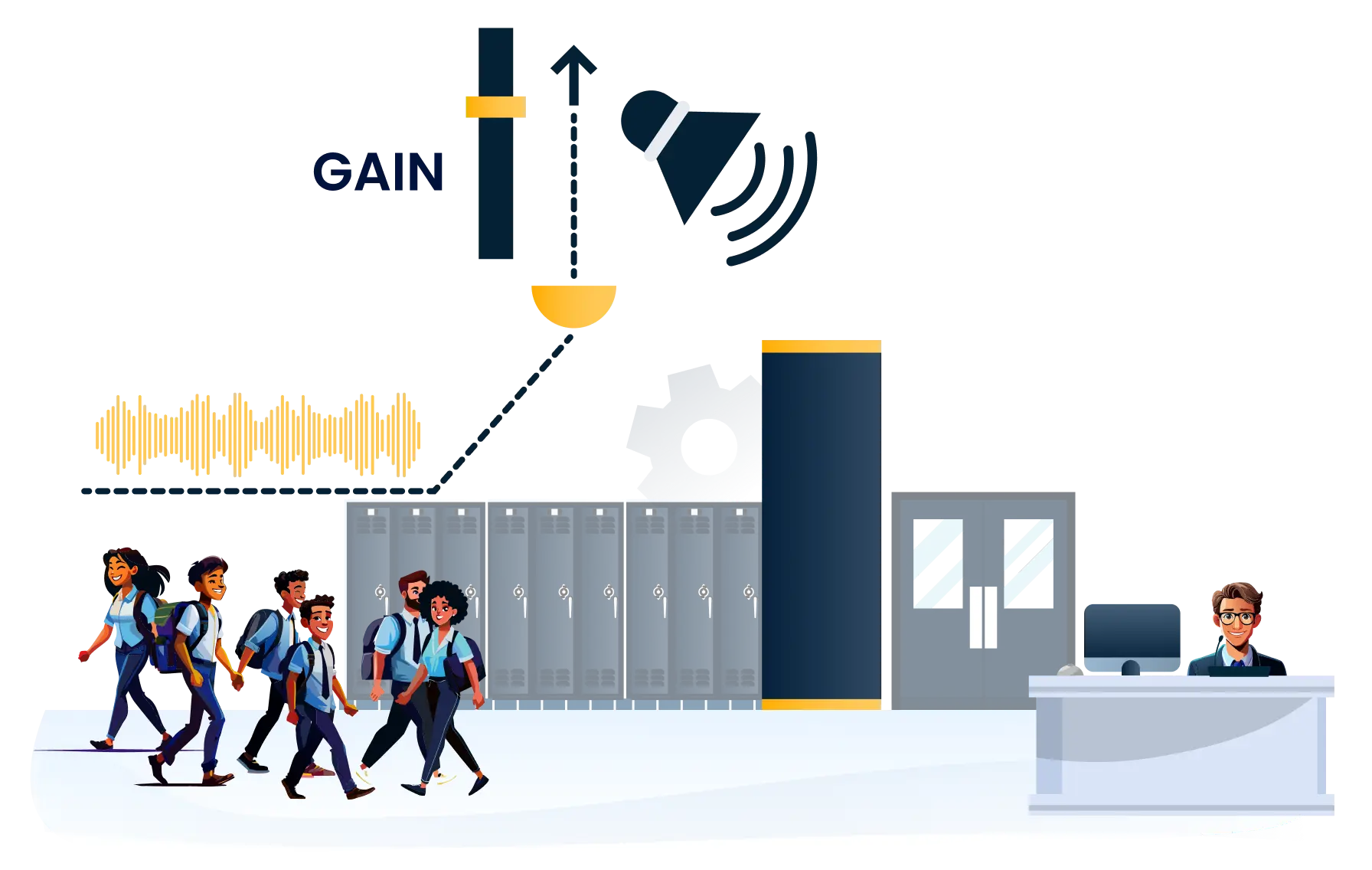
Educational facilities need campus-wide PA systems that support instructional focus while delivering clear, reliable communication. The platform manages background audio and adjusts volume automatically based on campus activity levels, ensuring announcements remain audible during busy passing periods while minimizing disruption during class time.
Campus Soundscape Management
Program background audio appropriate to different campus zones and time periods.
Campus zones play audio suited to their function (energetic for common areas, minimal for instructional spaces).
Background audio volume reduces automatically during announcements and resumes afterward.
Audio content shifts throughout the day to match campus energy levels.
Transitional music during passing periods reduces corridor noise perception.

Intelligent Volume Adjustment
Announcement volume adjusts automatically based on ambient noise levels in each zone.
Volume increases during high-activity passing periods to remain audible above student conversations.
Volume decreases during class time to minimize classroom disruption.
Announcements remain clear in both quiet and noisy environments.
Safety alerts always broadcast at maximum volume regardless of ambient conditions.
nnounce Audio Hardware: Built to Extend Education CX
Because nnounce hardware is built alongside Education CX, the two work together without complex configuration. Schools choose their own path, whether that means integrating with existing audio infrastructure or replacing it piece by piece.
Why Schools Choose Education CX Announcement System
Education CX handles the full range of campus audio communication, from automated bell schedules to live emergency broadcasts, in one integrated system.
Automated Communication
Bell schedules, bus arrivals, and morning announcements run without staff involvement.
Zone-Specific Targeting
Messages reach the right areas without interrupting the rest of the building.
Audio and Visual Together
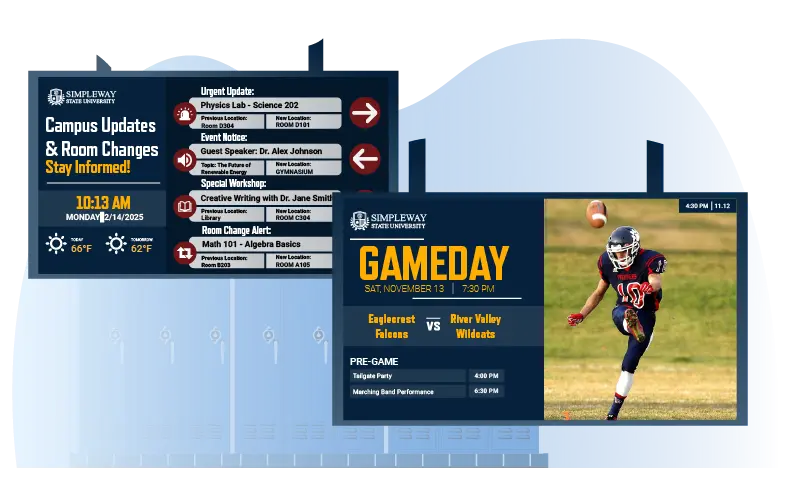
Announcements display simultaneously on campus screens, meeting ADA accessibility requirements.
Simple for Any Staff Member
Live broadcasts and scheduled messages require no technical training to operate.
Synchronized Audio & Visual
Ready to Upgrade your School PA System?
.webp)
Frequently Asked Question
Got questions? We’ve got answers.
Yes. Bell schedules are programmed in advance and fire automatically at the right time each day. Class transitions, passing periods, and end-of-day dismissal announcements run without anyone pressing a button. Staff still have full override capability for schedule changes or unplanned situations.
Paging stations at administrative offices give staff a single touchscreen to record and broadcast live announcements directly. Background noise suppression helps keep recordings clear even in busy office environments. You can also set limits on announcement frequency and repetition so the PA is not overused during the school day. The same station controls both PA and display content, so staff are not switching between systems.
Zone-specific targeting is a core function. A cafeteria announcement does not need to go to classrooms. A bus departure notification for a specific route can go to a lobby display and PA zone without reaching every speaker on campus. Staff select zones from an interactive campus map rather than entering codes.
Announcement templates pull variable data from Tables, the same centralised data management feature that feeds your displays. When a bus time or schedule changes, staff update it once in the relevant table and the announcement text and speech output reflects that change automatically. There is no need to re-record or manually edit individual announcements.
Every audio announcement simultaneously converts to text on campus display screens through speech-to-text. Hearing loop integration transmits announcements directly to compatible hearing aids. Emergency alerts also display in high-contrast visual format. This meets ADA accessibility requirements without separate systems or additional steps for staff.
The platform supports 80-plus languages. Announcements can be configured to play in multiple languages in sequence, or different zones can receive announcements in different languages if needed. This is configured during setup based on your campus requirements.