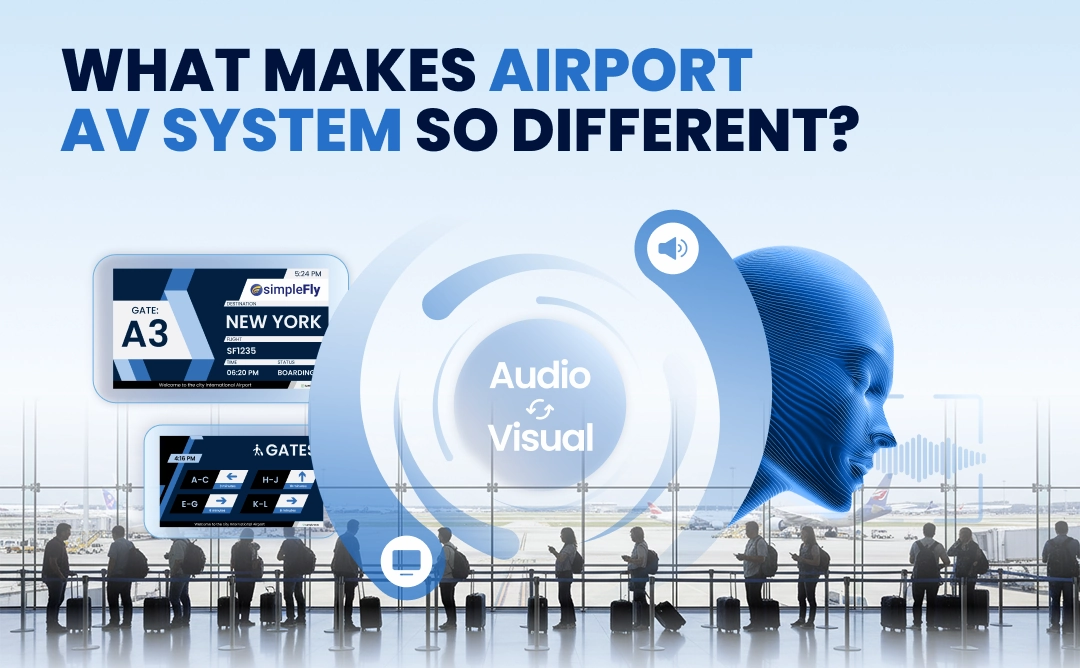
1. Flight Data Drives Screens and Speakers
This change, like most in the terminal, starts with one update in the flight data, which is the source for most of what passengers see and hear.
When displays and speakers take their information directly from the flight data system, they can update the moment a status changes, and nobody has to copy the change into separate systems by hand. If the screens wait for someone to notice, a passenger may sit at the wrong gate until the final call, and then run.
2. Zone Control Keeps the Terminal Calm
Once the change is in the system, it has to reach the right part of the terminal. Airports are already stressful places, and every announcement that plays where nobody needs it can add to that pressure. This is why a growing number of airports follow a "silent airport" policy, cutting routine calls and moving more information onto screens. San Francisco International, for example, removed more than 90 minutes of unnecessary announcements a day.
A quieter terminal only works if each update still reaches the people it is meant for. Zone control makes that possible: the passengers on the affected flight can get the message at their gate and in their languages, while the rest of the terminal stays calm.
3. The System Must Stay Online and Stay Secure
For the change to reach anyone at all, the system has to be running, and airports run around the clock. Most of the time that means keeping routine updates like this one moving, but the real test is the moment nobody plans for: an evacuation, a security alert or a severe weather warning that must reach every zone at once. Even a few minutes of downtime at that moment could leave people without clear instructions.
That is why airport systems should be built to keep running through network faults, hardware failures, software updates and traffic peaks. This usually means redundancy, constant monitoring, a support team available at any hour and prepared emergency scenarios that can reach every zone in one step.
Staying online also means staying secure. The system sits on the airport network and connects flight data to PA hardware and hundreds of public screens. Each of those connections needs to be protected, tested and kept up to date, usually through regular security reviews, penetration testing and audits. Our page on enterprise security explains how this can be handled.
4. Prebuilt Announcements Keep Routine Calls Consistent
The flight change itself is a far more typical announcement than an emergency, and routine is where small mistakes can happen. When an update like this is read out live, the result depends on who is at the desk. One agent may mispronounce a destination, another may leave out the boarding time, and each one phrases the message differently, often while a queue of passengers waits.
Prebuilt announcements can remove that variation. The wording is agreed once, and the system fills in the flight, the gate and the time from the same flight data that updates the screens. Passengers then hear the same clear message in a natural voice, in each language the airport has chosen. This is how Vancouver International runs close to ten thousand automated announcements a day across eight languages.
With routine calls handled automatically, staff can spend their time on the passengers who need help in person. The microphone is still there for messages that no template covers, and our article on live pages looks at how live and automated announcements can work together.
5. Every Announcement Must Also Appear on Screen
The update has now been announced, but some passengers may not have received it. A passenger wearing headphones may have missed it, a passenger with a hearing impairment may not have heard it, and a passenger who heard every word may not have understood the language.
That is why every announcement should also appear on screen, with the same words at the same moment. If the speakers say one thing while the screens still show another, passengers may trust neither. Visual paging works best when audio and text come from the same source, with no extra steps for staff.
For many airports, this is also a legal requirement. Rules such as the ADA in the United States and the ATPDR in Canada set clear expectations for how airports communicate with passengers who have disabilities, and a log of what was shown and played can help the airport prove it. Our accessibility page explains how this can work.
6. One Platform Keeps Every Channel in Sync
Looking back, that one flight change needed five things to go right: live flight data, the right zones, a system that stays online, a prebuilt announcement and matching text on screen. In many airports, each of these comes from a separate system, often from a different vendor. Every time information passes from one system to the next, it can arrive late or change along the way, and that is how a screen can end up showing one gate while the speakers announce another.
A single platform can remove those handoffs. When flight data, audio zones and screens share one source and were designed together from the start, a change made once can reach every channel in the same form at the same moment, with nothing to copy between systems and no conflicts to check.
For the operations team, this means managing displays, announcements and flight data from one place instead of several. The approach also holds at large scale: Prague Airport runs more than 1,400 screens in 10 languages from one system.
Passengers Should Never Notice the System
A few minutes after the change, the seats at the old gate are empty and the new gate is filling up. Nobody had to run, nobody had to ask at the desk, and the rest of the terminal stayed calm.
That calm is the real measure of airport AV. It does not come from adding more screens or speakers, but from flight data, zones, audio and displays working from one source, in a system designed for airports and built to work together from the start. When that is in place, passengers can simply follow the information around them and get where they need to be.
That is the standard we built Airport CX around. To see how it handles your own flight data, request a demo.